







Question: Solution using Excel's Visual Basic and please show the code and details if possible. Q1. Create a form for GCC Bank with GCC Bank System
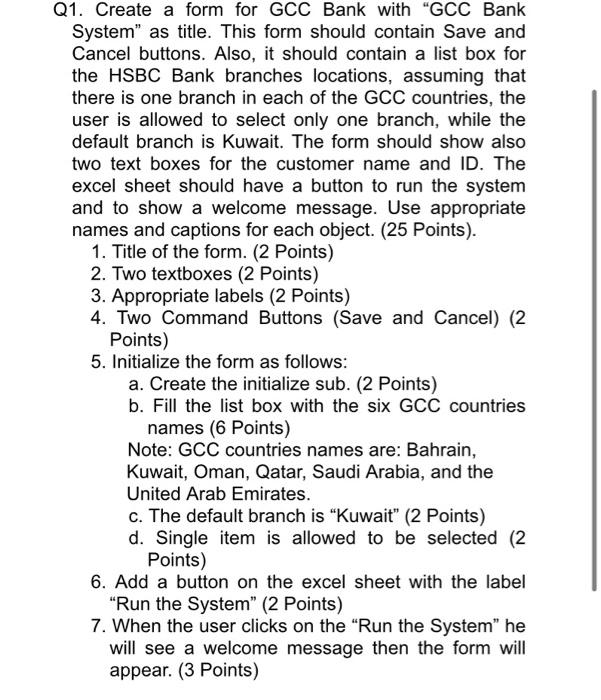
Q1. Create a form for GCC Bank with "GCC Bank System" as title. This form should contain Save and Cancel buttons. Also, it should contain a list box for the HSBC Bank branches locations, assuming that there is one branch in each of the GCC countries, the user is allowed to select only one branch, while the default branch is Kuwait. The form should show also two text boxes for the customer name and ID. The excel sheet should have a button to run the system and to show a welcome message. Use appropriate names and captions for each object. (25 Points). 1. Title of the form. (2 Points) 2. Two textboxes (2 points) 3. Appropriate labels (2 points) 4. Two Command Buttons (Save and Cancel) (2 Points) 5. Initialize the form as follows: a. Create the initialize sub. (2 Points) b. Fill the list box with the six GCC countries names (6 Points) Note: GCC countries names are: Bahrain, Kuwait, Oman, Qatar, Saudi Arabia, and the United Arab Emirates. c. The default branch is Kuwait" (2 points) d. Single item is allowed to be selected (2 Points) 6. Add a button on the excel sheet with the label "Run the System" (2 Points) 7. When the user clicks on the "Run the System" he will see a welcome message then the form will appear. (3 Points)
Step by Step Solution
There are 3 Steps involved in it

Get step-by-step solutions from verified subject matter experts
 Study Help