







Question: solve questions using highlight function and excel formulas Question The worksheet 'Data' contains quarterly revenues for a firm. Use conditional formatting (cell fill color) to:
solve questions using highlight function and excel formulas 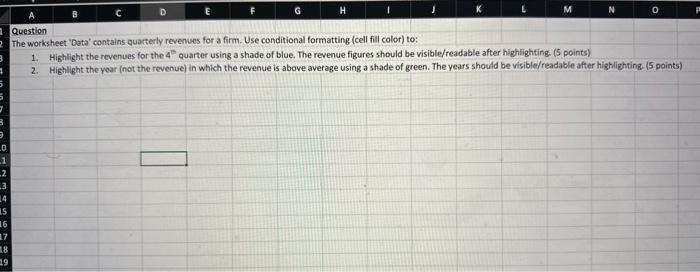
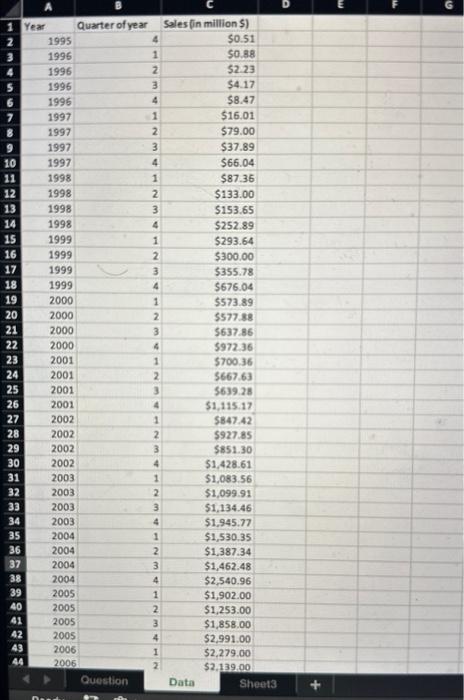
Question The worksheet 'Data' contains quarterly revenues for a firm. Use conditional formatting (cell fill color) to: 1. Highlight the revenues for the 4th quarter using a shade of blue. The revenue figures should be visible/readable after highlighting. ( 5 points) 2. Highlight the year (not the revenue) in which the revenue is above average using a shade of green. The years should be visible/readable after highlighting. (5 points)
Step by Step Solution
There are 3 Steps involved in it
1 Expert Approved Answer
Step: 1 Unlock

Question Has Been Solved by an Expert!
Get step-by-step solutions from verified subject matter experts
Step: 2 Unlock
Step: 3 Unlock
 Study Help