







Question: SPSS Assignment #3 Name **Download or open the class data file from Canvas and open it with SPSS. Today we will be using SPSS
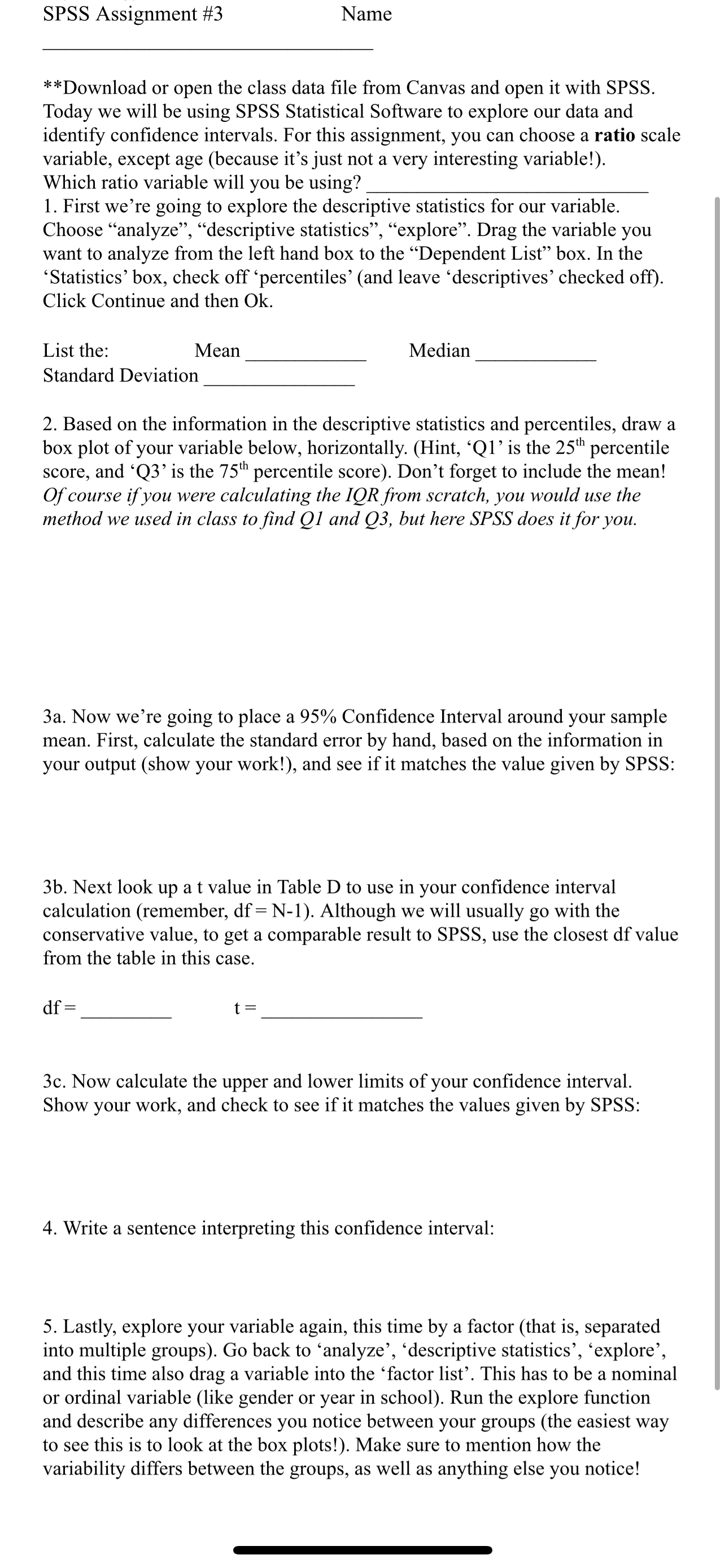
SPSS Assignment #3 Name **Download or open the class data file from Canvas and open it with SPSS. Today we will be using SPSS Statistical Software to explore our data and identify confidence intervals. For this assignment, you can choose a ratio scale variable, except age (because it's just not a very interesting variable!). Which ratio variable will you be using? 1. First we're going to explore the descriptive statistics for our variable. Choose "analyze, descriptive statistics, explore. Drag the variable you want to analyze from the left hand box to the Dependent List box. In the 'Statistics' box, check off 'percentiles' (and leave 'descriptives' checked off). Click Continue and then Ok. List the: Mean Standard Deviation Median 2. Based on the information in the descriptive statistics and percentiles, draw a box plot of your variable below, horizontally. (Hint, Q1' is the 25th percentile score, and 'Q3' is the 75th percentile score). Don't forget to include the mean! Of course if you were calculating the IQR from scratch, you would use the method we used in class to find Q1 and Q3, but here SPSS does it for you. 3a. Now we're going to place a 95% Confidence Interval around your sample mean. First, calculate the standard error by hand, based on the information in your output (show your work!), and see if it matches the value given by SPSS: 3b. Next look up a t value in Table D to use in your confidence interval calculation (remember, df = N-1). Although we will usually go with the conservative value, to get a comparable result to SPSS, use the closest df value from the table in this case. df t = 3c. Now calculate the upper and lower limits of your confidence interval. Show your work, and check to see if it matches the values given by SPSS: 4. Write a sentence interpreting this confidence interval: 5. Lastly, explore your variable again, this time by a factor (that is, separated into multiple groups). Go back to analyze', 'descriptive statistics', 'explore', and this time also drag a variable into the 'factor list'. This has to be a nominal or ordinal variable (like gender or year in school). Run the explore function and describe any differences you notice between your groups (the easiest way to see this is to look at the box plots!). Make sure to mention how the variability differs between the groups, as well as anything else you notice!
Step by Step Solution
There are 3 Steps involved in it

Get step-by-step solutions from verified subject matter experts
 Study Help