







Question: SQL databases are used to store and manage the data used by web apps. In this assignment, you will create a simple web app
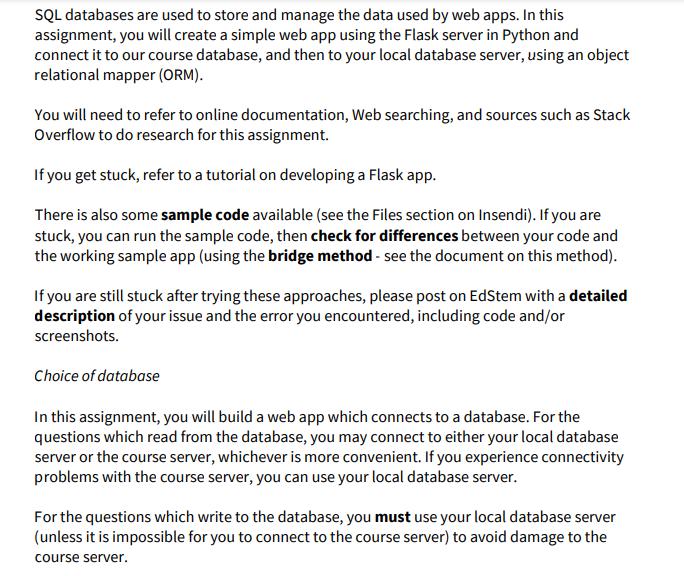
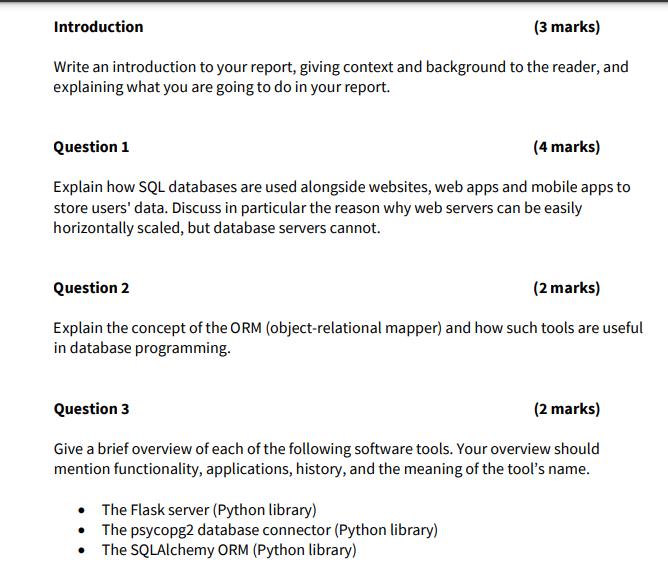
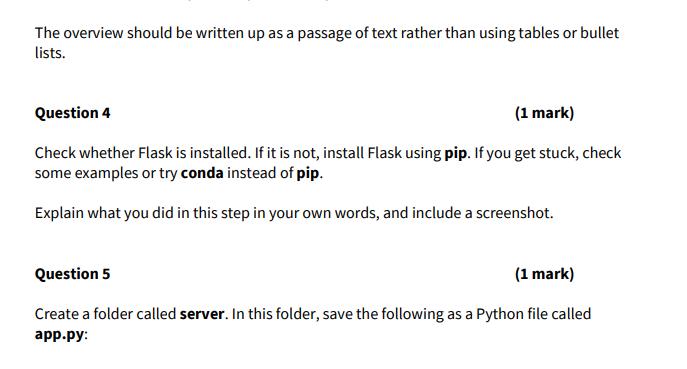
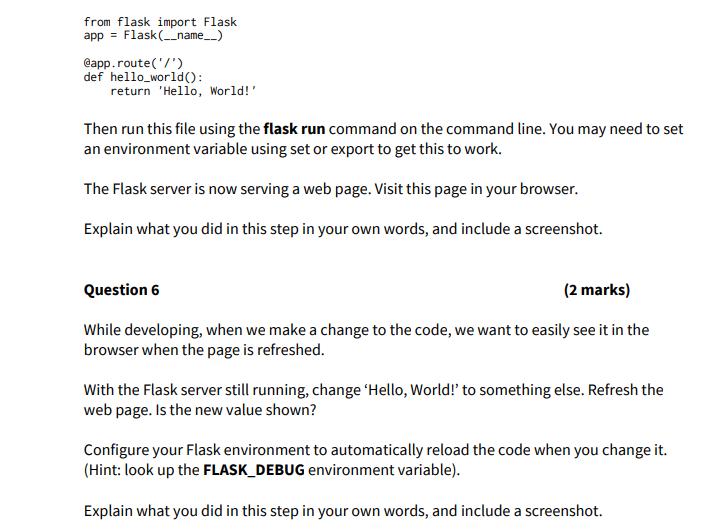
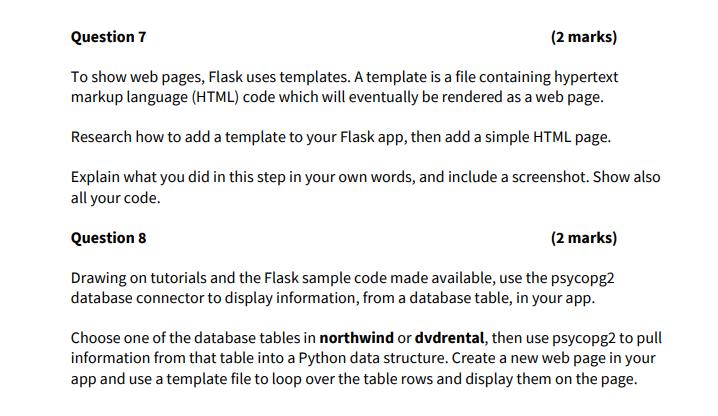
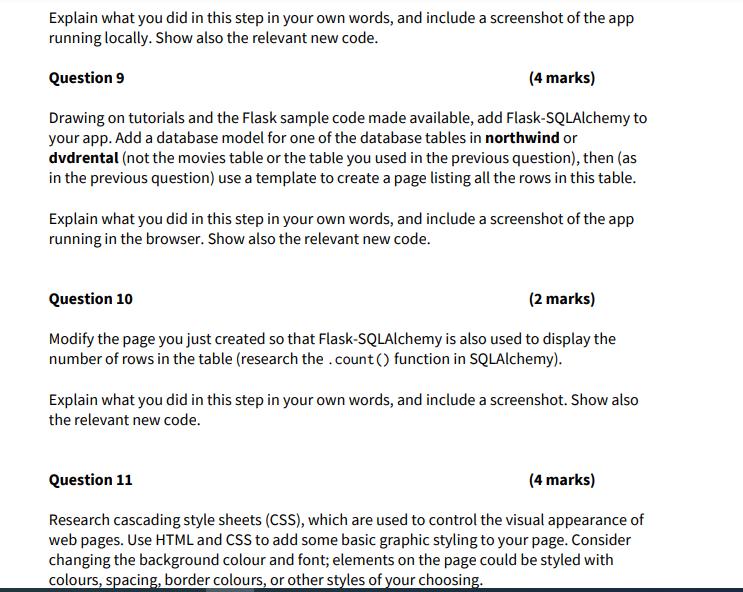
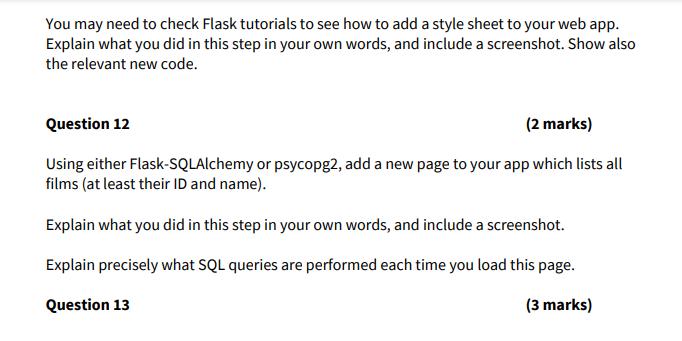
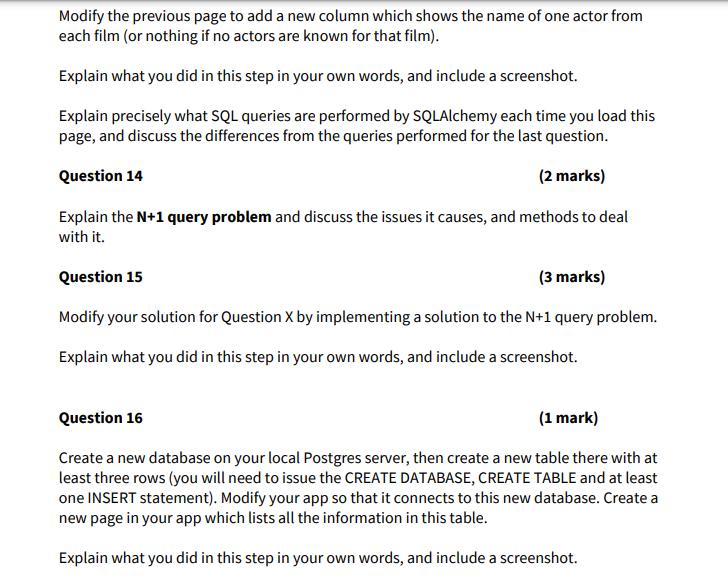
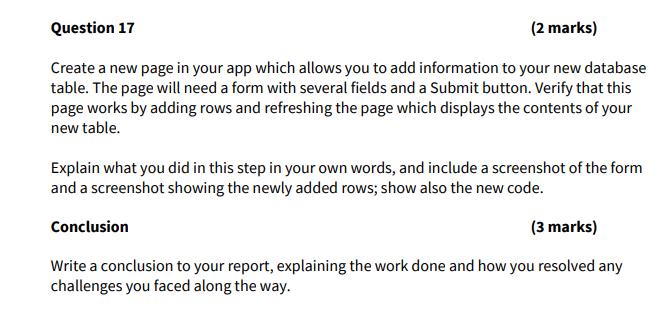
SQL databases are used to store and manage the data used by web apps. In this assignment, you will create a simple web app using the Flask server in Python and connect it to our course database, and then to your local database server, using an object relational mapper (ORM). You will need to refer to online documentation, Web searching, and sources such as Stack Overflow to do research for this assignment. If you get stuck, refer to a tutorial on developing a Flask app. There is also some sample code available (see the Files section on Insendi). If you are stuck, you can run the sample code, then check for differences between your code and the working sample app (using the bridge method - see the document on this method). If you are still stuck after trying these approaches, please post on EdStem with a detailed description of your issue and the error you encountered, including code and/or screenshots. Choice of database In this assignment, you will build a web app which connects to a database. For the questions which read from the database, you may connect to either your local database server or the course server, whichever is more convenient. If you experience connectivity problems with the course server, you can use your local database server. For the questions which write to the database, you must use your local database server (unless it is impossible for you to connect to the course server) to avoid damage to the course server. (3 marks) Write an introduction to your report, giving context and background to the reader, and explaining what you are going to do in your report. Introduction Question 1 (4 marks) Explain how SQL databases are used alongside websites, web apps and mobile apps to store users' data. Discuss in particular the reason why web servers can be easily horizontally scaled, but database servers cannot. Question 2 (2 marks) Explain the concept of the ORM (object-relational mapper) and how such tools are useful in database programming. Question 3 (2 marks) Give a brief overview of each of the following software tools. Your overview should mention functionality, applications, history, and the meaning of the tool's name. The Flask server (Python library) The psycopg2 database connector (Python library) The SQLAlchemy ORM (Python library) The overview should be written up as a passage of text rather than using tables or bullet lists. Question 4 (1 mark) Check whether Flask is installed. If it is not, install Flask using pip. If you get stuck, check some examples or try conda instead of pip. Explain what you did in this step in your own words, and include a screenshot. Question 5 (1 mark) Create a folder called server. In this folder, save the following as a Python file called app.py: from flask import Flask app = Flask (__name__) @app.route('/') def hello world(): return 'Hello, World!' Then run this file using the flask run command on the command line. You may need to set an environment variable using set or export to get this to work. The Flask server is now serving a web page. Visit this page in your browser. Explain what you did in this step in your own words, and include a screenshot. Question 6 (2 marks) While developing, when we make a change to the code, we want to easily see it in the browser when the page is refreshed. With the Flask server still running, change 'Hello, World!' to something else. Refresh the web page. Is the new value shown? Configure your Flask environment to automatically reload the code when you change it. (Hint: look up the FLASK_DEBUG environment variable). Explain what you did in this step in your own words, and include a screenshot. Question 7 (2 marks) To show web pages, Flask uses templates. A template is a file containing hypertext markup language (HTML) code which will eventually be rendered as a web page. Research how to add a template to your Flask app, then add a simple HTML page. Explain what you did in this step in your own words, and include a screenshot. Show also all your code. Question 8 (2 marks) Drawing on tutorials and the Flask sample code made available, use the psycopg2 database connector to display information, from a database table, in your app. Choose one of the database tables in northwind or dvdrental, then use psycopg2 to pull information from that table into a Python data structure. Create a new web page in your app and use a template file to loop over the table rows and display them on the page. Explain what you did in this step in your own words, and include a screenshot of the app running locally. Show also the relevant new code. Question 9 (4 marks) Drawing on tutorials and the Flask sample code made available, add Flask-SQLAlchemy to your app. Add a database model for one of the database tables in northwind or dvdrental (not the movies table or the table you used in the previous question), then (as in the previous question) use a template to create a page listing all the rows in this table. Explain what you did in this step in your own words, and include a screenshot of the app running in the browser. Show also the relevant new code. Question 10 (2 marks) Modify the page you just created so that Flask-SQLAlchemy is also used to display the number of rows in the table (research the .count() function in SQLAlchemy). Explain what you did in this step in your own words, and include a screenshot. Show also the relevant new code. Question 11 (4 marks) Research cascading style sheets (CSS), which are used to control the visual appearance of web pages. Use HTML and CSS to add some basic graphic styling to your page. Consider changing the background colour and font; elements on the page could be styled with colours, spacing, border colours, or other styles of your choosing. You may need to check Flask tutorials to see how to add a style sheet to your web app. Explain what you did in this step in your own words, and include a screenshot. Show also the relevant new code. Question 12 (2 marks) Using either Flask-SQLAlchemy or psycopg2, add a new page to your app which lists all films (at least their ID and name). Explain what you did in this step in your own words, and include a screenshot. Explain precisely what SQL queries are performed each time you load this page. Question 13 (3 marks) Modify the previous page to add a new column which shows the name of one actor from each film (or nothing if no actors are known for that film). Explain what you did in this step in your own words, and include a screenshot. Explain precisely what SQL queries are performed by SQLAlchemy each time you load this page, and discuss the differences from the queries performed for the last question. Question 14 (2 marks) Explain the N+1 query problem and discuss the issues it causes, and methods to deal with it. Question 15 (3 marks) Modify your solution for Question X by implementing a solution to the N+1 query problem. Explain what you did in this step in your own words, and include a screenshot. Question 16 (1 mark) Create a new database on your local Postgres server, then create a new table there with at least three rows (you will need to issue the CREATE DATABASE, CREATE TABLE and at least one INSERT statement). Modify your app so that it connects to this new database. Create a new page in your app which lists all the information in this table. Explain what you did in this step in your own words, and include a screenshot. Question 17 (2 marks) Create a new page in your app which allows you to add information to your new database table. The page will need a form with several fields and a Submit button. Verify that this page works by adding rows and refreshing the page which displays the contents of your new table. Explain what you did in this step in your own words, and include a screenshot of the form and a screenshot showing the newly added rows; show also the new code. (3 marks) Write a conclusion to your report, explaining the work done and how you resolved any challenges you faced along the way. Conclusion
Step by Step Solution
There are 3 Steps involved in it

Get step-by-step solutions from verified subject matter experts
 Study Help