







Question: S-R Latch 1. Start a new Logisim project 2. Construct the S-R latch according to the circuit in part 1. 3. Use the poke tool
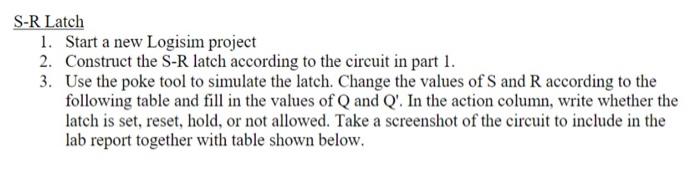
S-R Latch 1. Start a new Logisim project 2. Construct the S-R latch according to the circuit in part 1. 3. Use the poke tool to simulate the latch. Change the values of S and Raccording to the following table and fill in the values of Q and Q'. In the action column write whether the latch is set, reset, hold, or not allowed. Take a screenshot of the circuit to include in the lab report together with table shown below
Step by Step Solution
There are 3 Steps involved in it
1 Expert Approved Answer
Step: 1 Unlock

Question Has Been Solved by an Expert!
Get step-by-step solutions from verified subject matter experts
Step: 2 Unlock
Step: 3 Unlock
 Study Help