







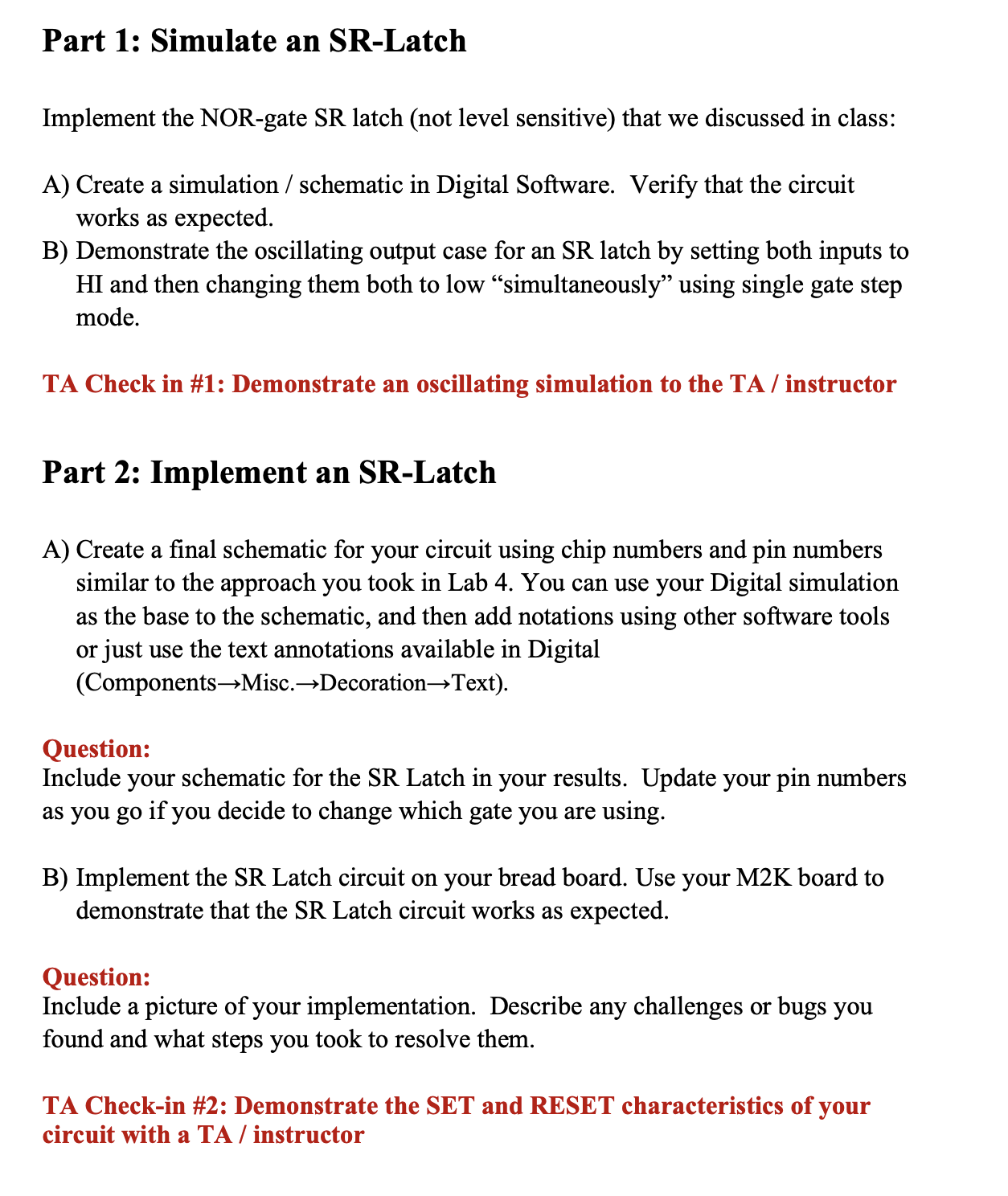
Question: Part 1 : Simulate an SR - Latch Implement the NOR - gate SR latch ( not level sensitive ) that we discussed in class:
Part : Simulate an SRLatch
Implement the NORgate SR latch not level sensitive that we discussed in class:
A Create a simulation schematic in Digital Software. Verify that the circuit
works as expected.
B Demonstrate the oscillating output case for an SR latch by setting both inputs to
HI and then changing them both to low simultaneously using single gate step
mode.
TA Check in #: Demonstrate an oscillating simulation to the TA instructor
Part : Implement an SRLatch
A Create a final schematic for your circuit using chip numbers and pin numbers
similar to the approach you took in Lab You can use your Digital simulation
as the base to the schematic, and then add notations using other software tools
or just use the text annotations available in Digital
ComponentsMisc.DecorationText
Question:
Include your schematic for the SR Latch in your results. Update your pin numbers
as you go if you decide to change which gate you are using.
B Implement the SR Latch circuit on your bread board. Use your MK board to
demonstrate that the SR Latch circuit works as expected.
Question:
Include a picture of your implementation. Describe any challenges or bugs you
found and what steps you took to resolve them.
TA Checkin #: Demonstrate the SET and RESET characteristics of your
circuit with a TA instructor
IECE Digital Systems
C On your breadboard, connect the S and R inputs together the same Digital IO
channel Set them to and then clear them to Note the output after you
have toggled the inputs back to zero. Repeat a few times.
Question:
Record the outputs of your experiment in section C If the outputs are different
each time, explain why that could be If the outputs remain the same every time
give a possible explanation for this as well.Part : Simulate an SRLatch
Implement the NORgate SR latch not level sensitive that we discussed in class:
A Create a simulation schematic in Digital Software. Verify that the circuit
works as expected.
B Demonstrate the oscillating output case for an SR latch by setting both inputs to
and then changing them both to low "simultaneously" using single gate step
mode.
TA Check in #: Demonstrate an oscillating simulation to the TA instructor
Part : Implement an SRLatch
A Create a final schematic for your circuit using chip numbers and pin numbers
similar to the approach you took in Lab You can use your Digital simulation
as the base to the schematic, and then add notations using other software tools
or just use the text annotations available in Digital
Components Misc. Decoration Text
Question:
Include your schematic for the SR Latch in your results. Update your pin numbers
as you go if you decide to change which gate you are using.
B Implement the SR Latch circuit on your bread board. Use your MK board to
demonstrate that the SR Latch circuit works as expected.
Question:
Include a picture of your implementation. Describe any challenges or bugs you
found and what steps you took to resolve them.
TA Checkin #: Demonstrate the SET and RESET characteristics of your
circuit with a TA instructor
C On your breadboard, connect the S and R inputs together the same Digital IO
channel Set them to and then clear them to Note the output after you
have toggled the inputs back to zero. Repeat a few times.
Step by Step Solution
There are 3 Steps involved in it
1 Expert Approved Answer
Step: 1 Unlock

Question Has Been Solved by an Expert!
Get step-by-step solutions from verified subject matter experts
Step: 2 Unlock
Step: 3 Unlock
 Study Help