







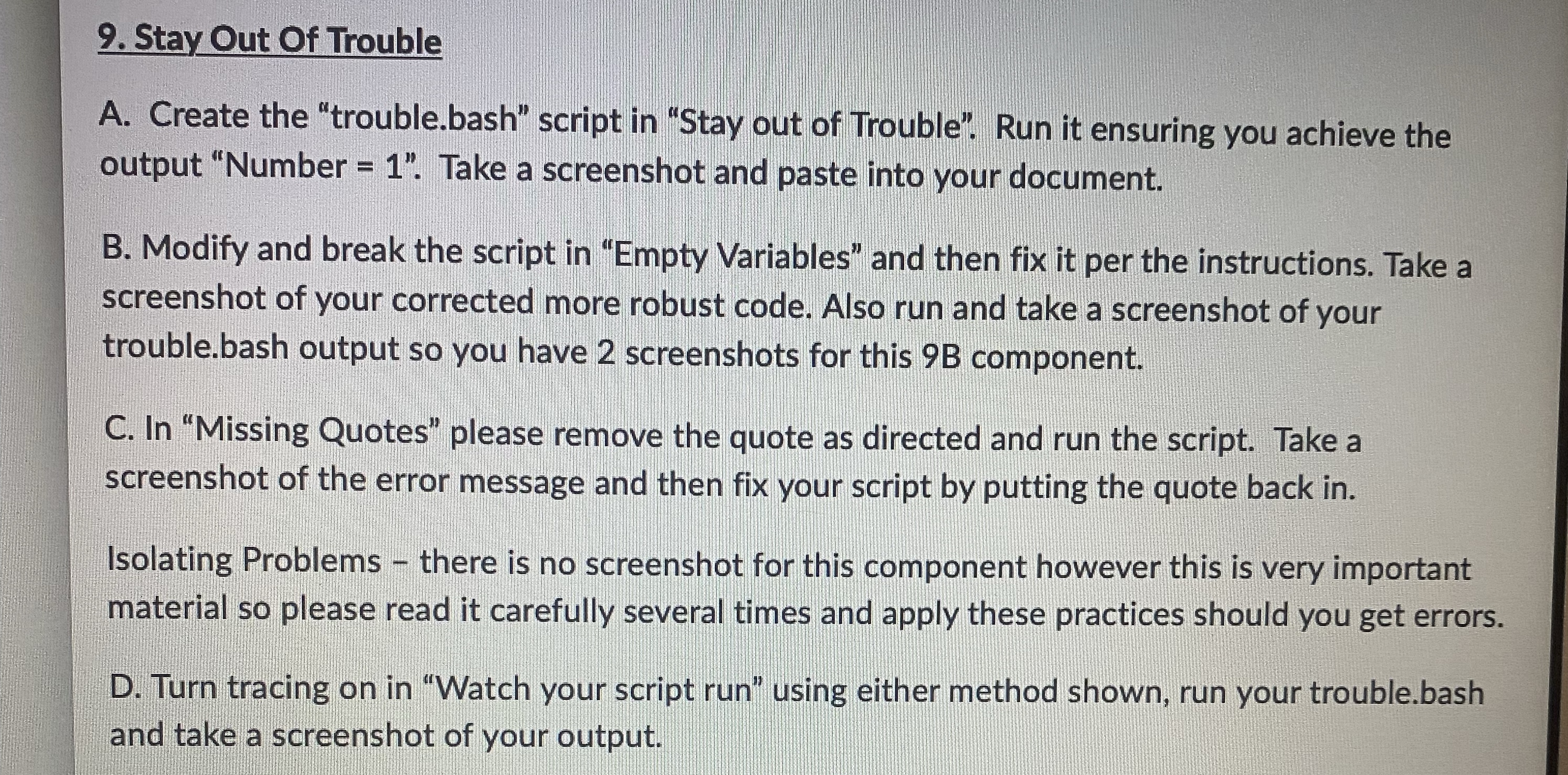
Question: Stay Out Of Trouble A . Create the trouble.bash script in Stay out of Trouble. Run it ensuring you achieve the output Number = 1
Stay Out Of Trouble
A Create the "trouble.bash" script in "Stay out of Trouble". Run it ensuring you achieve the output "Number Take a screenshot and paste into your document.
B Modify and break the script in "Empty Variables" and then fix it per the instructions. Take a screenshot of your corrected more robust code. Also run and take a screenshot of your trouble.bash output so you have screenshots for this B component.
C In "Missing Quotes" please remove the quote as directed and run the script. Take a screenshot of the error message and then fix your script by putting the quote back in
Isolating Problems there is no screenshot for this component however this is very important material so please read it carefully several times and apply these practices should you get errors.
D Turn tracing on in "Watch your script run" using either method shown, run your trouble.bash and take a screenshot of your output.
Step by Step Solution
There are 3 Steps involved in it
1 Expert Approved Answer
Step: 1 Unlock

Question Has Been Solved by an Expert!
Get step-by-step solutions from verified subject matter experts
Step: 2 Unlock
Step: 3 Unlock
 Study Help