







Question: Step 11. To create a user-defined variable, and assign it a value: To create a user-defined (shell) variable, no space before and after the assignment
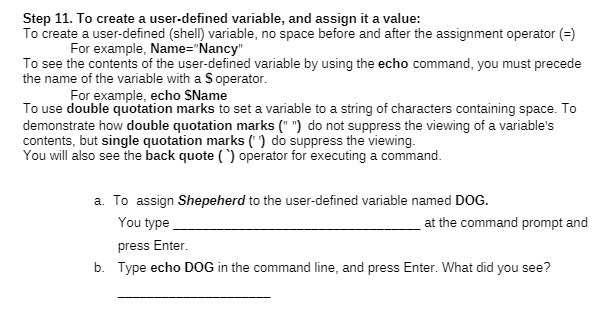
Step 11. To create a user-defined variable, and assign it a value: To create a user-defined (shell) variable, no space before and after the assignment operator (=) For example, Name="Nancy" To see the contents of the user-defined variable by using the echo command, you must precede the name of the variable with a $ operator. For example, echo SName To use double quotation marks to set a variable to a string of characters containing space. To demonstrate how double quotation marks (" ") do not suppress the viewing of a variable's contents, but single quotation marks ( ) do suppress the viewing. You will also see the back quote ( ) operator for executing a command. a. To assign Shepeherd to the user-defined variable named DOG. You type at the command prompt and press Enter. b. Type echo DOG in the command line, and press Enter. What did you see
Step by Step Solution
There are 3 Steps involved in it

Get step-by-step solutions from verified subject matter experts
 Study Help