







Question: Step 2 : Explore handles. a . In the Process Explorer, click View > select Lower Pane View > Handles to view the handles associated
Step : Explore handles.
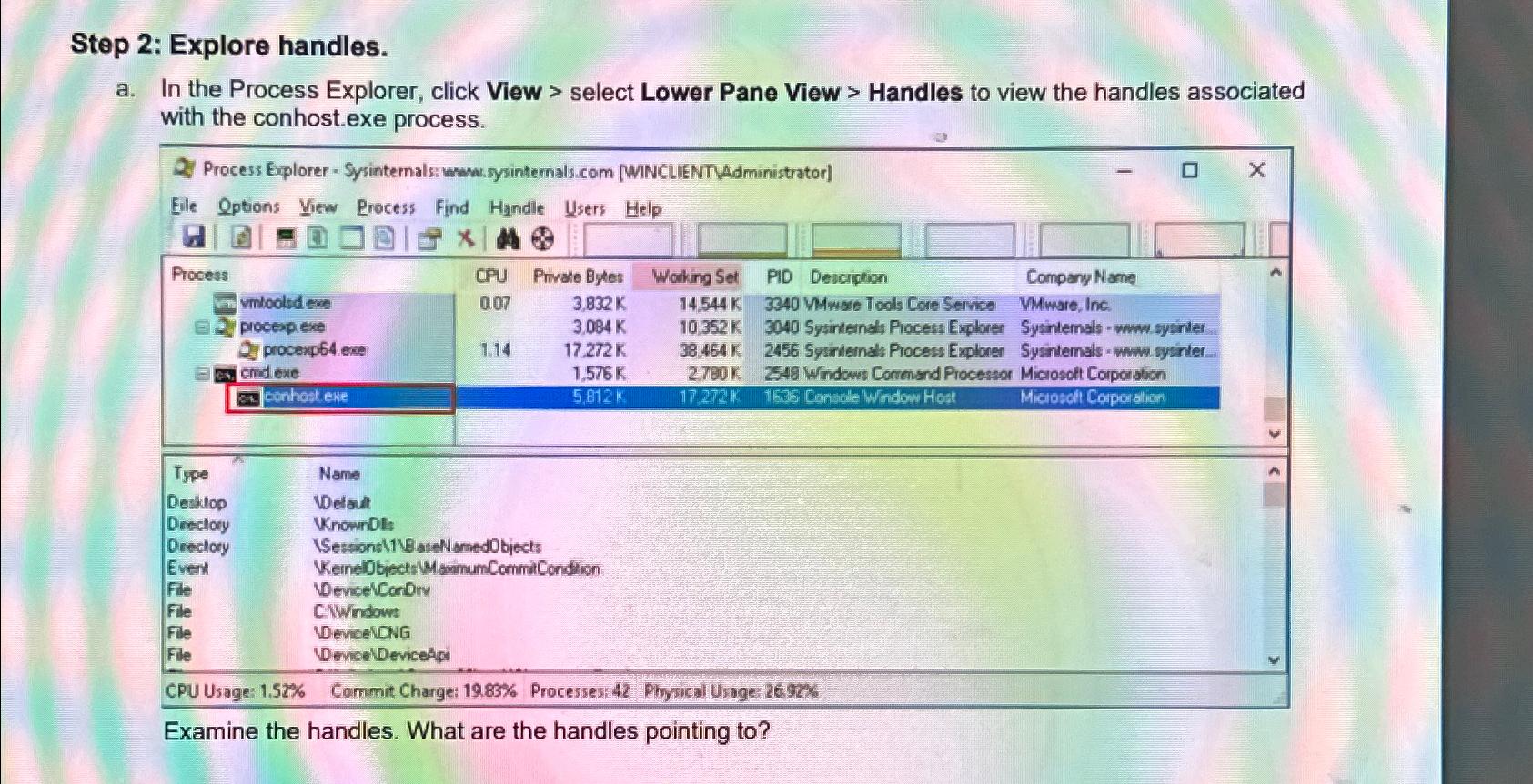
a In the Process Explorer, click View select Lower Pane View Handles to view the handles associated with the conhost.exe process.
Process Explorer Sysinternals: when:sysintemals.com WINCLIENTAdministrator
Examine the handles. What are the handles pointing to
Step by Step Solution
There are 3 Steps involved in it
1 Expert Approved Answer
Step: 1 Unlock

Question Has Been Solved by an Expert!
Get step-by-step solutions from verified subject matter experts
Step: 2 Unlock
Step: 3 Unlock
 Study Help