







Question: Step 3 : Testing Your Configuration Update Restart the SSH service. [ Your solution command here ] Exit the root account. [ Your solution command
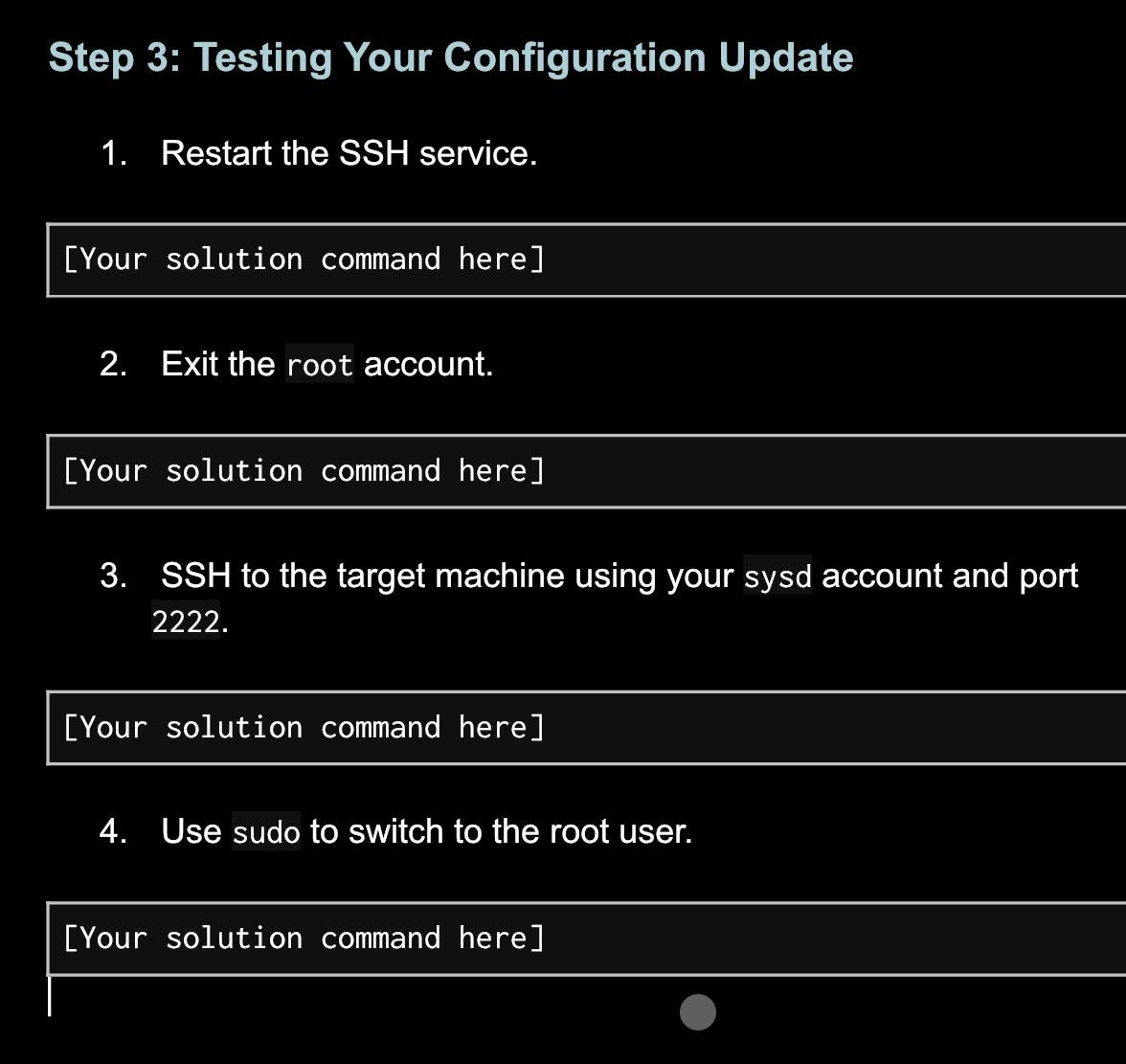
Step : Testing Your Configuration Update
Restart the SSH service.
Your solution command here
Exit the root account.
Your solution command here
SSH to the target machine using your sysd account and port
Your solution command here
Use sudo to switch to the root user.
Your solution command here
Step by Step Solution
There are 3 Steps involved in it
1 Expert Approved Answer
Step: 1 Unlock

Question Has Been Solved by an Expert!
Get step-by-step solutions from verified subject matter experts
Step: 2 Unlock
Step: 3 Unlock
 Study Help