







Question: Step by step explanation and how to do: You brief your team leader and state what you believe is the process or service that is
Step by step explanation and how to do:
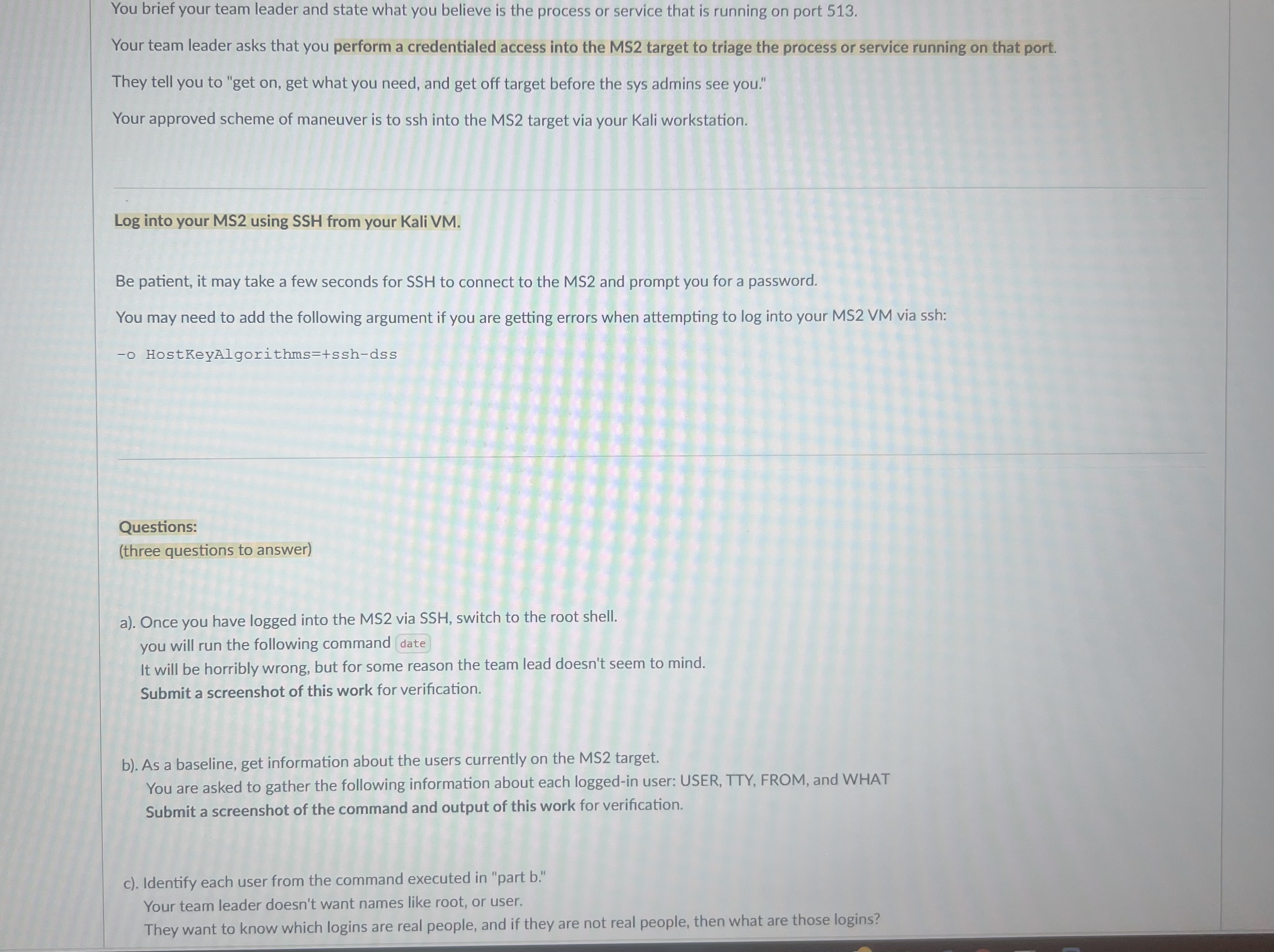
You brief your team leader and state what you believe is the process or service that is running on port
Your team leader asks that you perform a credentialed access into the MS target to triage the process or service running on that port.
They tell you to "get on get what you need, and get off target before the sys admins see you."
Your approved scheme of maneuver is to ssh into the MS target via your Kali workstation.
Log into your MS using SSH from your Kali VM
Be patient, it may take a few seconds for SSH to connect to the MS and prompt you for a password.
You may need to add the following argument if you are getting errors when attempting to log into your MS VM via ssh:
o HostKeyAlgorithmssshdss
Questions:
three questions to answer
a Once you have logged into the MS via SSH switch to the root shell.
you will run the following command date
It will be horribly wrong, but for some reason the team lead doesn't seem to mind.
b As a baseline, get information about the users currently on the MS target.
You are asked to gather the following information about each loggedin user: USER, TTY FROM, and WHAT
Submit a screenshot of the command and output of this work for verification.
c Identify each user from the command executed in "part b
Your team leader doesn't want names like root, or user.
They want to know which logins are real people, and if they are not real people, then what are those logins
Step by Step Solution
There are 3 Steps involved in it
1 Expert Approved Answer
Step: 1 Unlock

Question Has Been Solved by an Expert!
Get step-by-step solutions from verified subject matter experts
Step: 2 Unlock
Step: 3 Unlock
 Study Help