







Question: (Step1) Use a dark background, and a light colored object. Use your webcam or mobile device to take a picture. Copy this to your google
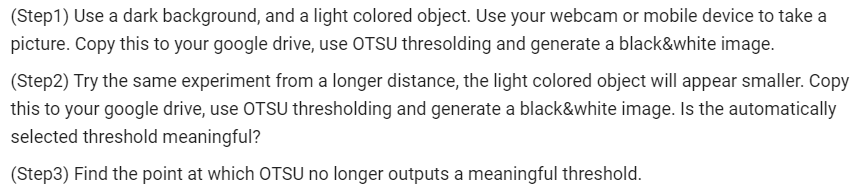
(Step1) Use a dark background, and a light colored object. Use your webcam or mobile device to take a picture. Copy this to your google drive, use OTSU thresolding and generate a black&white image. (Step2) Try the same experiment from a longer distance, the light colored object will appear smaller. Copy this to your google drive, use OTSU thresholding and generate a black&white image. Is the automatically selected threshold meaningful? (Step3) Find the point at which OTSU no longer outputs a meaningful threshold. (Step1) Use a dark background, and a light colored object. Use your webcam or mobile device to take a picture. Copy this to your google drive, use OTSU thresolding and generate a black&white image. (Step2) Try the same experiment from a longer distance, the light colored object will appear smaller. Copy this to your google drive, use OTSU thresholding and generate a black&white image. Is the automatically selected threshold meaningful? (Step3) Find the point at which OTSU no longer outputs a meaningful threshold
Step by Step Solution
There are 3 Steps involved in it

Get step-by-step solutions from verified subject matter experts
 Study Help