







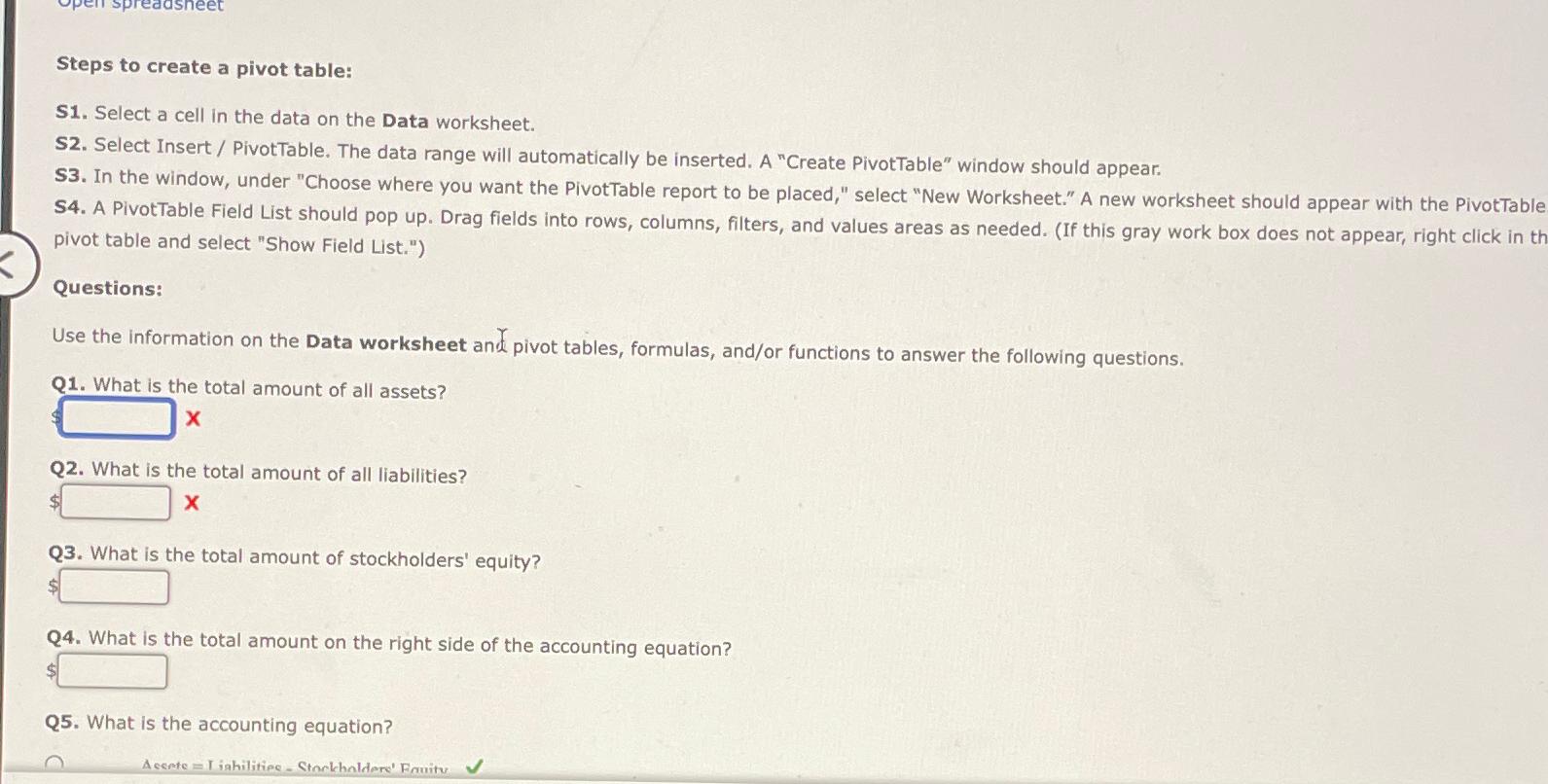
Question: Steps to create a pivot table: S 1 . Select a cell in the data on the Data worksheet. S 2 . Select Insert /
Steps to create a pivot table:
S Select a cell in the data on the Data worksheet.
S Select Insert PivotTable. The data range will automatically be inserted. A "Create PivotTable" window should appear.
S In the window, under "Choose where you want the PivotTable report to be placed," select "New Worksheet." A new worksheet should appear with the PivotTable S A PivotTable Field List should pop up Drag fields into rows, columns, filters, and values areas as needed. If this gray work box does not appear, right click in th pivot table and select "Show Field List."
Questions:
Use the information on the Data worksheet and pivot tables, formulas, andor functions to answer the following questions.
Q What is the total amount of all assets?
Q What is the total amount of all liabilities?
Q What is the total amount of stockholders' equity?
Q What is the total amount on the right side of the accounting equation?
Q What is the accounting equation?
Acsete I iahilitiee Ctarlhaldere' Fanitu
Step by Step Solution
There are 3 Steps involved in it
1 Expert Approved Answer
Step: 1 Unlock

Question Has Been Solved by an Expert!
Get step-by-step solutions from verified subject matter experts
Step: 2 Unlock
Step: 3 Unlock
 Study Help