







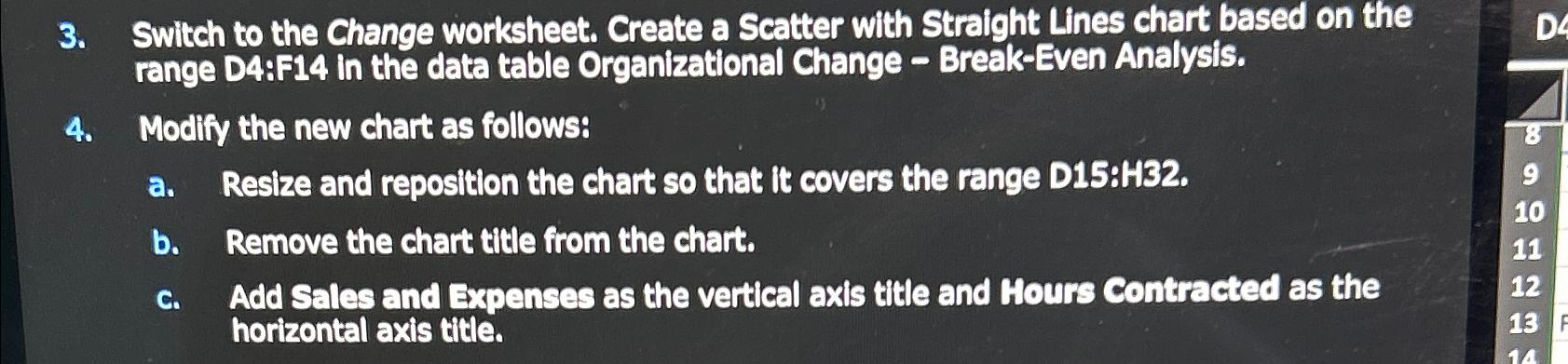
Question: Switch to the Change worksheet. Create a Scatter with Straight Lines chart based on the range D 4 :F 1 4 in the data table
Switch to the Change worksheet. Create a Scatter with Straight Lines chart based on the range D:F in the data table Organizational Change BreakEven Analysis.
Modify the new chart as follows:
a Resize and reposition the chart so that it covers the range D:H
b Remove the chart title from the chart.
c Add Sales and Expenses as the vertical axis title and Hours Contracted as the horizontal axis title.
Step by Step Solution
There are 3 Steps involved in it
1 Expert Approved Answer
Step: 1 Unlock

Question Has Been Solved by an Expert!
Get step-by-step solutions from verified subject matter experts
Step: 2 Unlock
Step: 3 Unlock
 Study Help