







Question: Task 1 : Build and configure the Network Use following table as well as the network picture to configure the devices in this lab.
Task : Build and configure the Network
Use following table as well as the network picture to configure the devices in this lab.
tabletableCompulerlnterlace RouterAIP Address,Sibnet Mask,Gilfewing hdresAlA RoutenAfaRoubenAtableComputerInterface RouterBIP Address,Subnet Mask,Gateway dressBRouterBfaRouterBS
Configure the IP addresses, and the subnet mask as well as gateway address on all computers in LANA and LANB.
Configure the bastname for your routers to RouterA and RouterB.
Note that a serial interface is used to interoonncet the LANs. Configure the router interface's serial IP addresses and subnet masks according the addresses specified in table. Use the proper conmand to verify that the interfaces are properly configured. On the serial link DCE interface set the clock rate on the serial interface interconnecting the two routers to
Which router controls the clock rate, DCE, and DTE?
Set the Gateway of last resort. Shew your work.
Configure static routes from the LANA to LANB through RouterA. Configure static routes from LANB to LANA. Use two commands to verify that the routes are coafgured. Show your work.
Save your router configuration to the startup configuration. What conmand did you use? Use the proper command to verify the configuration has been saved to N VRAM. What comnand did you use?
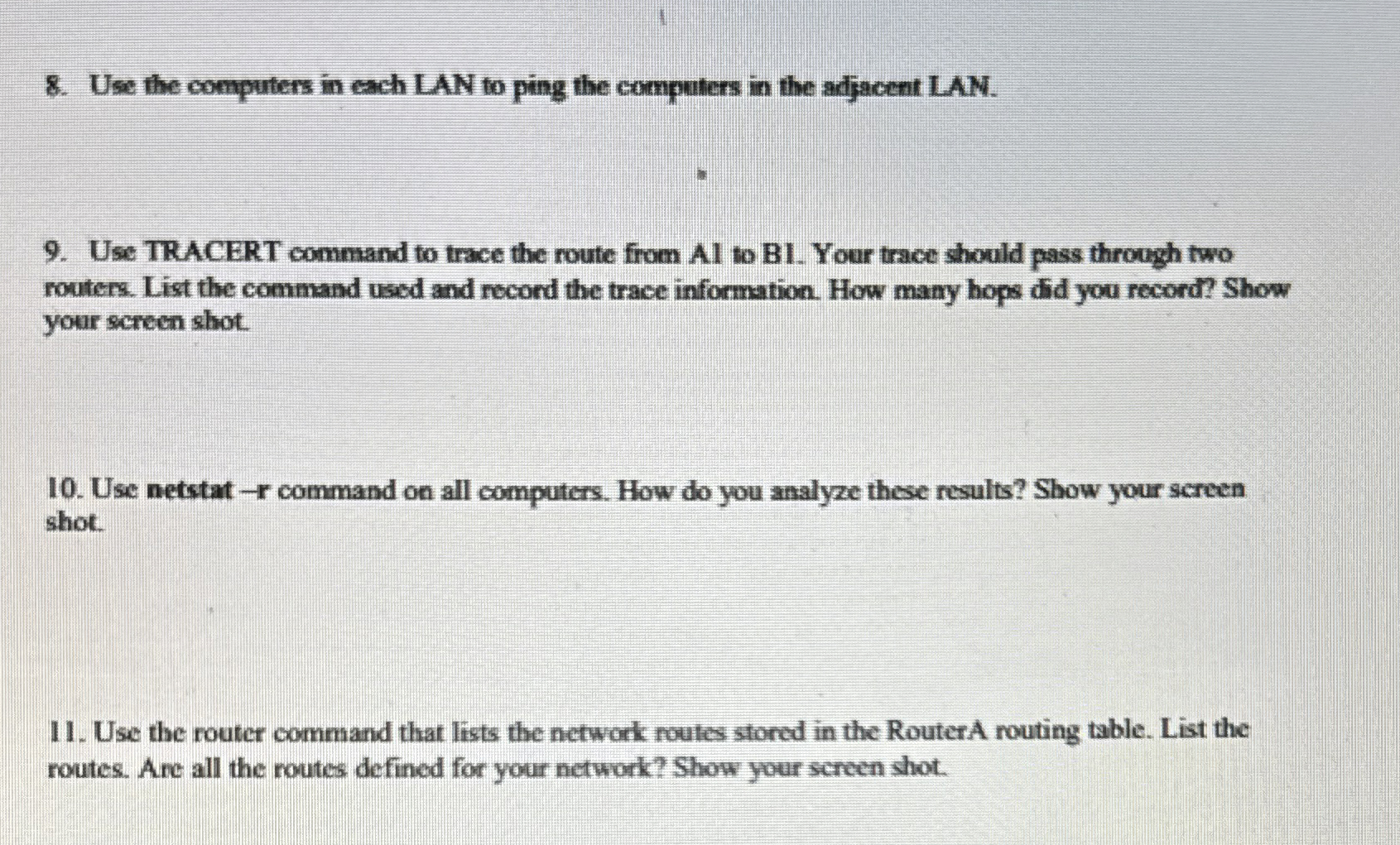
Use the computers in each LAN to ping the computers in the adjacent LAN.
Use TRACERT command to trace the route from AI to B Your trace should pass through two routers. List the command used and record the trace information. How many hops did you record? Show your screen shot.
Use netstatr command on all computers. How do you analyze these results? Show your screen shot.
Use the router command that lists the network routes stored in the RouterA routing table. List the routes. Are all the routes defined for your network? Show your screen shot.
Step by Step Solution
There are 3 Steps involved in it
1 Expert Approved Answer
Step: 1 Unlock

Question Has Been Solved by an Expert!
Get step-by-step solutions from verified subject matter experts
Step: 2 Unlock
Step: 3 Unlock
 Study Help