







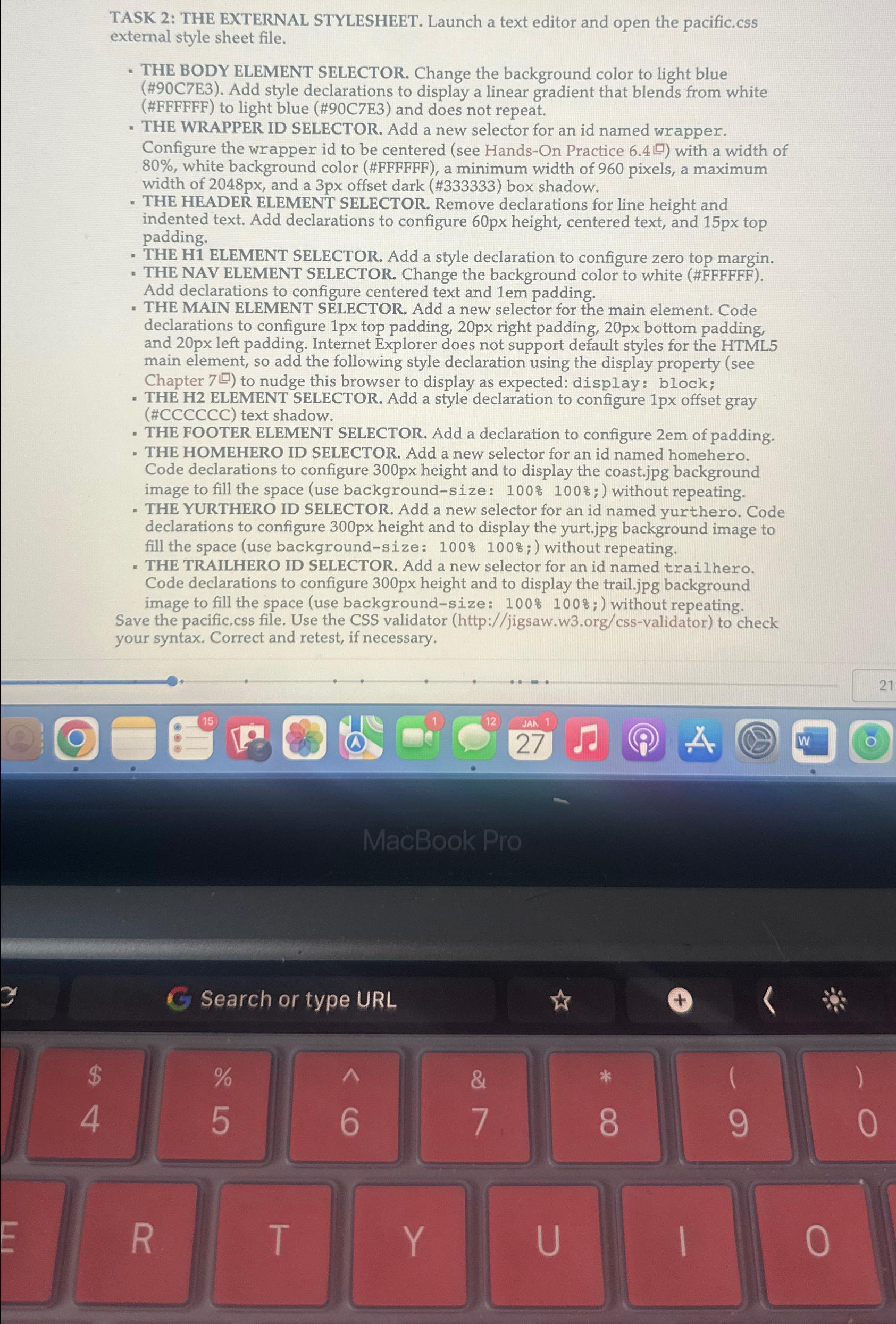
Question: TASK 2 : THE EXTERNAL STYLESHEET. Launch a text editor and open the pacific.css external style sheet file. THE BODY ELEMENT SELECTOR. Change the background
TASK : THE EXTERNAL STYLESHEET. Launch a text editor and open the pacific.css external style sheet file.
THE BODY ELEMENT SELECTOR. Change the background color to light blue #CE Add style declarations to display a linear gradient that blends from white #FFFFFF to light blue #CE and does not repeat.
THE WRAPPER ID SELECTOR. Add a new selector for an id named wrapper. Configure the wrapper id to be centered see HandsOn Practice with a width of white background color #FFFFFF a minimum width of pixels, a maximum width of px and a px offset dark # box shadow.
THE HEADER ELEMENT SELECTOR. Remove declarations for line height and indented text. Add declarations to configure px height, centered text, and top padding.
THE H ELEMENT SELECTOR. Add a style declaration to configure zero top margin.
THE NAV ELEMENT SELECTOR. Change the background color to white #FFFFFF Add declarations to configure centered text and padding.
THE MAIN ELEMENT SELECTOR. Add a new selector for the main element. Code declarations to configure top padding, right padding, bottom padding, and left padding. Internet Explorer does not support default styles for the HTML main element, so add the following style declaration using the display property see Chapter to nudge this browser to display as expected: display: block;
THE H ELEMENT SELECTOR. Add a style declaration to configure px offset gray #CCCCCC text shadow.
THE FOOTER ELEMENT SELECTOR. Add a declaration to configure of padding.
THE HOMEHERO ID SELECTOR. Add a new selector for an id named homehero. Code declarations to configure height and to display the coast.jpg background image to fill the space use backgroundsize: without repeating.
THE YURTHERO ID SELECTOR. Add a new selector for an id named yurthero. Code declarations to configure height and to display the yurt.jpg background image to fill the space use backgroundsize: without repeating.
THE TRAILHERO ID SELECTOR. Add a new selector for an id named trailhero. Code declarations to configure height and to display the trail.jpg background image to fill the space use backgroundsize: without repeating.
Save the pacific.css file. Use the CSS validator
http:jigsawworgcssvalidator to check your syntax. Correct and retest, if necessary.
Step by Step Solution
There are 3 Steps involved in it
1 Expert Approved Answer
Step: 1 Unlock

Question Has Been Solved by an Expert!
Get step-by-step solutions from verified subject matter experts
Step: 2 Unlock
Step: 3 Unlock
 Study Help