







Question: Task 4 Download the spreadsheet from Noteable. Duplicate it and rename it analysis.xlsx . Load the duplicate analysis.xIsx into Excel. Create a new sheet in
Task
Download the spreadsheet from Noteable. Duplicate it and rename it analysis.xlsx Load the duplicate analysis.xIsx into Excel. Create a new sheet in the workbook; call it Analysis
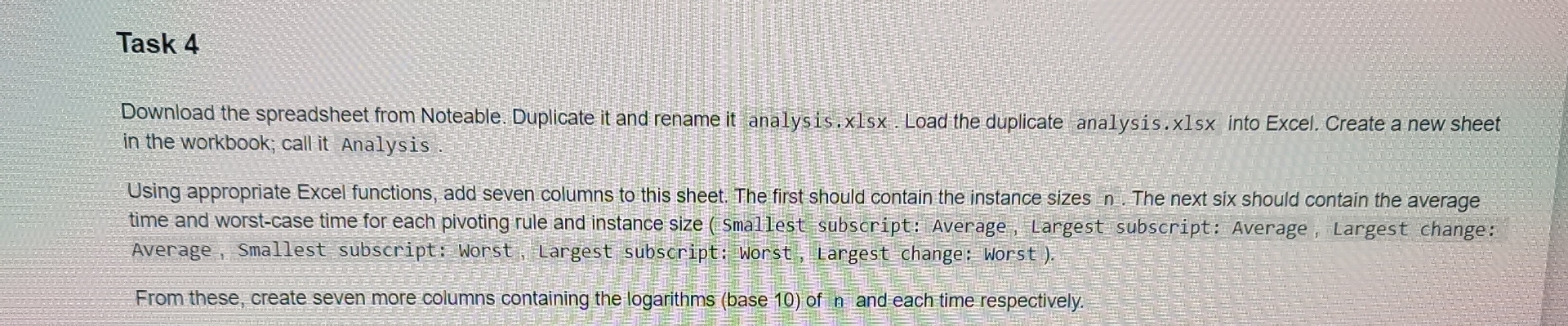
Using appropriate Excel functions, add seven columns to this sheet. The first should contain the instance sizes The next six should contain the average time and worstcase time for each pivoting rule and instance size smallest subscript: Average, Largest subscript: Average, Largest change: Average, Smallest subscript: Worst, Largest subscript; Worst, largest change: Worst
From these, create seven more columns containing the logarithms base of and each time respectively.
Step by Step Solution
There are 3 Steps involved in it
1 Expert Approved Answer
Step: 1 Unlock

Question Has Been Solved by an Expert!
Get step-by-step solutions from verified subject matter experts
Step: 2 Unlock
Step: 3 Unlock
 Study Help