







Question: Task A: Graphs Implement a Windows Forms Application (.NET Framework) with a GUI which allows the user: to add a node to a graph (given
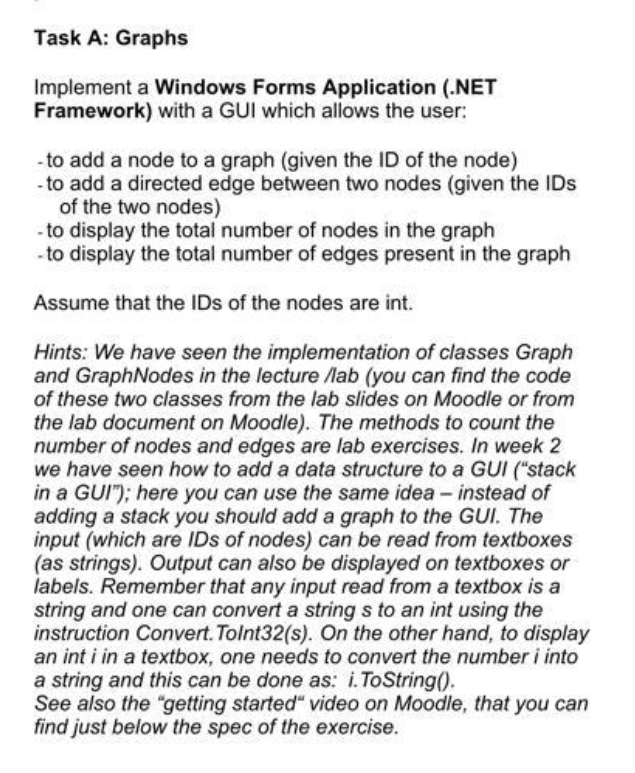
Task A: Graphs Implement a Windows Forms Application (.NET Framework) with a GUI which allows the user: to add a node to a graph (given the ID of the node) to add a directed edge between two nodes (given the IDs of the two nodes) to display the total number of nodes in the graph to display the total number of edges present in the graph Assume that the IDs of the nodes are int. Hints: We have seen the implementation of classes Graph and Graph Nodes in the lecture /lab (you can find the code of these two classes from the lab slides on Moodle or from the lab document on Moodle). The methods to count the number of nodes and edges are lab exercises. In week 2 we have seen how to add a data structure to a GUI ("stack in a GUI"); here you can use the same idea - instead of adding a stack you should add a graph to the GUI. The input (which are IDs of nodes) can be read from textboxes (as strings). Output can also be displayed on textboxes or labels. Remember that any input read from a textbox is a string and one can convert a string s to an int using the instruction Convert.ToInt32(s). On the other hand, to display an inti in a textbox, one needs to convert the number i into a string and this can be done as: i.ToString(). See also the "getting started video on Moodle, that you can find just below the spec of the exercise
Step by Step Solution
There are 3 Steps involved in it

Get step-by-step solutions from verified subject matter experts
 Study Help