







Question: Tasks 1 Managing User Privileges a. Create a new user, using 'CREATE USER' with username as your first name, and the password P@ssword. (Use MYSQL
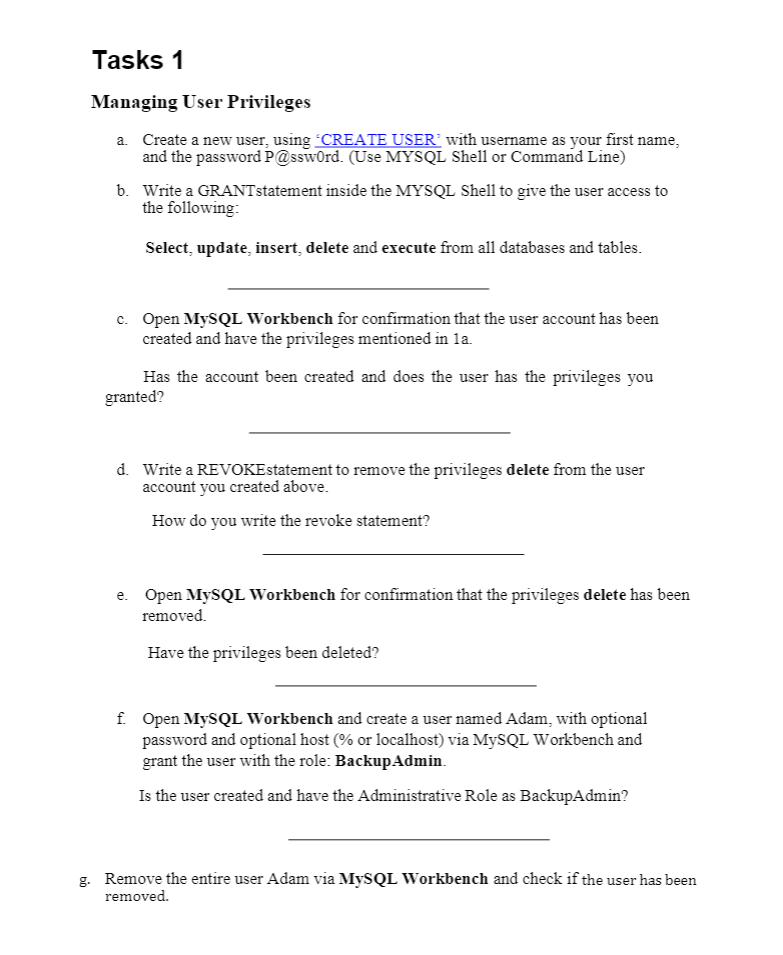
Tasks 1 Managing User Privileges a. Create a new user, using 'CREATE USER' with username as your first name, and the password P@ssword. (Use MYSQL Shell or Command Line) b. Write a GRANTstatement inside the MYSQL Shell to give the user access to the following: Select, update, insert, delete and execute from all databases and tables. c. Open MySQL Workbench for confirmation that the user account has been created and have the privileges mentioned in la Has the account been created and does the user has the privileges you granted? d. Write a REVOKEstatement to remove the privileges delete from the user account you created above. How do you write the revoke statement? e. Open MySQL Workbench for confirmation that the privileges delete has been removed. Have the privileges been deleted? f Open MySQL Workbench and create a user named Adam, with optional password and optional host (% or localhost) via MySQL Workbench and grant the user with the role: Backup Admin. Is the user created and have the Administrative Role as BackupAdmin? g. Remove the entire user Adam via MySQL Workbench and check if the user has been removed
Step by Step Solution
There are 3 Steps involved in it

Get step-by-step solutions from verified subject matter experts
 Study Help