







Question: The Create Your Own Inventory Project is a hands-on project where students create and manage their own inventory system. The project is designed to teach
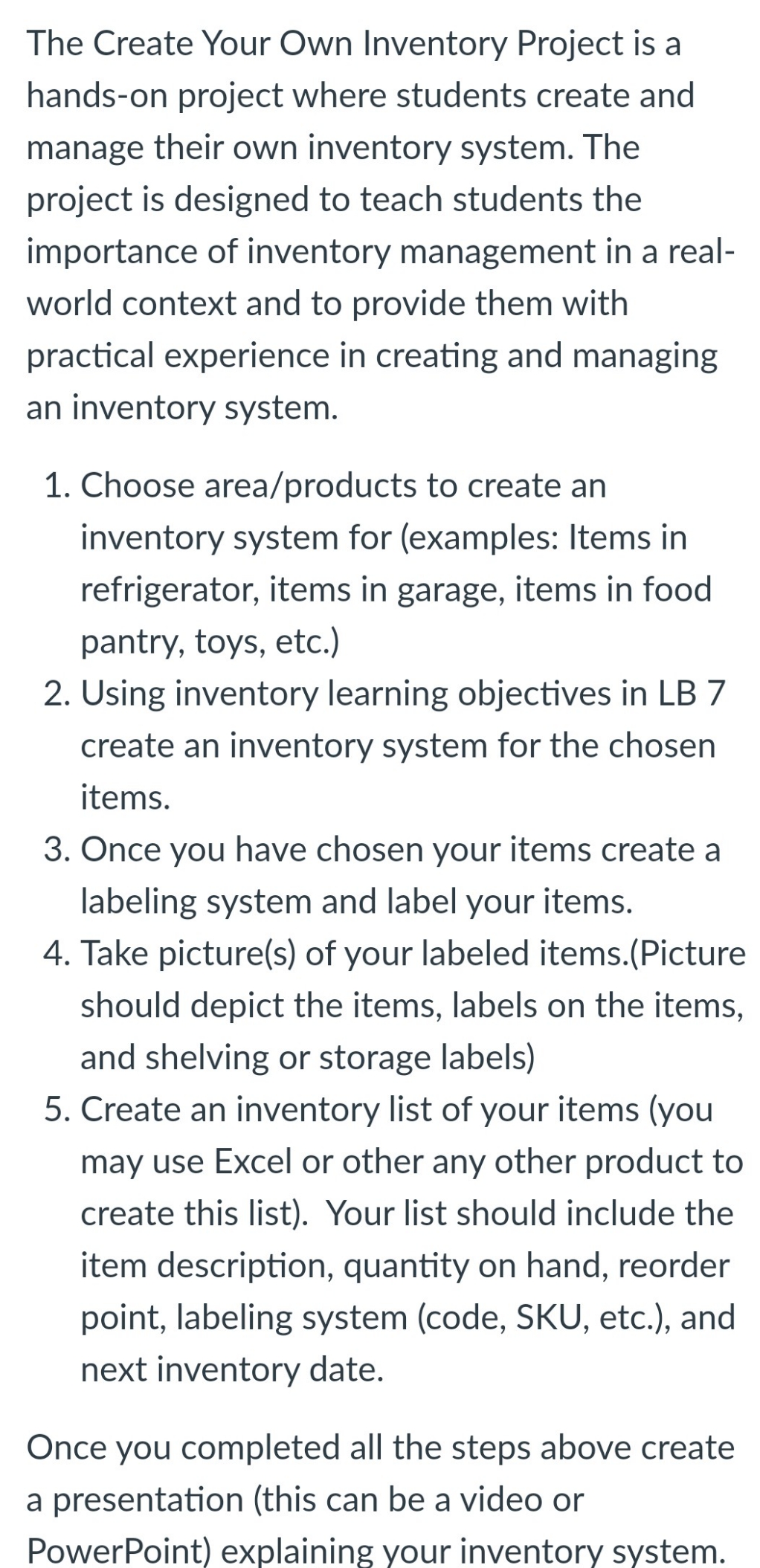
The Create Your Own Inventory Project is a hands-on project where students create and manage their own inventory system. The project is designed to teach students the importance of inventory management in a real- world context and to provide them with practical experience in creating and managing an inventory system. 1. Choose area/products to create an inventory system for (examples: Items in refrigerator, items in garage, items in food pantry, toys, etc.) 2. Using inventory learning objectives in LB 7 create an inventory system for the chosen items. 3. Once you have chosen your items create a labeling system and label your items. 4. Take picture(s) of your labeled items.(Picture should depict the items, labels on the items, and shelving or storage labels) 5. Create an inventory list of your items (you may use Excel or other any other product to create this list). Your list should include the item description, quantity on hand, reorder point, labeling system (code, SKU, etc.), and next inventory date. Once you completed all the steps above create a presentation (this can be a video or PowerPoint) explaining your inventory system
Step by Step Solution
There are 3 Steps involved in it

Get step-by-step solutions from verified subject matter experts
 Study Help