



Question: The squared error formula in Excel uses ^2 to indicate that the value is to be squared. For example, if you are in cell B1
The squared error formula in Excel uses ^2 to indicate that the value is to be squared. For example, if you are in cell B1 and you want to square the number stored in cell A1, you would enter in cell B1 the formula =A1^2.
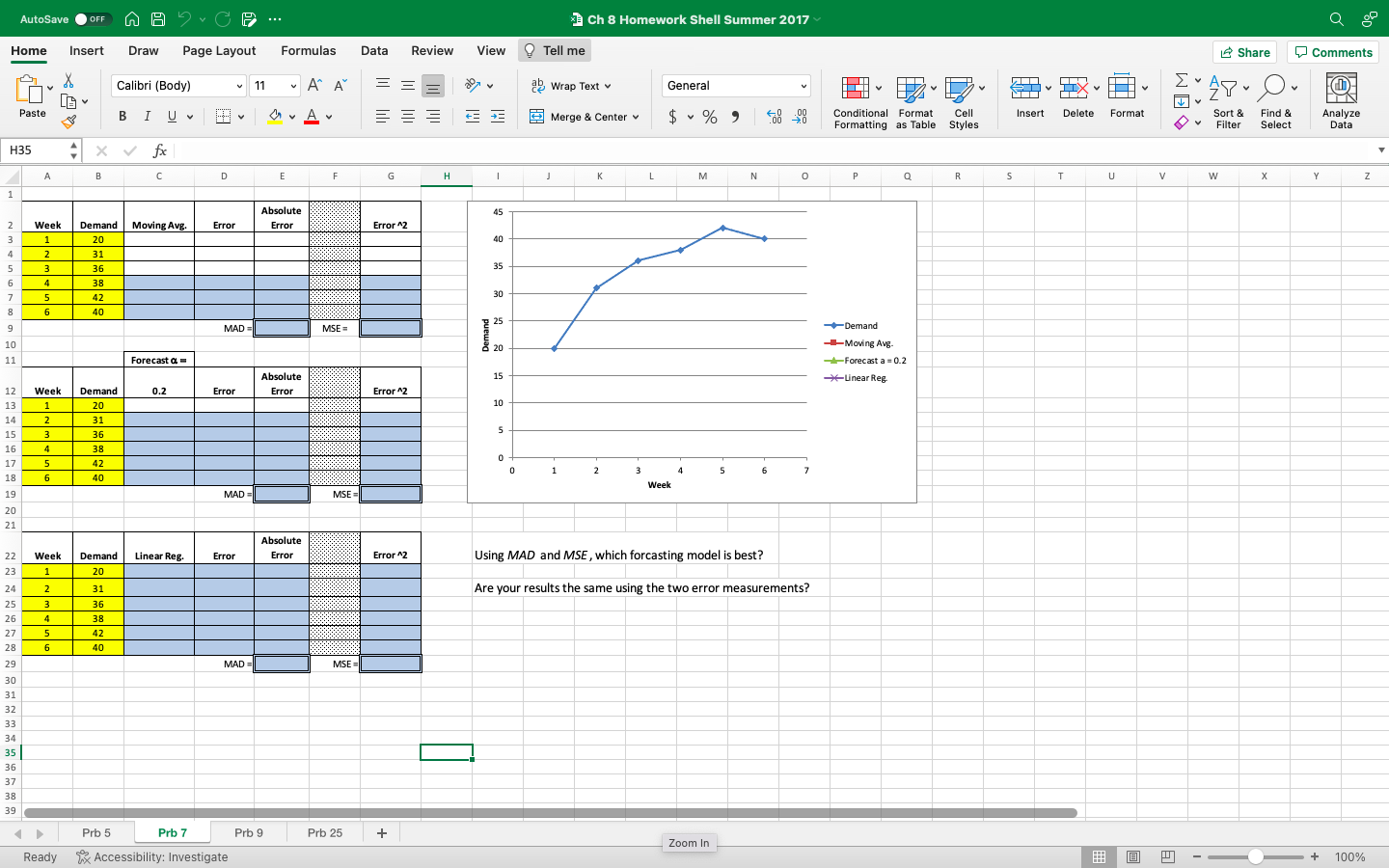
Use the FORECAST.LINEAR function to perform the calculations for the linear regression in column C.
Because this problem uses historical time series data, the x-values (Known_xs) are the days of the week numbers and the y-values (Known_ys) are the demand values.
The values in the Linear Reg. column (column C) show the expected demand for corresponding week. For example, the first value in the column shows what the forecasted demand is for week 1; it is the y-value on the regression line associated with the x-value equal to one.
The FORECAST.LINEAR function internally calculates the regression line equation, and then plugs in an x-value into the regression formula and returns the y-value.
Step by Step Solution
There are 3 Steps involved in it

Get step-by-step solutions from verified subject matter experts