







Question: This application will read a list of Workers from a sequential access file named Workers.txt and display those workers in a combo box on the
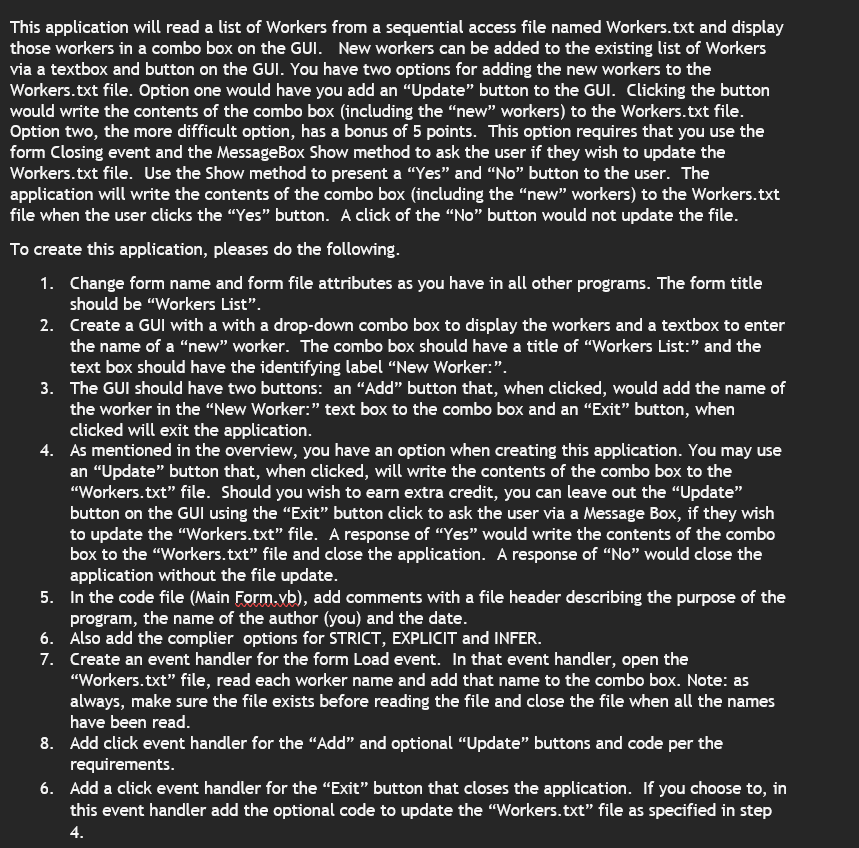
This application will read a list of Workers from a sequential access file named Workers.txt and display
those workers in a combo box on the GUI. New workers can be added to the existing list of Workers
via a textbox and button on the GUI. You have two options for adding the new workers to the
Workers.txt file. Option one would have you add an "Update" button to the GUI. Clicking the button
would write the contents of the combo box including the "new" workers to the Workers.txt file.
Option two, the more difficult option, has a bonus of points. This option requires that you use the
form Closing event and the MessageBox Show method to ask the user if they wish to update the
Workers.txt file. Use the Show method to present a "Yes" and No button to the user. The
application will write the contents of the combo box including the "new" workers to the Workers.txt
file when the user clicks the "Yes" button. A click of the No button would not update the file.
To create this application, pleases do the following.
Change form name and form file attributes as you have in all other programs. The form title
should be "Workers List".
Create a GUI with a with a dropdown combo box to display the workers and a textbox to enter
the name of a "new" worker. The combo box should have a title of "Workers List:" and the
text box should have the identifying label "New Worker:".
The GUI should have two buttons: an "Add" button that, when clicked, would add the name of
the worker in the "New Worker:" text box to the combo box and an "Exit" button, when
clicked will exit the application.
As mentioned in the overview, you have an option when creating this application. You may use
an "Update" button that, when clicked, will write the contents of the combo box to the
"Workers.txt file. Should you wish to earn extra credit, you can leave out the "Update"
button on the GUI using the "Exit" button click to ask the user via a Message Box, if they wish
to update the "Workers.txt file. A response of "Yes" would write the contents of the combo
box to the "Workers.txt file and close the application. A response of No would close the
application without the file update.
In the code file Main Form.yb add comments with a file header describing the purpose of the
program, the name of the author you and the date.
Also add the complier options for STRICT, EXPLICIT and INFER.
Create an event handler for the form Load event. In that event handler, open the
"Workers.txt file, read each worker name and add that name to the combo box. Note: as
always, make sure the file exists before reading the file and close the file when all the names
have been read.
Add click event handler for the "Add" and optional "Update" buttons and code per the
requirements.
Add a click event handler for the "Exit" button that closes the application. If you choose to in
this event handler add the optional code to update the "Workers.txt file as specified in step
Step by Step Solution
There are 3 Steps involved in it
1 Expert Approved Answer
Step: 1 Unlock

Question Has Been Solved by an Expert!
Get step-by-step solutions from verified subject matter experts
Step: 2 Unlock
Step: 3 Unlock
 Study Help