







Question: This is for Operating System using Ubuntu, Please Help! Part II. Setting up virtual machine and testing Linux OS (50 pts) Please download & install
 This is for Operating System using Ubuntu, Please Help!
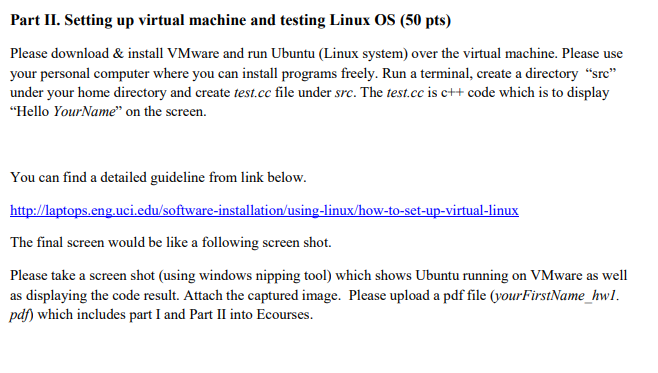
Part II. Setting up virtual machine and testing Linux OS (50 pts) Please download & install VMware and run Ubuntu (Linux system) over the virtual machine. Please use your personal computer where you can install programs freely. Run a terminal, create a directory "src under your home directory and create test.cc file under src. The test.cc is c++ code which is to display "Hello YourName" on the screen. You can find a detailed guideline from link below. uc sin ow ux The final screen would be like a following screen shot Please take a screen shot (using windows nipping tool) which shows Ubuntu running on VMware as well as displaying the code result. Attach the captured image. Please upload a pdf file (yourFirstName_hwl. pd) which includes part I and Part II into Ecourses. Part II. Setting up virtual machine and testing Linux OS (50 pts) Please download & install VMware and run Ubuntu (Linux system) over the virtual machine. Please use your personal computer where you can install programs freely. Run a terminal, create a directory "src under your home directory and create test.cc file under src. The test.cc is c++ code which is to display "Hello YourName" on the screen. You can find a detailed guideline from link below. uc sin ow ux The final screen would be like a following screen shot Please take a screen shot (using windows nipping tool) which shows Ubuntu running on VMware as well as displaying the code result. Attach the captured image. Please upload a pdf file (yourFirstName_hwl. pd) which includes part I and Part II into Ecourses
Step by Step Solution
There are 3 Steps involved in it

Get step-by-step solutions from verified subject matter experts
 Study Help