







Question: This needs to be done in Visual Basic Example 5 two tables from the Megacities database: Megacities The following program displays Table 10.3, the join
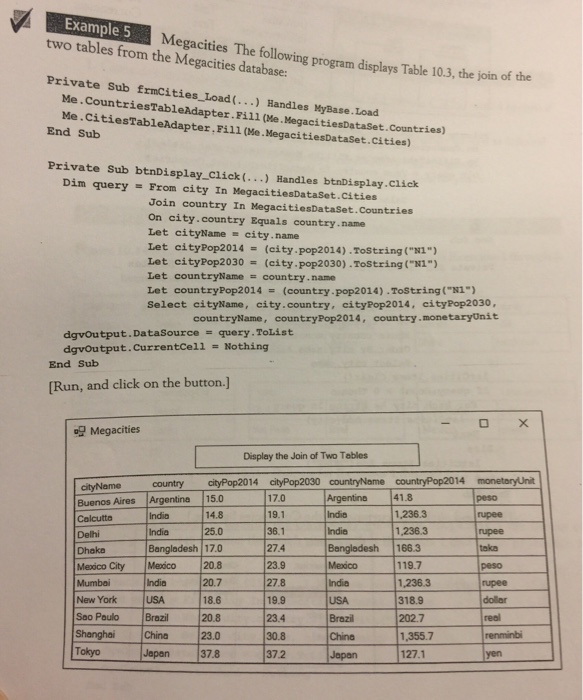
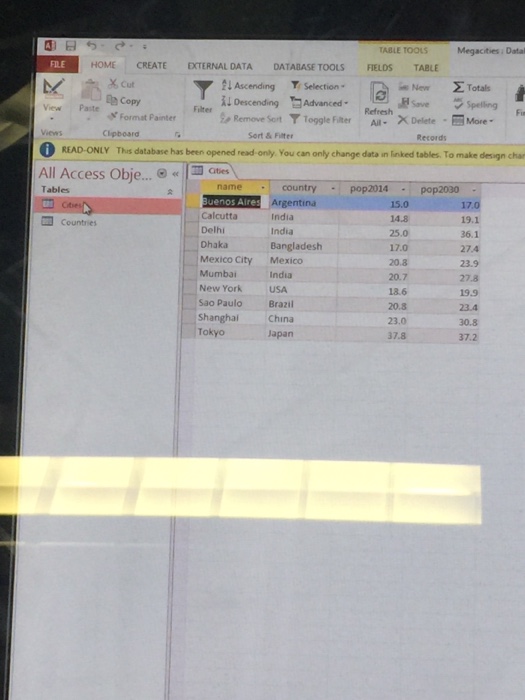
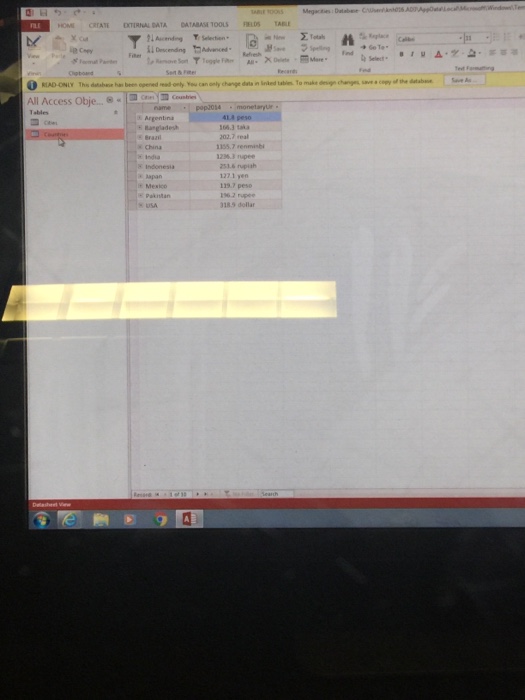
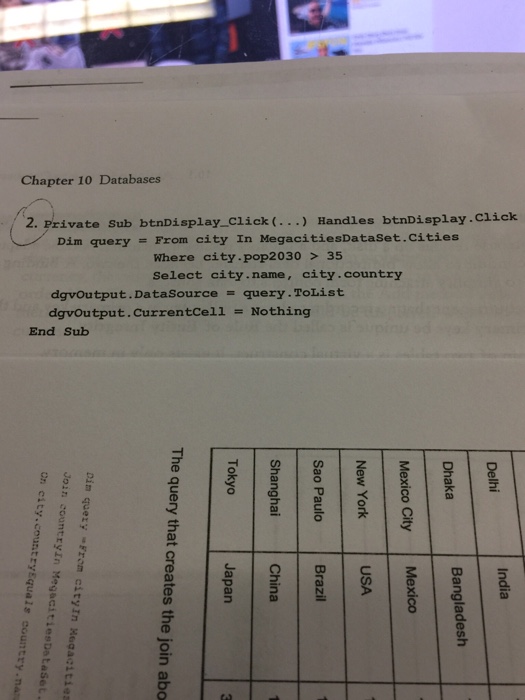
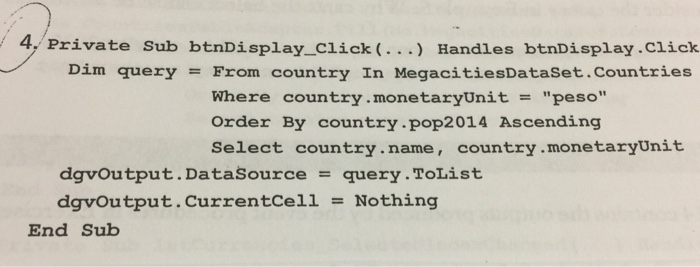
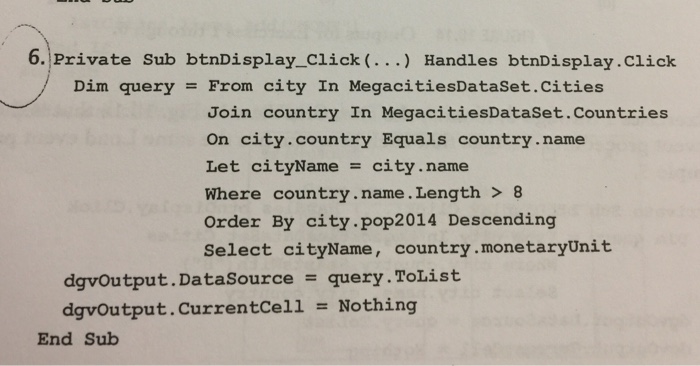
Example 5 two tables from the Megacities database: Megacities The following program displays Table 10.3, the join of the Private Sub frmcities Load(...) Handles MyBase. Load Me.CountriesTableAdapter.Fill (Me. MegacitiesDataset.Countries) Me.CitiesTableAdapter Fil1 (Me.MegacitiesDataset.cities) End Sub Private Sub btnDisplay_Click(...) Handles btnDisplay.click Dim query = Fron city In MegacitiesDataSet.cities Join country In MegacitiesDataSet.Countries On city.country Equals country name Let cityName city, name Let cityPop2014 = (city . pop2014),ToString ("N1") Let cityPop2030 (city . pop2030),ToString ("N1" ) Let countryName = country. name Let countryPop2014 = (country.pop2014).ToString ("NI") Select cityName, city.country, cityPop2014, cityPop2030, countryName, countryPop2014, country.monetaryUnit dgvOutput.DataSource = query .ToList dgvoutput.Currentcell - Nothing End Sub [Run, and click on the button.] Display the Join of Two Tables 17.0 19.1 36.1 Argentine 41.8 Buenos Aires Argentine 15.0 1,236.3 1,236.3 14.8 Indin India Bangladesh 17.0 274 Bangladesh 166.3 rupee 25.0 Delhi Dhaka peso 23.9 27.8 19.9 23.4 30.8 37.2 119.7 1,236.3 318.9 202.7 1,355.7 127.1 Mexico City Mexico 20.8 India 20.7 18.6 20.8 23.0 Japen 37.8 India doller New York Sao Paulo Brazil Shanghai China Tokyo Brazil Japan
Step by Step Solution
There are 3 Steps involved in it

Get step-by-step solutions from verified subject matter experts
 Study Help