







Question: This problem is about loading a list of shoe sizes from a JSON file (shoesizes.json), and save it to Java Preferences System. The JSON loader
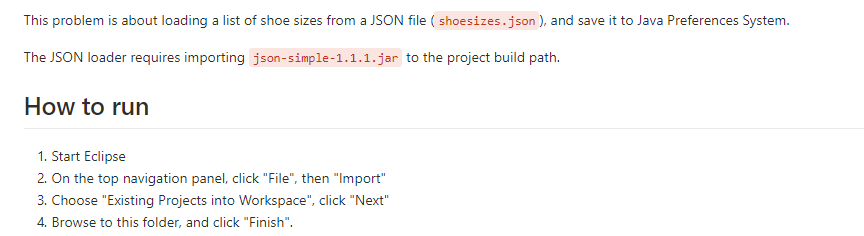
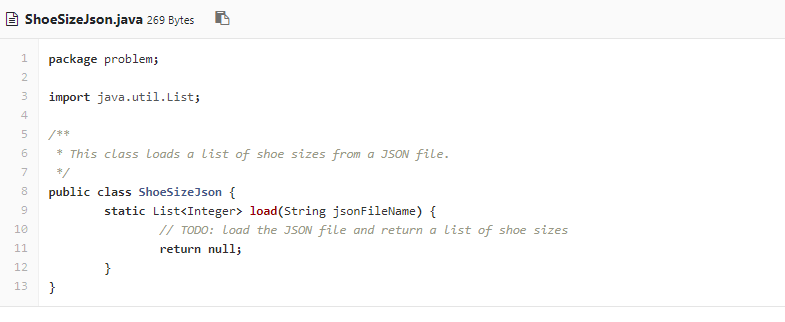
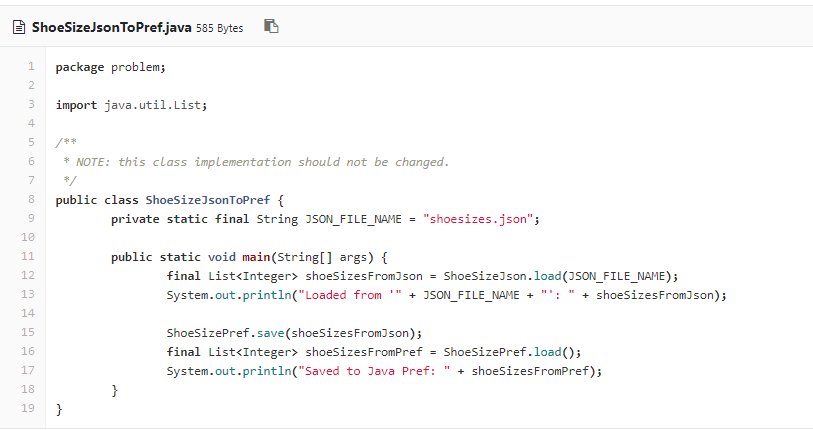
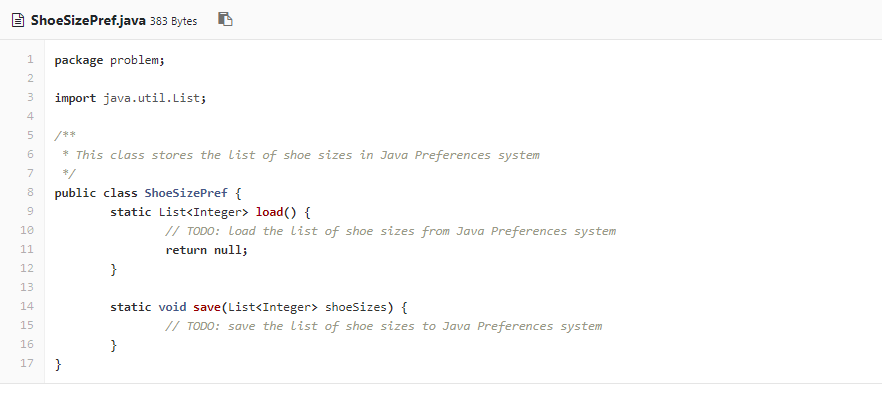
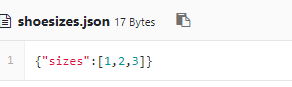
This problem is about loading a list of shoe sizes from a JSON file (shoesizes.json), and save it to Java Preferences System. The JSON loader requires importing json-simple-1.1.1.jar to the project build path. How to run . Start Eclipse 2. On the top navigation panel, click "File", then "Import 3. Choose "Existing Projects into Workspace", click "Next 4. Browse to this folder, and click "Finish
Step by Step Solution
There are 3 Steps involved in it
1 Expert Approved Answer
Step: 1 Unlock

Question Has Been Solved by an Expert!
Get step-by-step solutions from verified subject matter experts
Step: 2 Unlock
Step: 3 Unlock
 Study Help