







Question: this should be done with javaFx Create, test, and document a Java program with the following classes. Figure: This is an abstract class Rectangle: This
this should be done with javaFx
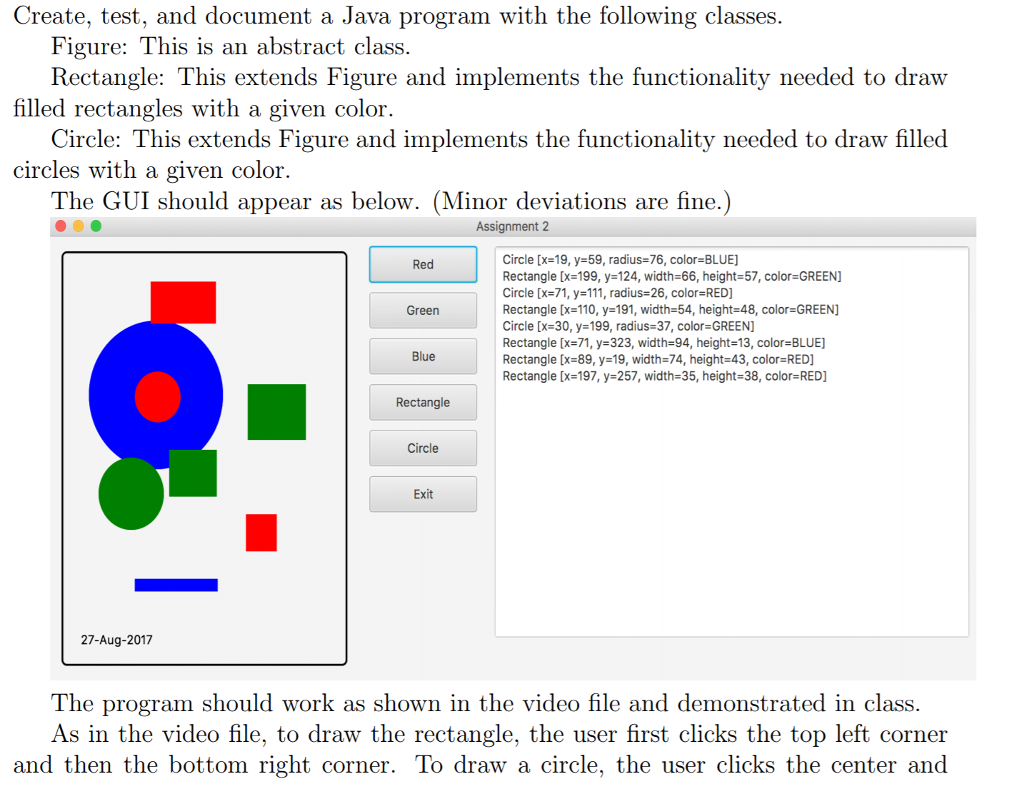
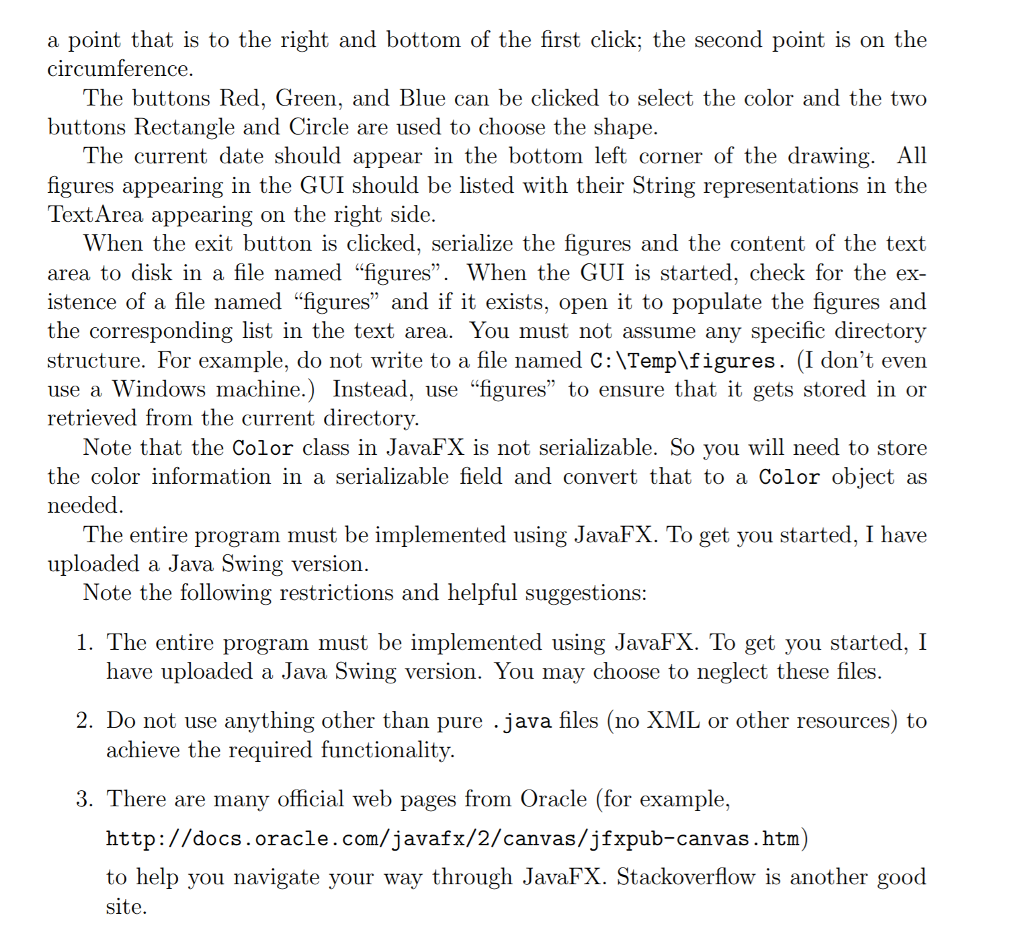
Create, test, and document a Java program with the following classes. Figure: This is an abstract class Rectangle: This extends Figure and implements the functionality needed to draw Circle: This extends Figure and implements the functionality needed to draw filled The GUI should appear as below. (Minor deviations are fine.) filled rectangles with a given color. circles with a given color. Assignment 2 Circle [x-19, y-59, radius-76, color BLUE] Rectangle [x=199, y=124, width=66, height-57, color=GREEN Circle [x=71, y=111, radius-26, color=RED] Rectangle [x-110, y 191, width-64, height-48, color-GREEN] Circle [x-30, y-199, radius-37, color-GREEN] Rectangle [x=71, y=323, width-94, height-13, color=BLUE] Rectangle [x=89, y=19, width=74, height=43, color=RED] Rectangle [x=197, y=257, width-35, height-38, color-RED] Red Green Blue Rectangle Circle Exit 27-Aug-2017 The program should work as shown in the video file and demonstrated in class. As in the video file, to draw the rectangle, the user first clicks the top left corner and then the bottom right corner. To draw a circle, the user clicks the center and Create, test, and document a Java program with the following classes. Figure: This is an abstract class Rectangle: This extends Figure and implements the functionality needed to draw Circle: This extends Figure and implements the functionality needed to draw filled The GUI should appear as below. (Minor deviations are fine.) filled rectangles with a given color. circles with a given color. Assignment 2 Circle [x-19, y-59, radius-76, color BLUE] Rectangle [x=199, y=124, width=66, height-57, color=GREEN Circle [x=71, y=111, radius-26, color=RED] Rectangle [x-110, y 191, width-64, height-48, color-GREEN] Circle [x-30, y-199, radius-37, color-GREEN] Rectangle [x=71, y=323, width-94, height-13, color=BLUE] Rectangle [x=89, y=19, width=74, height=43, color=RED] Rectangle [x=197, y=257, width-35, height-38, color-RED] Red Green Blue Rectangle Circle Exit 27-Aug-2017 The program should work as shown in the video file and demonstrated in class. As in the video file, to draw the rectangle, the user first clicks the top left corner and then the bottom right corner. To draw a circle, the user clicks the center and
Step by Step Solution
There are 3 Steps involved in it

Get step-by-step solutions from verified subject matter experts
 Study Help