







Question: This should be solved using javafx. Please include comments to help me understand it if possible! Thanks. For this assignment, you will create the game
This should be solved using javafx. Please include comments to help me understand it if possible! Thanks.
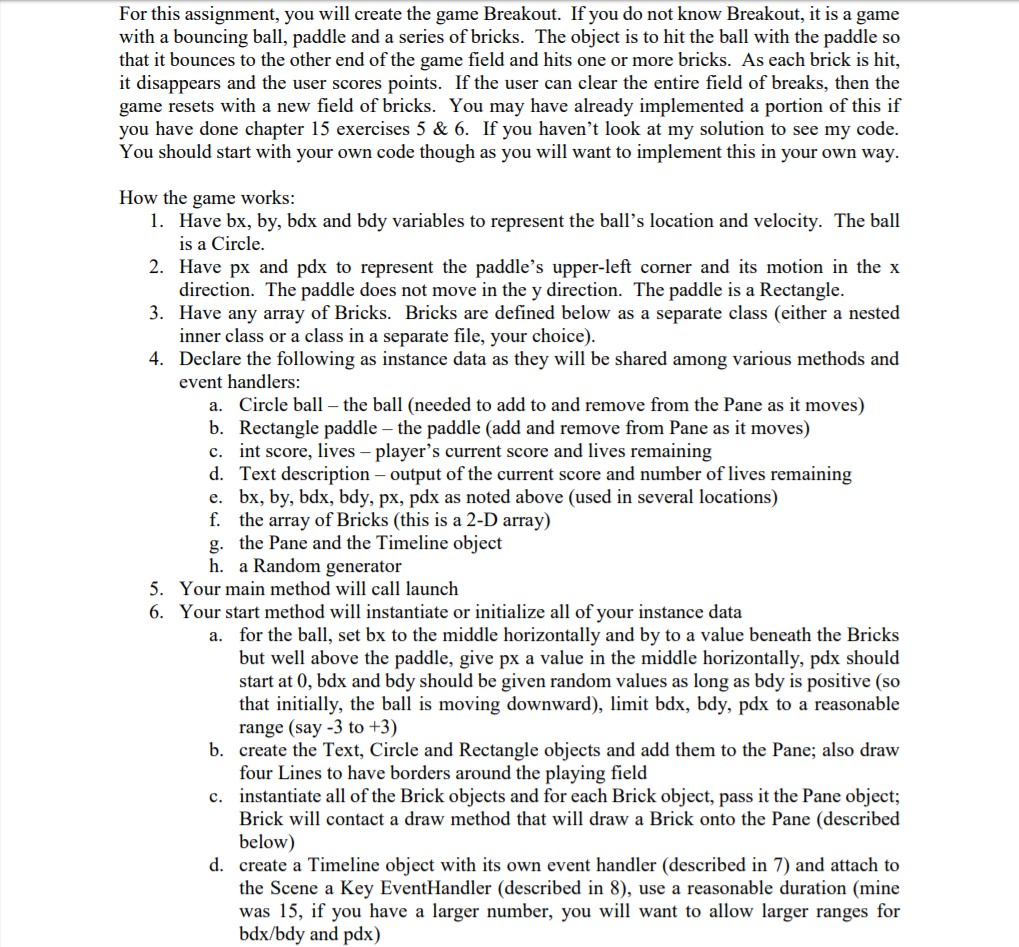
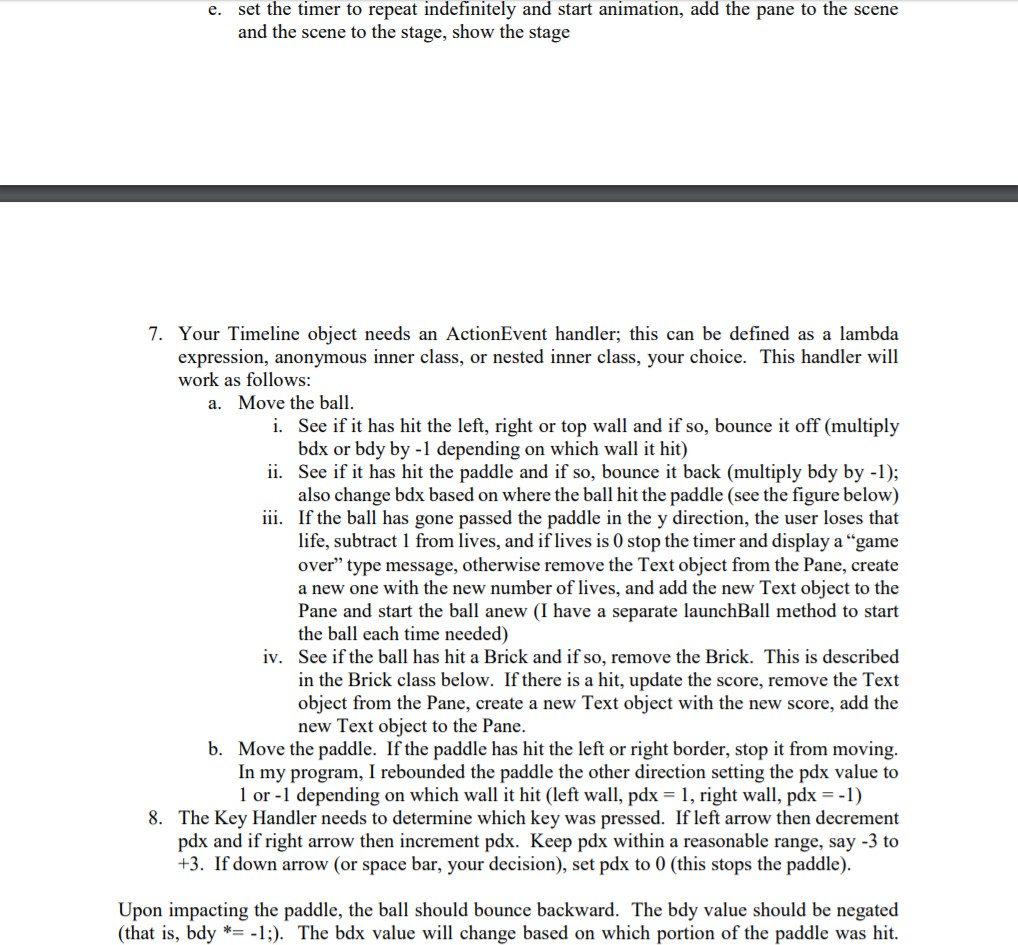
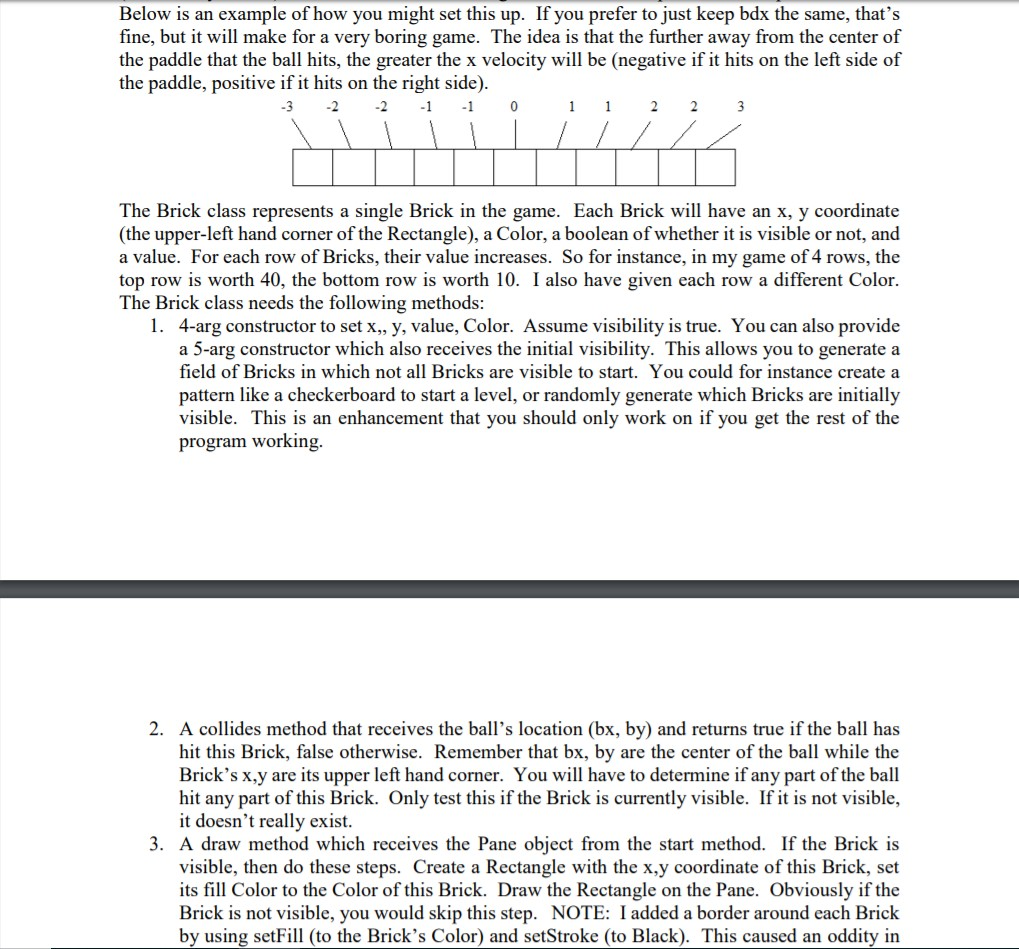
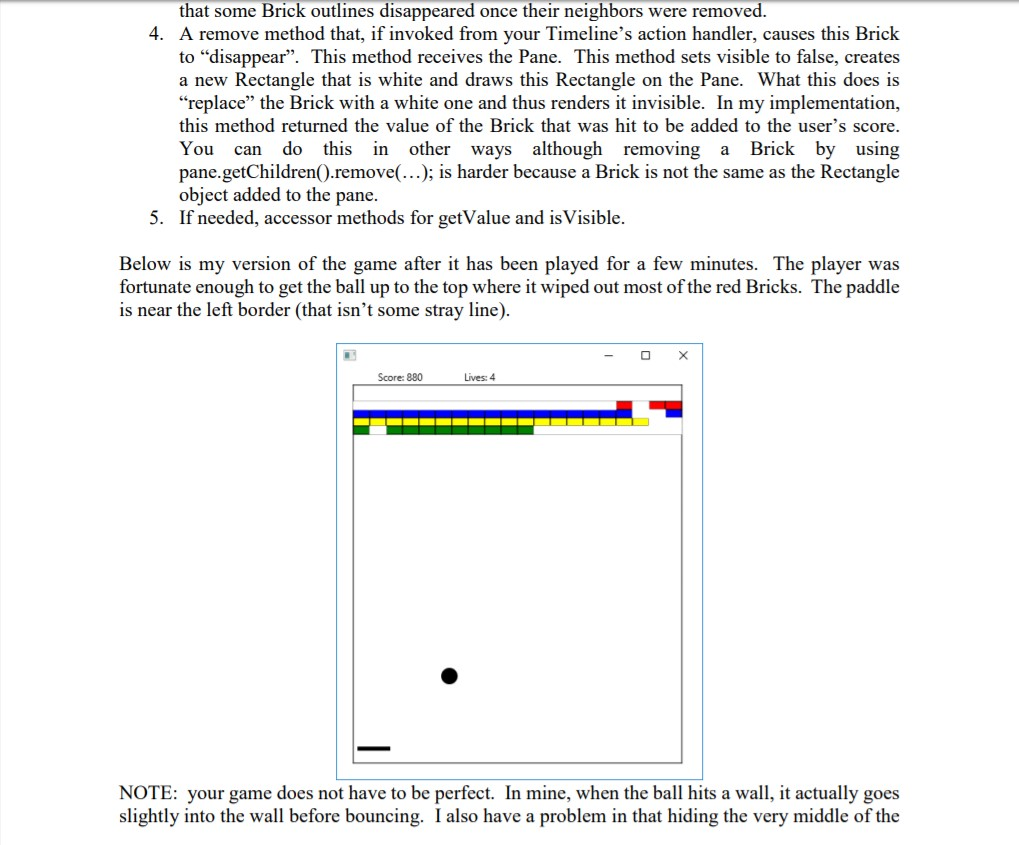
For this assignment, you will create the game Breakout. If you do not know Breakout, it is a game with a bouncing ball, paddle and a series of bricks. The object is to hit the ball with the paddle so that it bounces to the other end of the game field and hits one or more bricks. As each brick is hit it disappears and the user scores points. If the user can clear the entire field of breaks, then the game resets with a new field of bricks. You may have already implemented a portion of this if you have done chapter 15 exercises 5 & 6. If you haven't look at my solution to see my code. You should start with your own code though as you will want to implement this in your own way. How the game works: 1. Have bx, by, bdx and bdy variables to represent the ball's location and velocity. The ball is a Circle 2. Have px and pdx to represent the paddle's upper-left corner and its motion in the x direction. The paddle does not move in the y direction. The paddle is a Rectangle. inner class or a class in a separate file, your choice) event handlers 3. Have any array of Bricks. Bricks are defined below as a separate class (either a nested 4. Declare the following as instance data as they will be shared among various methods and Circle ball - the ball (needed to add to and remove from the Pane as it moves) a. b. Rectangle paddle - the paddle (add and remove from Pane as it moves) int score, lives - player's current score and lives remaining c. d. Text description - output of the current score and number of lives remaining bx, by, bdx, bdy, px, pdx as noted above (used in several locations) e. f. the array of Bricks (this is a 2-D array) the Pane and the Timeline object g. h. a Random generator Your main method will call launc Your start method will instantiate or initialize all of your instance data 6. a. for the ball, set bx to the middle horizontally and by to a value beneath the Bricks but well above the paddle, give px a value in the middle horizontally, pdx should start at 0, bdx and bdy should be given random values as long as bdy is positive (so that initially, the ball is moving downward), limit bdx, bdy, pdx to a reasonable range (say -3 to +3) b. create the Text, Circle and Rectangle objects and add them to the Pane; also draw four Lines to have borders around the playing field instantiate all of the Brick objects and for each Brick object, pass it the Pane object; Brick will contact a draw method that will draw a Brick onto the Pane (described below) c. d. create a Timeline object with its own event handler (described in 7) and attach to the Scene a Key EventHandler (described in 8), use a reasonable duration (mine was 15, if you have a larger number, you will want to allow larger ranges for bdx/bdy and pdx) For this assignment, you will create the game Breakout. If you do not know Breakout, it is a game with a bouncing ball, paddle and a series of bricks. The object is to hit the ball with the paddle so that it bounces to the other end of the game field and hits one or more bricks. As each brick is hit it disappears and the user scores points. If the user can clear the entire field of breaks, then the game resets with a new field of bricks. You may have already implemented a portion of this if you have done chapter 15 exercises 5 & 6. If you haven't look at my solution to see my code. You should start with your own code though as you will want to implement this in your own way. How the game works: 1. Have bx, by, bdx and bdy variables to represent the ball's location and velocity. The ball is a Circle 2. Have px and pdx to represent the paddle's upper-left corner and its motion in the x direction. The paddle does not move in the y direction. The paddle is a Rectangle. inner class or a class in a separate file, your choice) event handlers 3. Have any array of Bricks. Bricks are defined below as a separate class (either a nested 4. Declare the following as instance data as they will be shared among various methods and Circle ball - the ball (needed to add to and remove from the Pane as it moves) a. b. Rectangle paddle - the paddle (add and remove from Pane as it moves) int score, lives - player's current score and lives remaining c. d. Text description - output of the current score and number of lives remaining bx, by, bdx, bdy, px, pdx as noted above (used in several locations) e. f. the array of Bricks (this is a 2-D array) the Pane and the Timeline object g. h. a Random generator Your main method will call launc Your start method will instantiate or initialize all of your instance data 6. a. for the ball, set bx to the middle horizontally and by to a value beneath the Bricks but well above the paddle, give px a value in the middle horizontally, pdx should start at 0, bdx and bdy should be given random values as long as bdy is positive (so that initially, the ball is moving downward), limit bdx, bdy, pdx to a reasonable range (say -3 to +3) b. create the Text, Circle and Rectangle objects and add them to the Pane; also draw four Lines to have borders around the playing field instantiate all of the Brick objects and for each Brick object, pass it the Pane object; Brick will contact a draw method that will draw a Brick onto the Pane (described below) c. d. create a Timeline object with its own event handler (described in 7) and attach to the Scene a Key EventHandler (described in 8), use a reasonable duration (mine was 15, if you have a larger number, you will want to allow larger ranges for bdx/bdy and pdx)
Step by Step Solution
There are 3 Steps involved in it

Get step-by-step solutions from verified subject matter experts
 Study Help