


Question: Tim asks you how to remove the background from one of the pictures he inserted on a slide. You tell Tim to __ Question 19
Tim asks you how to remove the background from
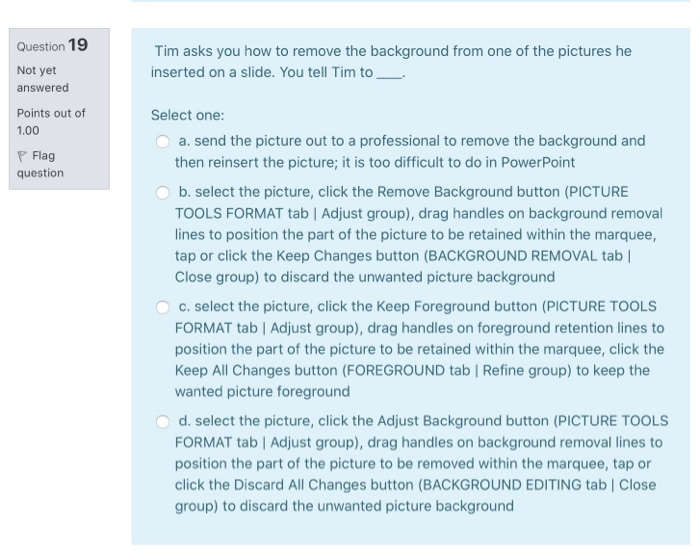
Tim asks you how to remove the background from one of the pictures he inserted on a slide. You tell Tim to __ Question 19 Not yet answered Points out of 1.00 P Flag question Select one: a. send the picture out to a professional to remove the background and then reinsert the picture; it is too difficult to do in Power Point b. select the picture, click the Remove Background button (PICTURE TOOLS FORMAT tab | Adjust group), drag handles on background removal lines to position the part of the picture to be retained within the marquee, tap or click the Keep Changes button (BACKGROUND REMOVAL tab Close group) to discard the unwanted picture background C. select the picture, click the Keep Foreground button (PICTURE TOOLS FORMAT tab Adjust group), drag handles on foreground retention lines to position the part of the picture to be retained within the marquee, click the Keep All Changes button (FOREGROUND tab Refine group) to keep the wanted picture foreground d. select the picture, click the Adjust Background button (PICTURE TOOLS FORMAT tab | Adjust group), drag handles on background removal lines to position the part of the picture to be removed within the marquee, tap or click the Discard All Changes button (BACKGROUND EDITING tab Close group) to discard the unwanted picture

Step by Step Solution

There are 3 Steps involved in it

1 Expert Approved Answer
Step: 1 Unlock blur-text-image

Question Has Been Solved by an Expert!

Get step-by-step solutions from verified subject matter experts

Step: 2 Unlock
Step: 3 Unlock

Students Have Also Explored These Related General Management Questions!