



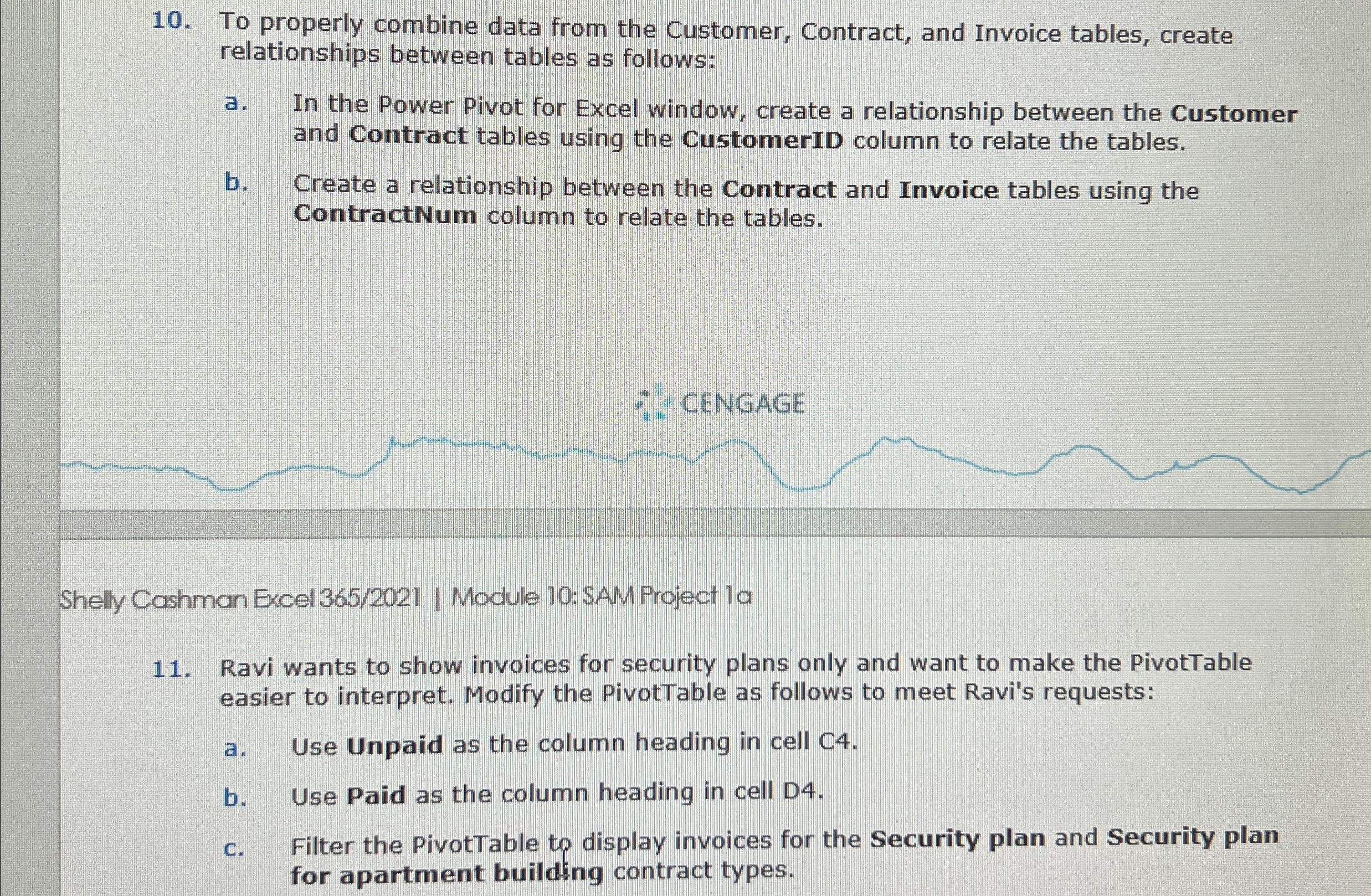
Question: To properly combine data from the Customer, Contract, and Invoice tables, create relationships between tables as follows: a . In the Power Pivot for Excel
To properly combine data from the Customer, Contract, and Invoice tables, create relationships between tables as follows:
a In the Power Pivot for Excel window, create a relationship between the Customer and Contract tables using the CustomerID column to relate the tables.
b Create a relationship between the Contract and Invoice tables using the ContractNum column to relate the tables.
Shelly Cashman Excel Module : SAM Project la
Ravi wants to show invoices for security plans only and want to make the PivotTable easier to interpret. Modify the PivotTable as follows to meet Ravi's requests:
a Use Unpaid as the column heading in cell C
b Use Paid as the column heading in cell D
c Filter the PivotTable to display invoices for the Security plan and Security plan for apartment building contract types.
Step by Step Solution
There are 3 Steps involved in it
1 Expert Approved Answer
Step: 1 Unlock

Question Has Been Solved by an Expert!
Get step-by-step solutions from verified subject matter experts
Step: 2 Unlock
Step: 3 Unlock