



Question: To properly combine data from the Customer, Contract, and Invoice tables, create relationships between tables as follows: In the Power Pivot for Excel window, create
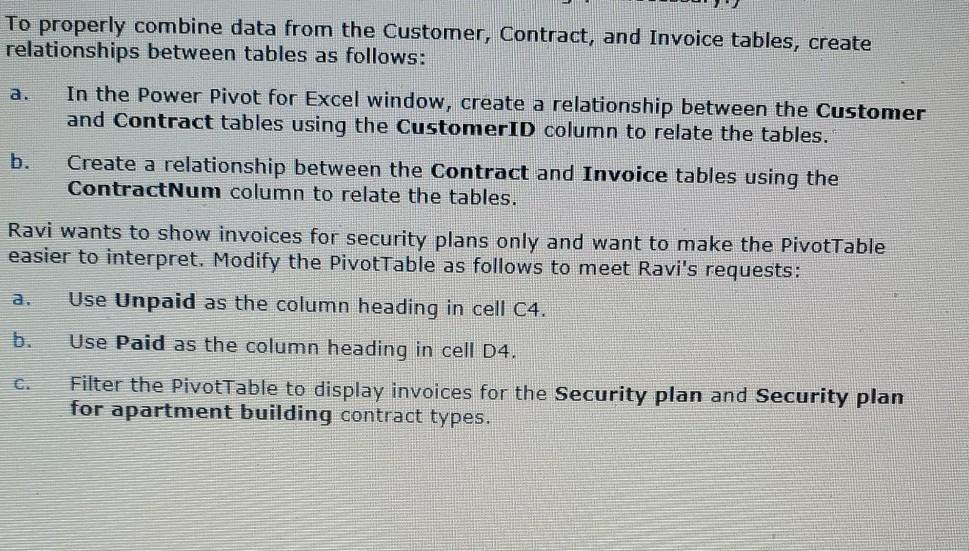
To properly combine data from the Customer, Contract, and Invoice tables, create relationships between tables as follows: In the Power Pivot for Excel window, create a relationship between the Customer and Contract tables using the CustomerID column to relate the tables. Create a relationship between the Contract and Invoice tables using the ContractNum column to relate the tables. Ravi wants to show invoices for security plans only and want to make the PivotTable easier to interpret. Modify the PivotTable as follows to meet Ravi's requests: Use Unpaid as the column heading in cell C4. Use Paid as the column heading in cell 04. Filter the Pivottable to display invoices for the Security plan and Security plan for apartment building contract types
Step by Step Solution
There are 3 Steps involved in it

Get step-by-step solutions from verified subject matter experts