







Question: To select multiple cells that are not next to each other in a spreadsheet, a user must: Use the Go To function in
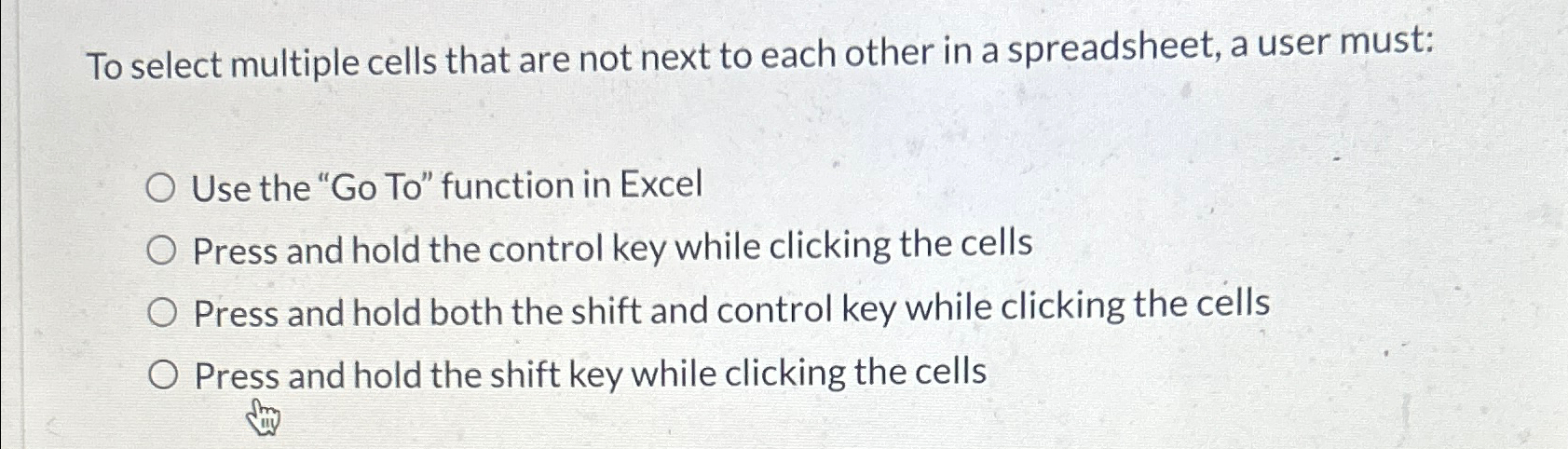
To select multiple cells that are not next to each other in a spreadsheet, a user must:
Use the Go To function in Excel
Press and hold the control key while clicking the cells
Press and hold both the shift and control key while clicking the cells
Press and hold the shift key while clicking the cells
Step by Step Solution
There are 3 Steps involved in it
1 Expert Approved Answer
Step: 1 Unlock

Question Has Been Solved by an Expert!
Get step-by-step solutions from verified subject matter experts
Step: 2 Unlock
Step: 3 Unlock
 Study Help