







Question: TUTORIAL 1 Black-Box Testing Equivalence Partitioning & Boundary Value Analysis Instruction: 1. For each of the following question, you need to: i. Find equivalence classes
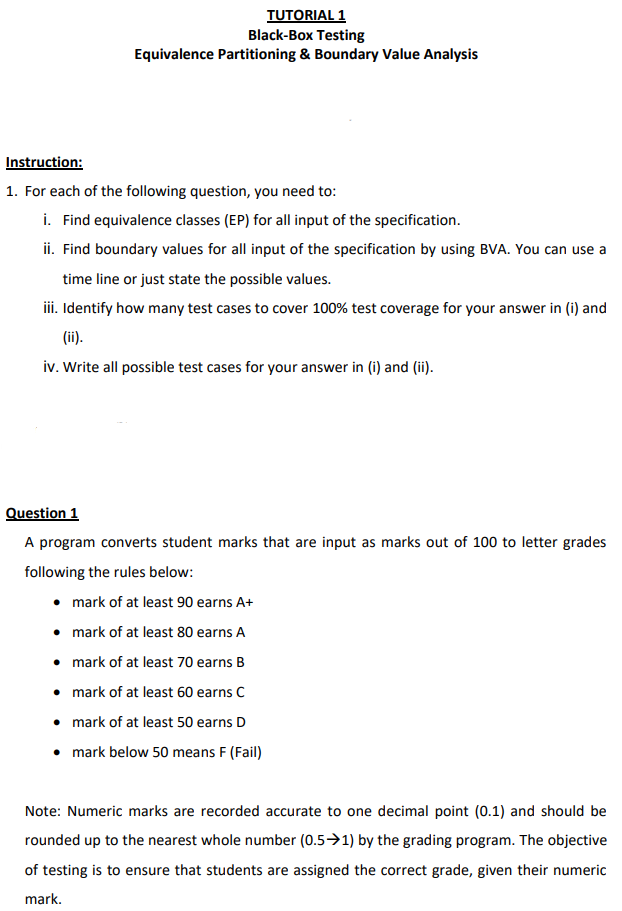
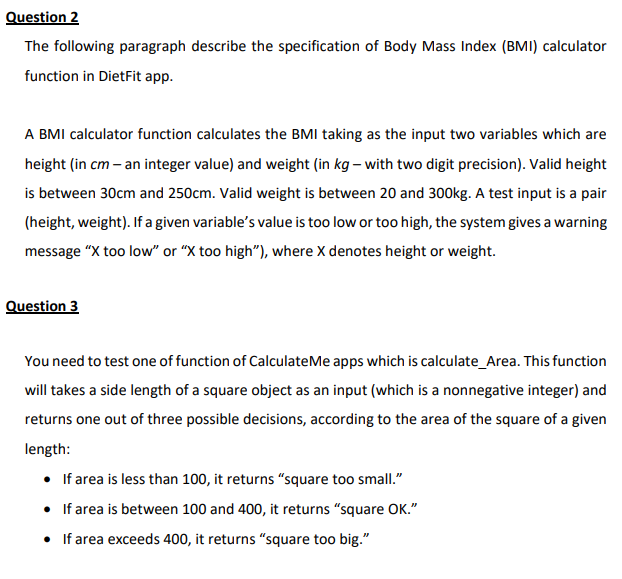
TUTORIAL 1 Black-Box Testing Equivalence Partitioning & Boundary Value Analysis Instruction: 1. For each of the following question, you need to: i. Find equivalence classes (EP) for all input of the specification. ii. Find boundary values for all input of the specification by using BVA. You can use a time line or just state the possible values. iii. Identify how many test cases to cover 100% test coverage for your answer in (i) and (ii). iv. Write all possible test cases for your answer in (i) and (ii). Question 1 A program converts student marks that are input as marks out of 100 to letter grades following the rules below: mark of at least 90 earns A+ mark of at least 80 earns A mark of at least 70 earns B mark of at least 60 earns C mark of at least 50 earns D mark below 50 means F (Fail) Note: Numeric marks are recorded accurate to one decimal point (0.1) and should be rounded up to the nearest whole number (0.5+1) by the grading program. The objective of testing is to ensure that students are assigned the correct grade, given their numeric mark. Question 2 The following paragraph describe the specification of Body Mass Index (BMI) calculator function in DietFit app. A BMI calculator function calculates the BMI taking as the input two variables which are height (in cm - an integer value) and weight (in kg - with two digit precision). Valid height is between 30cm and 250cm. Valid weight is between 20 and 300kg. A test input is a pair (height, weight). If a given variable's value is too low or too high, the system gives a warning message "X too low" or "X too high"), where X denotes height or weight. Question 3 You need to test one of function of CalculateMe apps which is calculate_Area. This function will takes a side length of a square object as an input (which is a nonnegative integer) and returns one out of three possible decisions, according to the area of the square of a given length: If area is less than 100, it returns square too small." If area is between 100 and 400, it returns "square OK." If area exceeds 400, it returns "square too big
Step by Step Solution
There are 3 Steps involved in it

Get step-by-step solutions from verified subject matter experts
 Study Help