







Question: (ues python) Read the following pseudocode that describes how the program is going to run. ? Write the program prolog as comments in the first
(ues python)
Read the following pseudocode that describes how the program is going to run.
? Write the program prolog as comments in the first few lines of your program. (Use plain English, not python code and use # at the beginning of the program to write the comments.) The program prolog includes your name, section, date and time you finished working on the program and a description of your program.
? Inside your program write the following design as comments. After the # symbol, give every step of your design a number so you can refer to it later on.
? This is a suggested design for the program.
1. Inside the main function, create a graphics window 1080*810.
2. Call a function DisplayWindow and pass it to one argument which is the name of the window you created in step 1.
3. Inside the function DisplayWindow display a text asks the user to input a file name, then display and an Entry to let the user input the files name.
4. Make sure that the file is exists and it is not empty. In case it is, then show an error message for the user and then empty the contents of the Entry and re-ask the user again. (You can do that using a while loop).
5. Define a variable called wrongCharacters, rightCharacters, wrongWords, rigthWords and initialize all of them to zero.
6. Call a function ExtractData and pass to it the name of the file you get from step 4. The function opens the file and read its contents then split the contents into a list of words then return the list back.
7. Use a for loop to go over the elements of the lists one by one. Inside the for loop do the following:
A. Get the current word in the list based on the fors counter and store it inside a variable called CurrentWord.
B. Create 26 Text to hold the letters A to Z as shown in the images above. Fill all of them with the white color. Here you can either define a list of 26 Texts, or you can define 26 separated Text or a 26 pictures of the alpabatics.
C. Create an Entry that has a size of 20 characters.
D. Now create number of Texts above the Entry. The number of Texts equals to the length of the CurrentWord.
E. To make sure that you are right until this point, you should see something similar to.
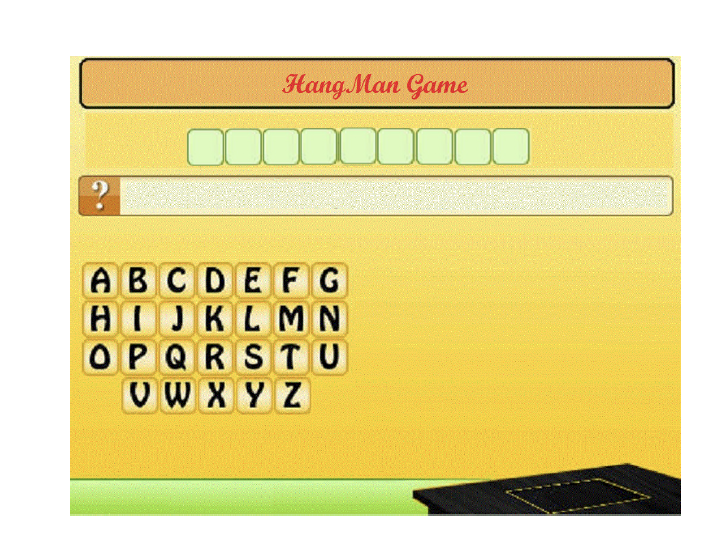 (The number of green boxes above the entry could be different, depending on the length of your current word).
F. Define an integer variable and call it CurrentWrongWord and give it a value 0.
G. Define a Boolean variable and call it CurrentWordTry and give it the value True
H. Define an integer variable and call it HangmanStage and give it the value 0.
I. Write a while loop that has three conditions:
a. The first one is CurrentWordTry=True
b. The second one is CurrentWrongWord
c. The third one is HangmanStage
Inside the while loop do the following:
a. Let the user input something inside the Entry created inside the step 7.C and then click a mouse. The user could input a single character or a word inside the entry. Store the value inputted inside a variable called UserInput.
b. If the UserInput is a word then compare it with the CurrentWord,
? If they dont match, then increase the CurrentWrongWord by 1 and increase wrongWords by 1.
? Otherwise assign the value False to CurrentWordTry (to end the while loop) and increase rigthWords by 1.
c. Else (means the UserInput is a single character), call the function Lookup and send to it the CurrentWord and UserInput and store the returned value into result.
? If result equals False, do the following:
o Increase the HangmanStage by 1.
o Increase wrongCharacters by 1
o Call function DisplayHamgManStage and pass to it the current value of HangmanStage and the window name.
o Fill the alphabetic box that include that character with red.
? Otherwise do the following:
o Show all the occurrence of the character inside the word by put the character(s) inside the proper Text Box.
o Fill the alphabetic box that include that character with green.
o Increase rightCharacters by 1
o Check the Displayed text to see if there is any left box unfilled or not. If nothing missed then it means that that was your last missing piece then make CurrentWordTry =False to end of the while loop.
d. Wait for 2 second then empty the Entry.
8. After you finish showing all the words, display the statics on the screen.
9. The program then waits for a click before terminating the game.
FUNCTIONS USED IN THIS PROJECT:
Function DisplayWindow takes one parameter which is the name of the window coming from the main function. The function does not return anything.
Function ExtractData takes one parameter and it returns one value which is a list of words. The function opens a file that uses the passed parameter as its name. The
function opens the file, and then extract every single word in it and put it inside one list. Then the function returns this list.
Function LoopUp takes 2 parameters (a word and a character) and it returns one value. The function returns back False if the character cant be found inside the word. Or it returns back a list of integers. These integers represent the indices where you can find the passed character inside the passed string.
Function DisplayHamgManStage takes two parameters, which are an integer number that represents the current hangman stage and the other one is a window name. The function does not return anything. The function displays the proper image that describe the current stage of the hangman based on the passed parameter.
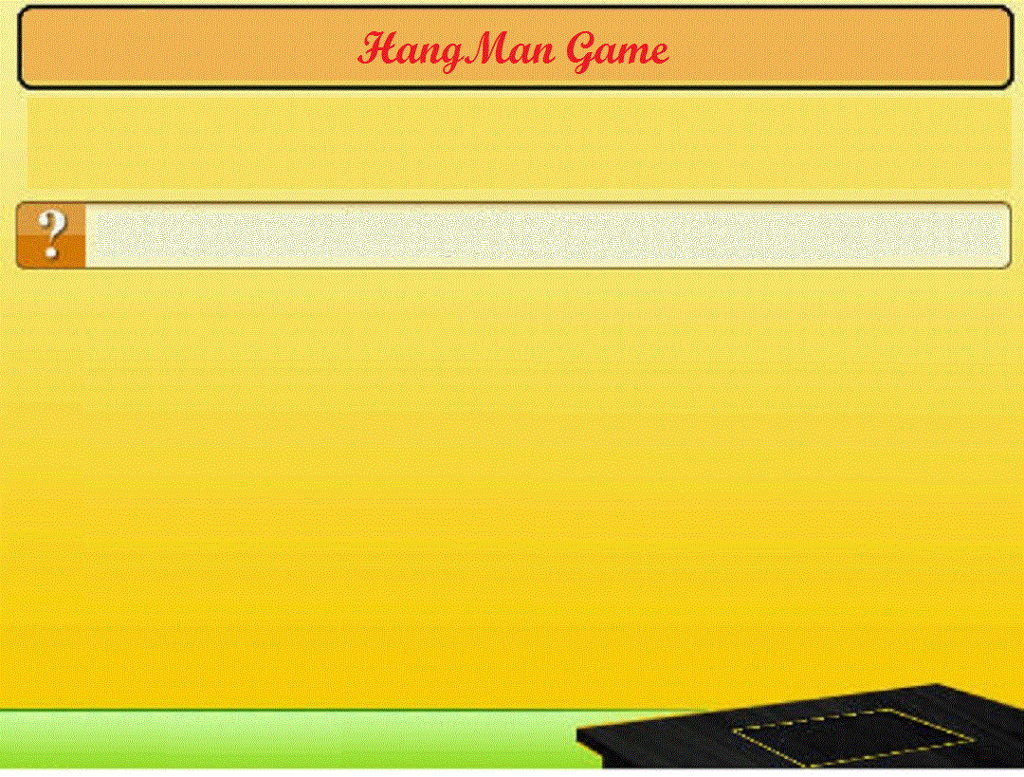
(Background)
 (One Chracter Box)
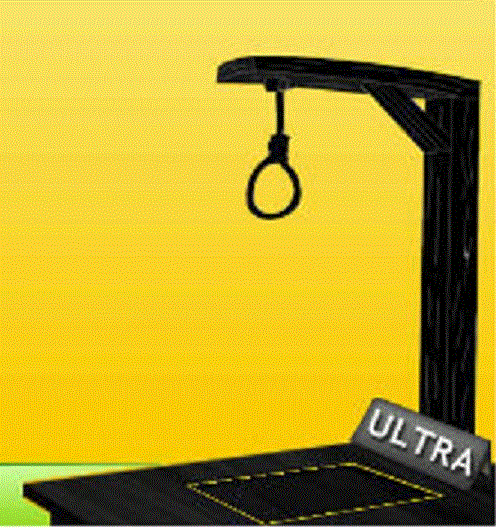
(Stage1)
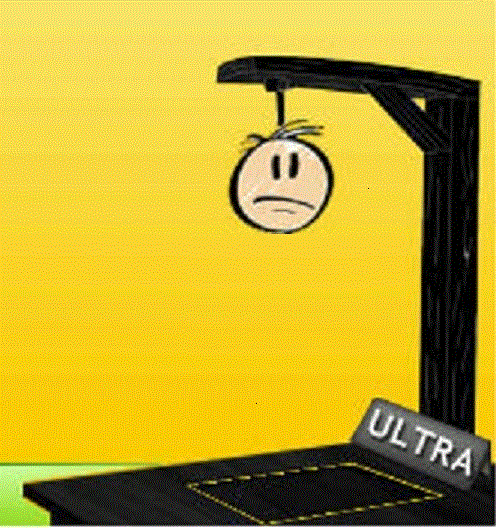
(Stage2)
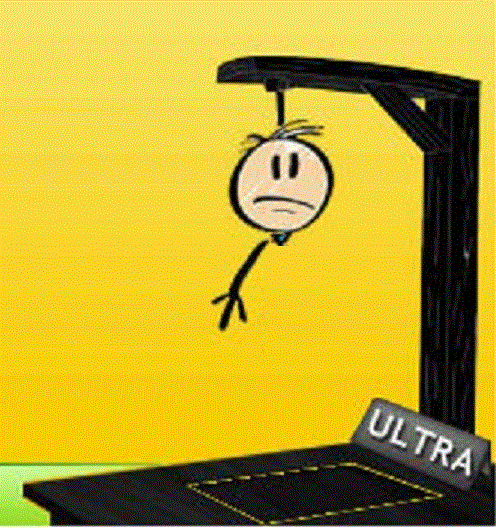
(Stage3)
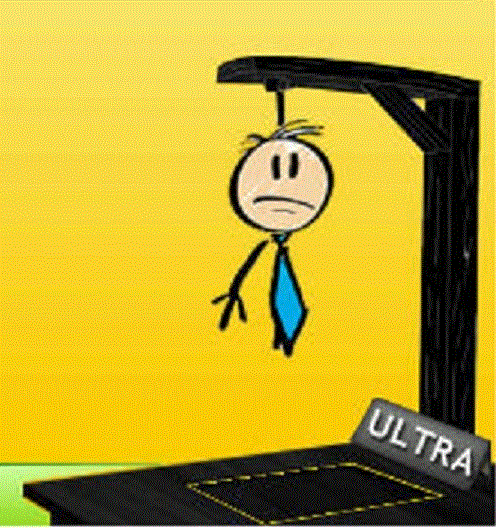
(Stage4)
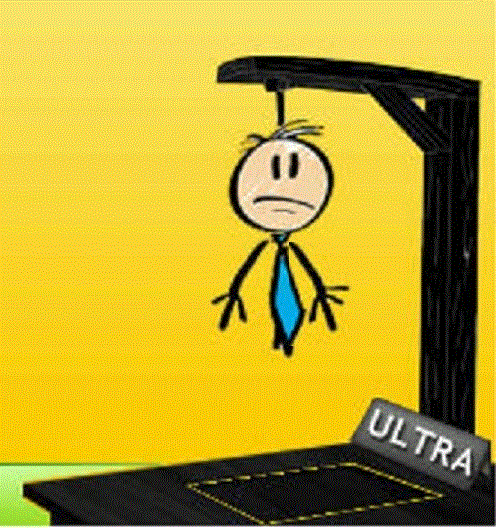
(Stage5)
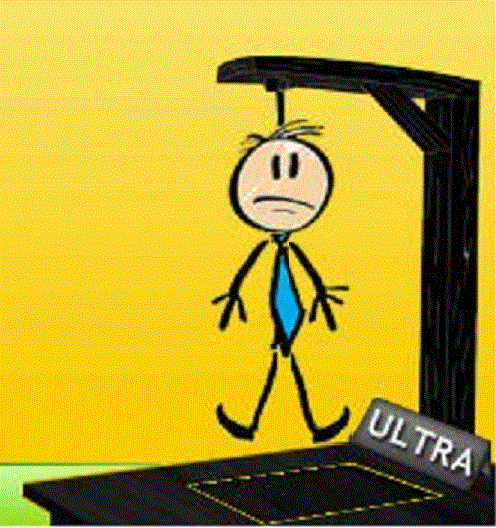
(Stage6)
Hang Man Game Hang Man Game
Step by Step Solution
There are 3 Steps involved in it

Get step-by-step solutions from verified subject matter experts
 Study Help