







Question: undefined Trusted Edit View Insert Cell Kernel Widgets Help e 10 Run Code Step 1 - Importing the Covid 19 Data Please do not touch

 undefined
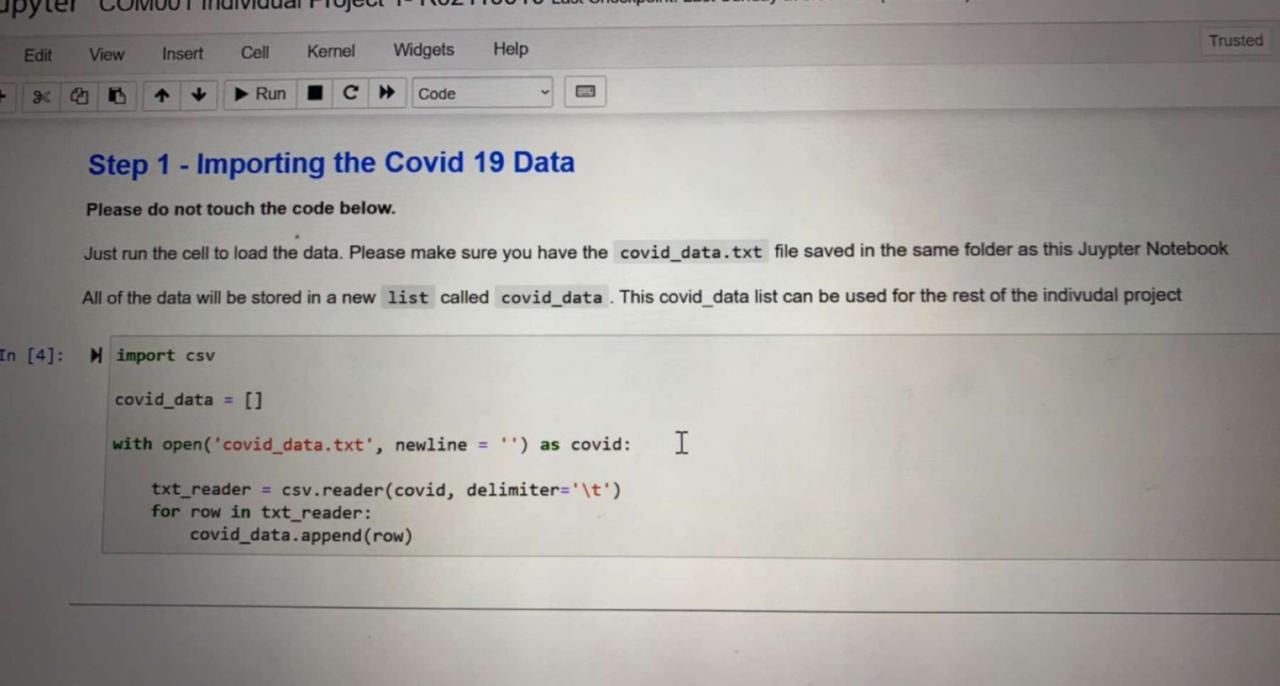
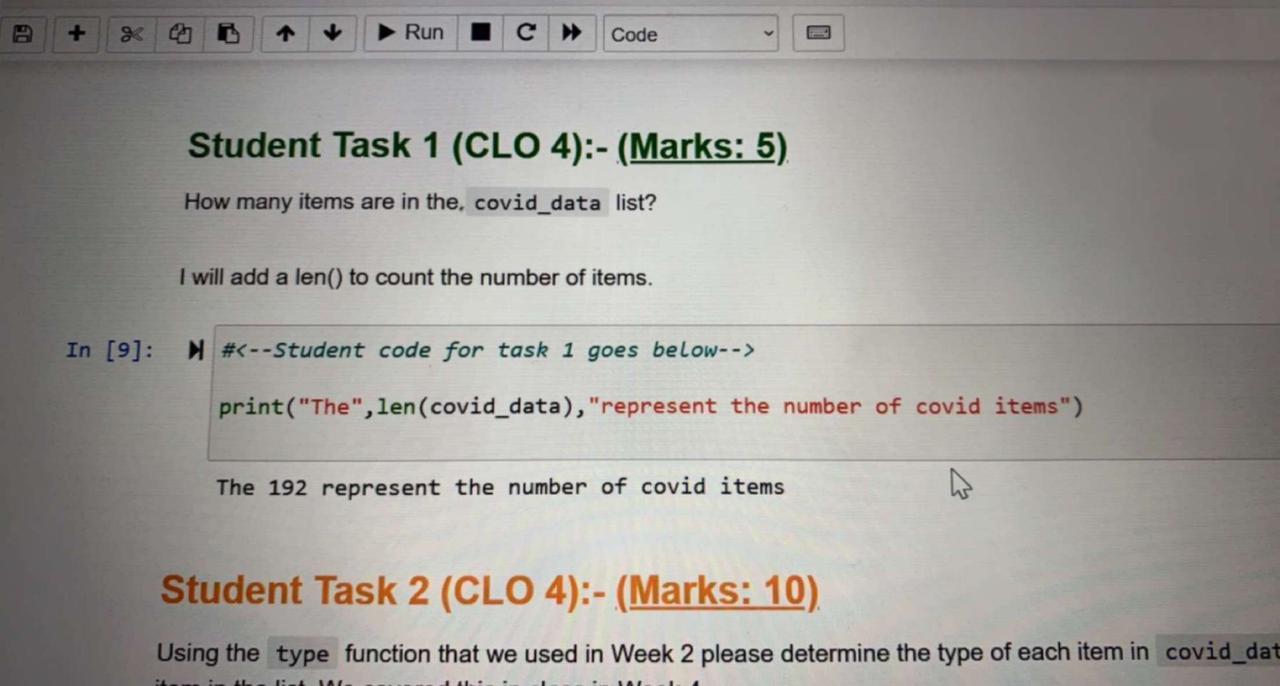
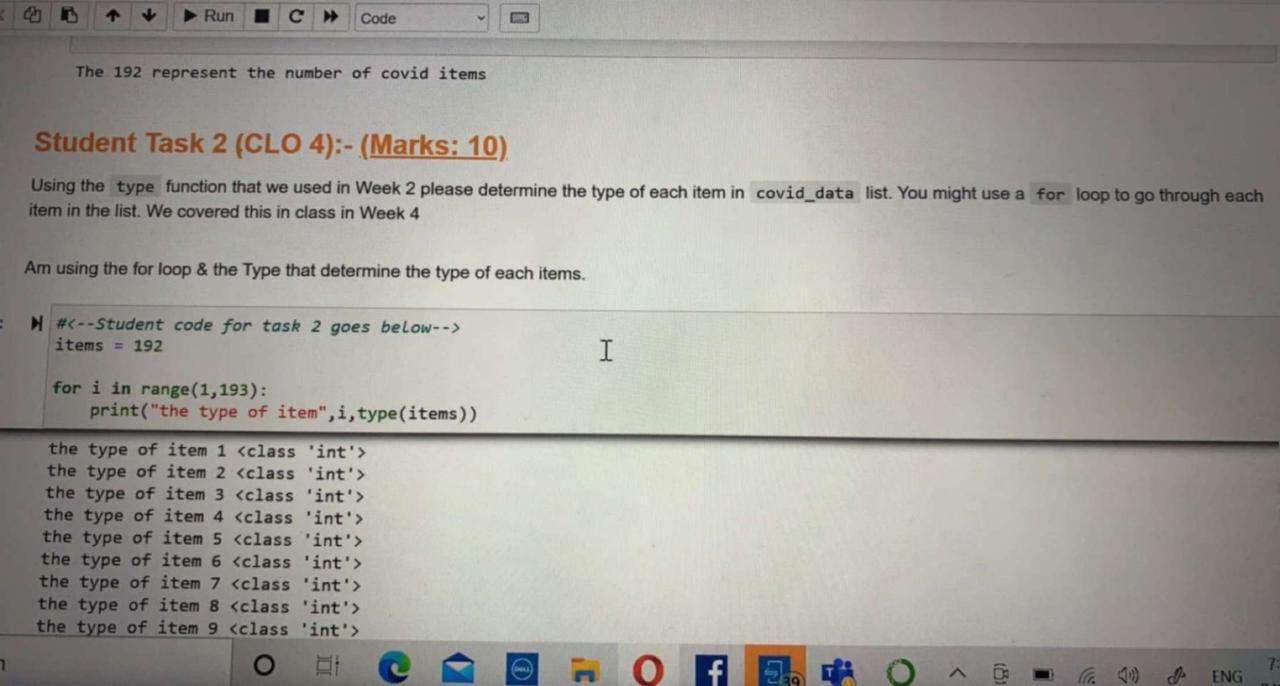
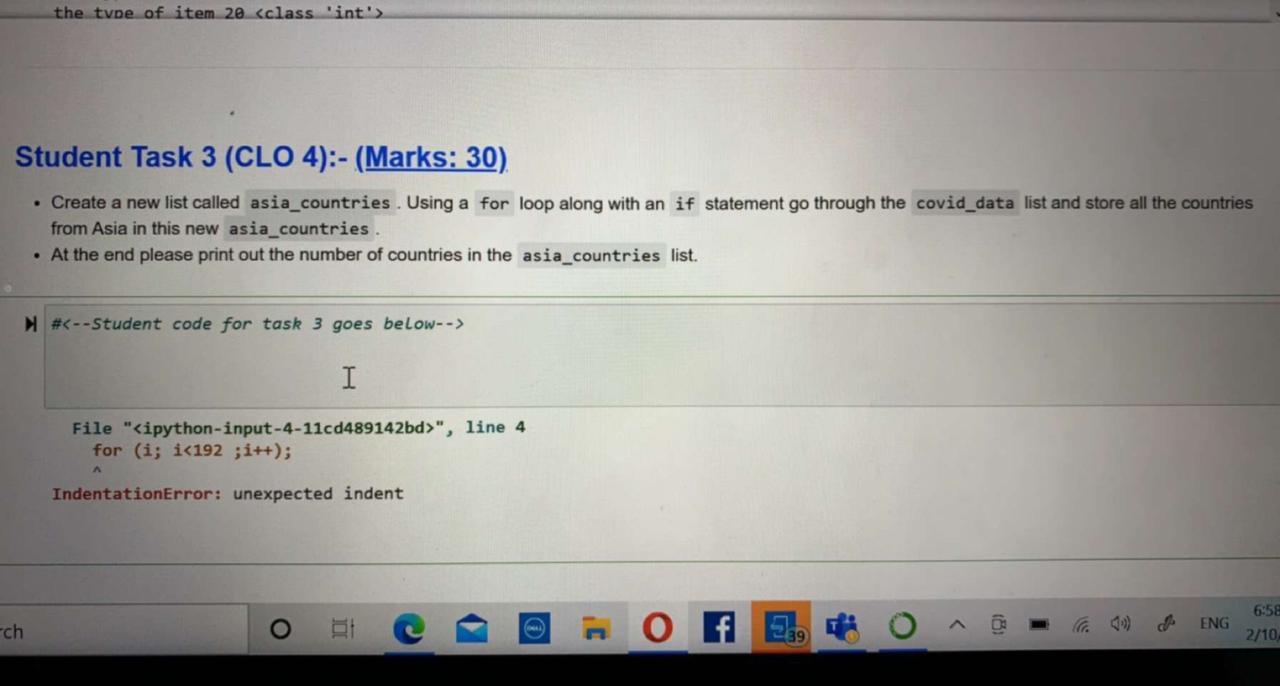
Trusted Edit View Insert Cell Kernel Widgets Help e 10 Run Code Step 1 - Importing the Covid 19 Data Please do not touch the code below. Just run the cell to load the data. Please make sure you have the covid_data.txt file saved in the same folder as this Juypter Notebook All of the data will be stored in a new list called covid_data . This covid_data list can be used for the rest of the indivudal project In [4]; import csv covid_data = [] with open('covid_data.txt', newline = '') as covid: I txt_reader = csv.reader(covid, delimiter='\t') for row in txt_reader: covid_data.append(row) Run C Code Student Task 1 (CLO 4):- (Marks: 5) How many items are in the covid_data list? I will add a len() to count the number of items. In [9]: # print("The", len(covid_data), "represent the number of covid items") The 192 represent the number of covid items Student Task 2 (CLO 4):- (Marks: 10). Using the type function that we used in Week 2 please determine the type of each item in covid_dat Run Code The 192 represent the number of covid items Student Task 2 (CLO 4):-(Marks: 10). Using the type function that we used in Week 2 please determine the type of each item in covid_data list. You might use a for loop to go through each item in the list. We covered this in class in Week 4 Am using the for loop & the Type that determine the type of each items. # items = 192 I for i in range(1,193): print("the type of item", i, type(items)) the type of item 1
Step by Step Solution
There are 3 Steps involved in it

Get step-by-step solutions from verified subject matter experts
 Study Help