



Question: Under the Data Consolidation tab, you are able to take data from separate worksheets and make them into a master sheet This would help
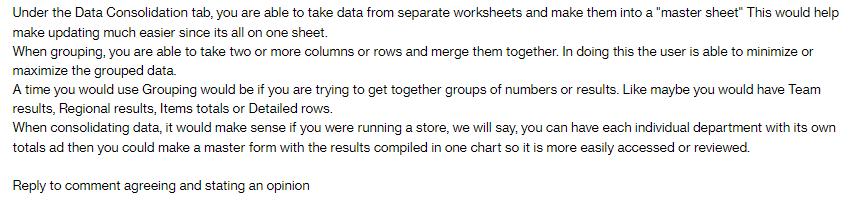
Under the Data Consolidation tab, you are able to take data from separate worksheets and make them into a "master sheet" This would help make updating much easier since its all on one sheet. When grouping, you are able to take two or more columns or rows and merge them together. In doing this the user is able to minimize or maximize the grouped data. A time you would use Grouping would be if you are trying to get together groups of numbers or results. Like maybe you would have Team results, Regional results, Items totals or Detailed rows. When consolidating data, it would make sense if you were running a store, we will say, you can have each individual department with its own totals ad then you could make a master form with the results compiled in one chart so it is more easily accessed or reviewed. Reply to comment agreeing and stating an opinion
Step by Step Solution
There are 3 Steps involved in it
Its indeed a powerful feature that can significantly improve data management and analysis Group... View full answer

Get step-by-step solutions from verified subject matter experts