







Question: Unknown Sample Malware Analysis You are given a malware sample in a 7zipped file named sample1. 72. This sample can be found on on the
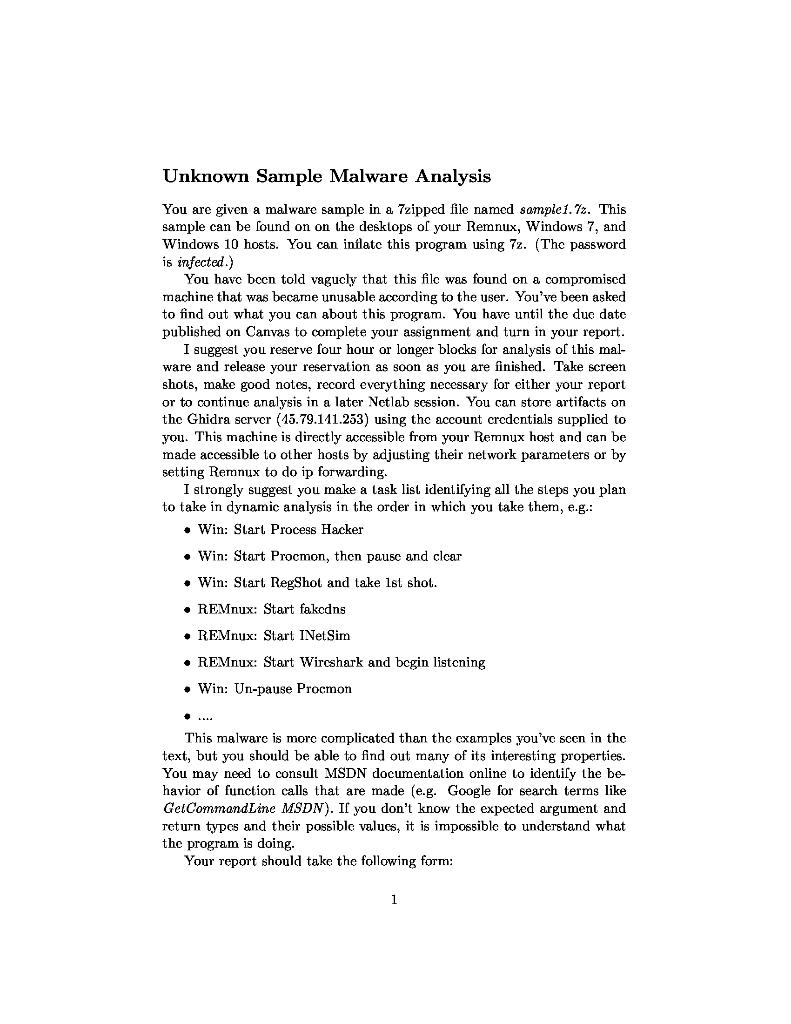
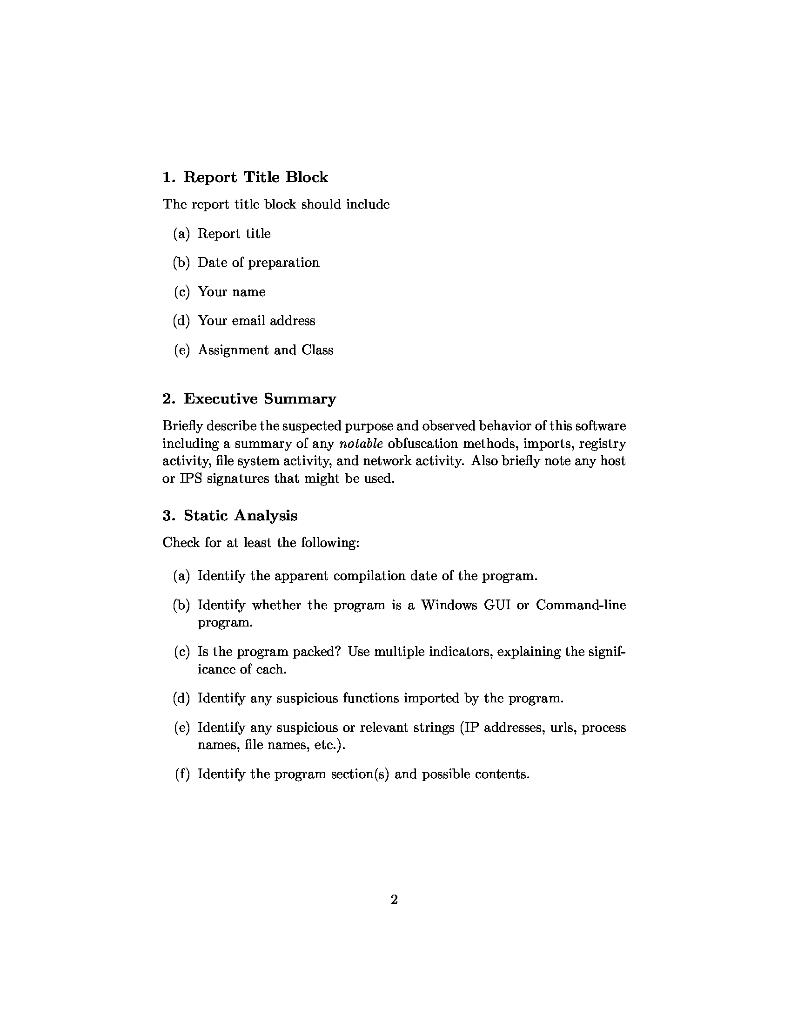
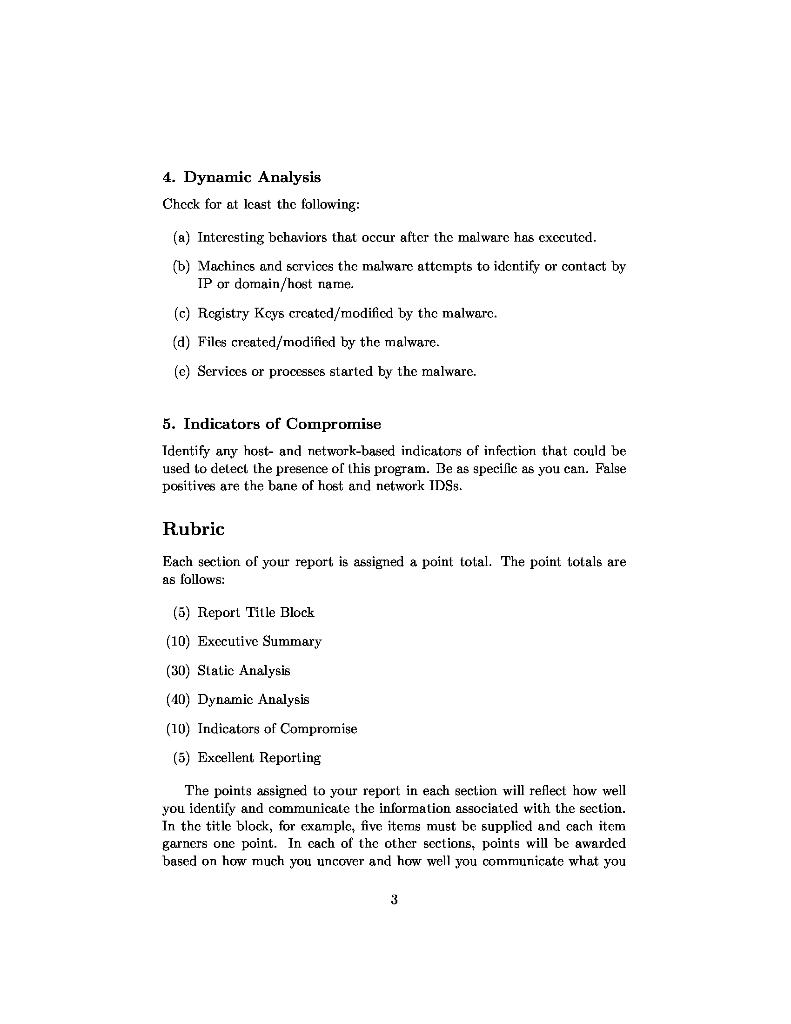
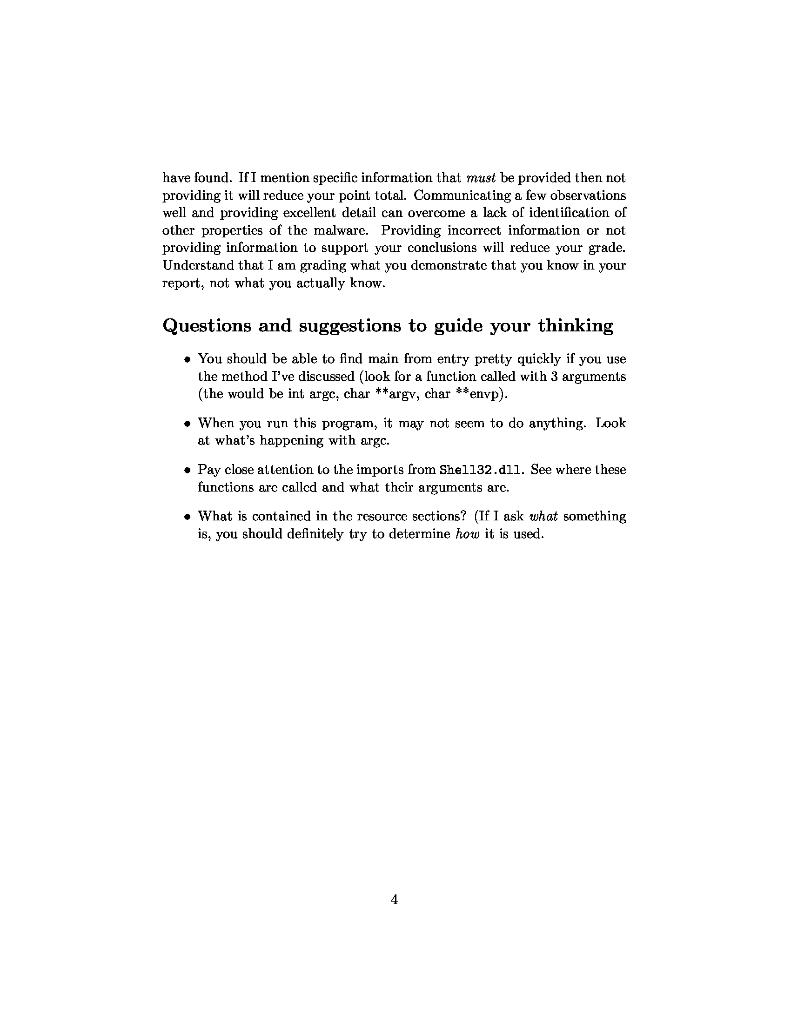
Unknown Sample Malware Analysis You are given a malware sample in a 7zipped file named sample1. 72. This sample can be found on on the desktops of your Remnux, Windows 7, and Windows 10 hosts. You can inflate this program using 72. (The password is infected.) You have been told vaguely that this file was found on a compromised machine that was became unusable according to the user. You've been asked to find out what you can about this program. You have until the due date published on Canvas to complete your assignment and turn in your report. I suggest you reserve four hour or longer blocks for analysis of this mal- ware and release your reservation as soon as you are finished. Take screen shots, make good notes, record everything necessary for either your report or to continue analysis in a later Netlab session. You can store artifacts on the Ghidra server (45.79.141.253) using the account credentials supplied to you. This machine is directly accessible from your Remnux host and can be made accessible to other hosts by adjusting their network parameters or by setting Remnux to do ip forwarding. I strongly suggest you make a task list identifying all the steps you plan to take in dynamic analysis in the order in which you take them, eg.: Win: Start Process Hacker Win: Start Procmon, then pause and clear Win: Start RegShot and take 1st shot. REMnux: Start fakcdns REMnux: Start INetSim REMnux: Start Wireshark and begin listening Win: Un-pause Procmon ..... This malware is more complicated than the cxamples you've seen in the text, but you should be able to find out many of its interesting properties. You may need to consult MSDN documentation online to identify the be- havior of function calls that are made (e.g. Google for search terms like GelCommand Line MSDN). If you don't know the expected argument and return types and their possible valucs, it is impossible to understand what the program is doing Your report should take the following form: 1. Report Title Block The report titlc block should include (a) Report title (b) Date of preparation (c) Your name (d) Your email address (e) Assignment and Class 2. Executive Summary Briefly describe the suspected purpose and observed behavior of this software including a summary of any nolable obfuscation methods, imports, registry activity, file system activity, and network activity. Also briefly note any host or IPS signatures that might be used. 3. Static Analysis Check for at least the following: (a) Identify the apparent compilation date of the program. (b) Identify whether the program is a Windows GUI or Command-line Program. (c) Is the program packed? Use multiple indicators, explaining the signif- icance of cach. (d) Identify any suspicious functions imported by the program. (e) Identify any suspicious or relevant strings (IP addresses, urls, process names, file names, etc.). (f) Identify the program section(s) and possible contents. 2 4. Dynamic Analysis Check for at lcast the following: (a) Interesting behaviors that occur after the malware has executed. (b) Machincs and scrvices the malware attempts to identify or contact by IP or domain/host name. (c) Registry Kcys crcatcd/modified by the malware. (d) Files created/modified by the malware. (c) Services or processes started by the malware. 5. Indicators of Compromise Identify any host- and network-based indicators of infection that could be used to delect the presence of this program. Be as specific as you can. False positives are the bane of host and network IDSs. Rubric Each section of your report is assigned a point total. The point totals are as follows: (5) Report Title Block (10) Executive Summary (30) Static Analysis (40) Dynamic Analysis (10) Indicators of Compromise (5) Excellent Reporting The points assigned to your report in each section will reflect how well you identify and communicate the information associated with the section. In the title block, for example, five items must be supplied and cach item garners one point. In cach of the other sections, points will be awarded based on how much you uncover and how well you communicate what you 3 have found. If I mention specific information that must be provided then not providing it will reduce your point total. Communicating a few observations well and providing excellent detail can overcome a lack of identification of other propertics of the malware. Providing incorrect information or not providing information to support your conclusions will reduce your grade. Understand that I am grading what you demonstrate that you know in your report, not what you actually know. Questions and suggestions to guide your thinking . You should be able to find main from entry pretty quickly if you use the method I've discussed (look for a function called with 3 arguments (the would be int argc, char **argv, char **envp). . When you run this program, it may not seem to do anything. Look at what's happening with argc. Pay close attention to the imports from Shel132.dll. See where these functions are called and what their arguments arc. . What is contained in the resource sections? (If I ask what something is, you should definitely try to determine how it is used. 4
Step by Step Solution
There are 3 Steps involved in it

Get step-by-step solutions from verified subject matter experts
 Study Help