







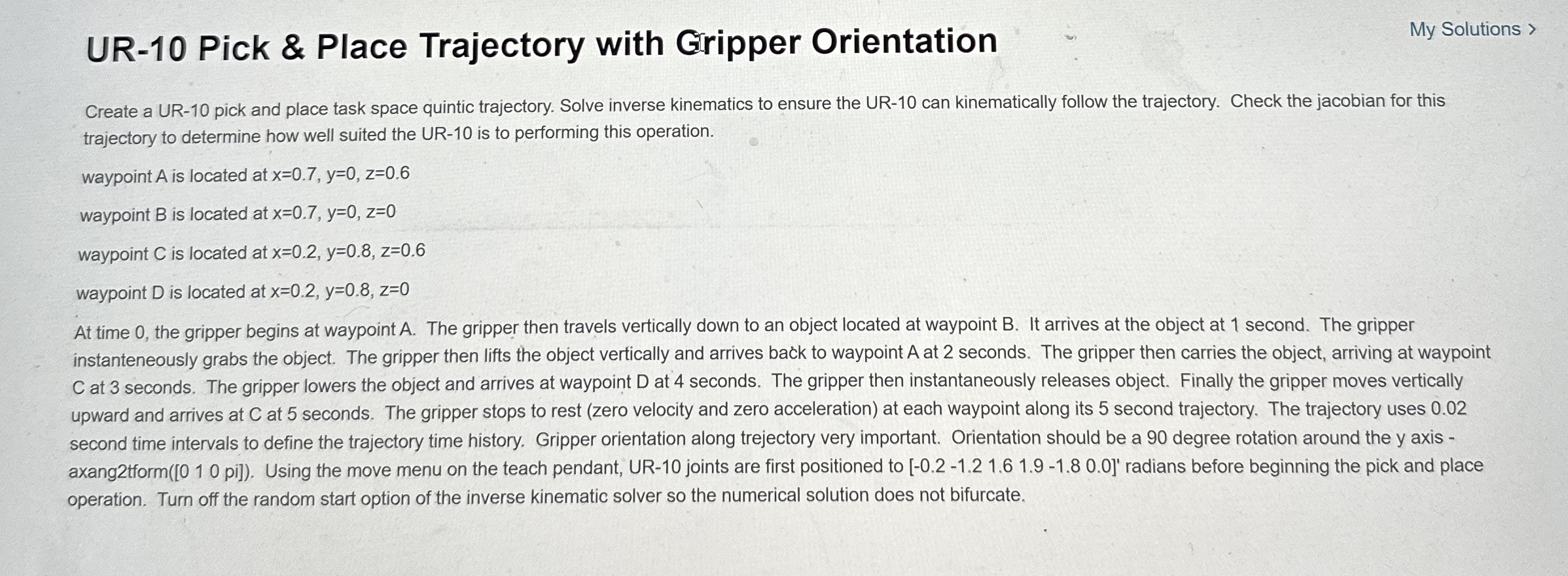
Question: UR - 1 0 Pick & Place Trajectory with Gripper Orientation My Solutions > Create a UR - 1 0 pick and place task space
UR Pick & Place Trajectory with Gripper Orientation
My Solutions
Create a UR pick and place task space quintic trajectory. Solve inverse kinematics to ensure the UR can kinematically follow the trajectory. Check the jacobian for this trajectory to determine how well suited the UR is to performing this operation.
waypoint is located at
waypoint is located at
waypoint is located at
waypoint is located at
At time the gripper begins at waypoint The gripper then travels vertically down to an object located at waypoint It arrives at the object at second. The gripper instanteneously grabs the object. The gripper then lifts the object vertically and arrives back to waypoint A at seconds. The gripper then carries the object, arriving at waypoint at seconds. The gripper lowers the object and arrives at waypoint at seconds. The gripper then instantaneously releases object. Finally the gripper moves vertically upward and arrives at at seconds. The gripper stops to rest zero velocity and zero acceleration at each waypoint along its second trajectory. The trajectory uses second time intervals to define the trajectory time history. Gripper orientation along trejectory very important. Orientation should be a degree rotation around the y axis axangtform pi Using the move menu on the teach pendant, UR joints are first positioned to
Step by Step Solution
There are 3 Steps involved in it
1 Expert Approved Answer
Step: 1 Unlock

Question Has Been Solved by an Expert!
Get step-by-step solutions from verified subject matter experts
Step: 2 Unlock
Step: 3 Unlock
 Study Help