







Question: Use linux bash commands. Thank you! 1. Copy all.c files in the 'src' subdirectory of the current working directory to the 'archive' directory of the
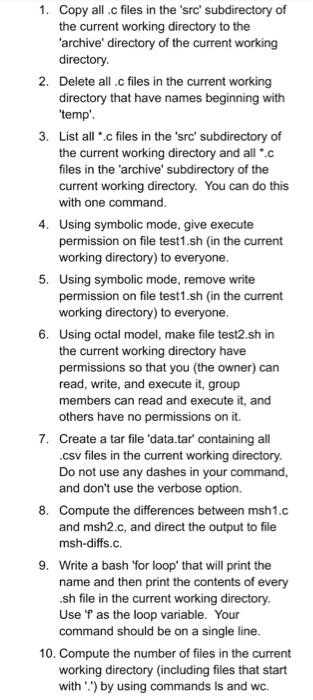
1. Copy all.c files in the 'src' subdirectory of the current working directory to the 'archive' directory of the current working directory 2. Delete all .c files in the current working directory that have names beginning with "temp'. 3. List all*.c files in the 'src' subdirectory of the current working directory and all.c files in the 'archive' subdirectory of the current working directory. You can do this with one command. 4. Using symbolic mode, give execute permission on file test1.sh (in the current working directory) to everyone. 5. Using symbolic mode, remove write permission on file test1.sh in the current working directory) to everyone. 6. Using octal model, make file test2.sh in the current working directory have permissions so that you the owner) can read, write, and execute it, group members can read and execute it, and others have no permissions on it. 7. Create a tar file 'data.tar' containing all .csv files in the current working directory. Do not use any dashes in your command, and don't use the verbose option. 8. Compute the differences between msh1.c and msh2.c, and direct the output to file msh-diffs.c. 9. Write a bash 'for loop' that will print the name and then print the contents of every .sh file in the current working directory. Use 'f as the loop variable. Your command should be on a single line. 10. Compute the number of files in the current working directory (including files that start with :) by using commands is and wc
Step by Step Solution
There are 3 Steps involved in it

Get step-by-step solutions from verified subject matter experts
 Study Help