







Question: Use matlab or octave to code. DO NOT USE if statements, while or for loops, reshape commands. Only use vectors, matrices, or functions. The 2nd
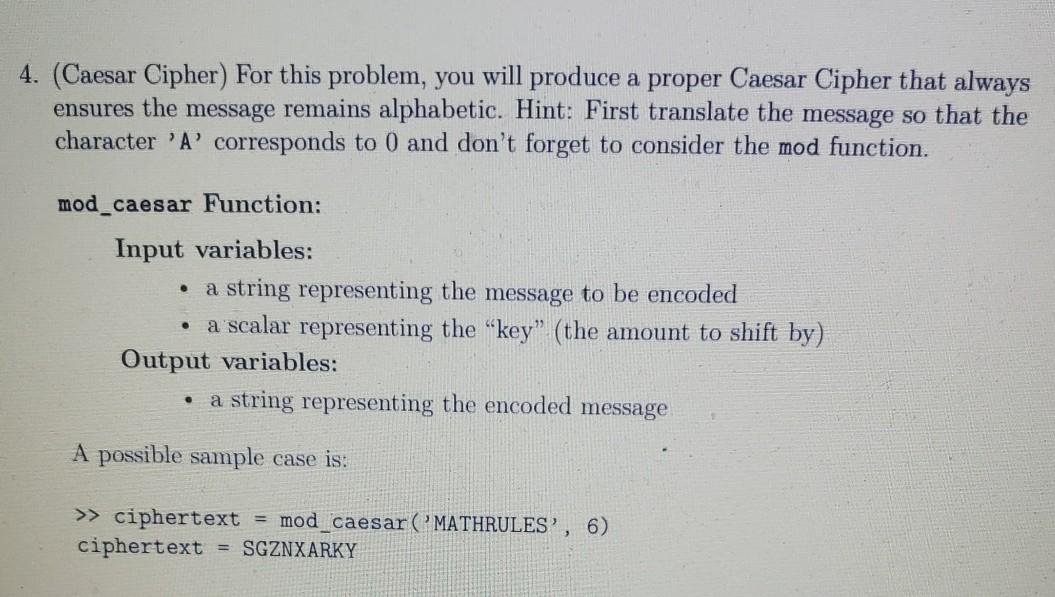
Use matlab or octave to code. DO NOT USE if statements, while or for loops, reshape commands. Only use vectors, matrices, or functions. The 2nd and 3rd pictures are an example of a wrong answer so do not code that please.
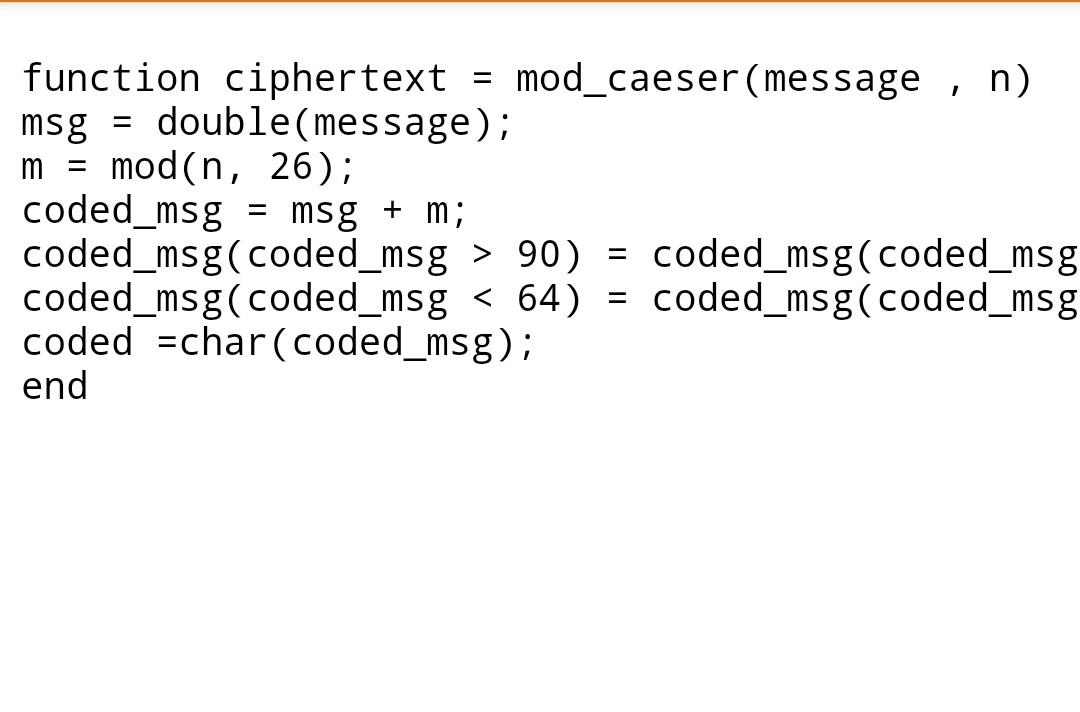
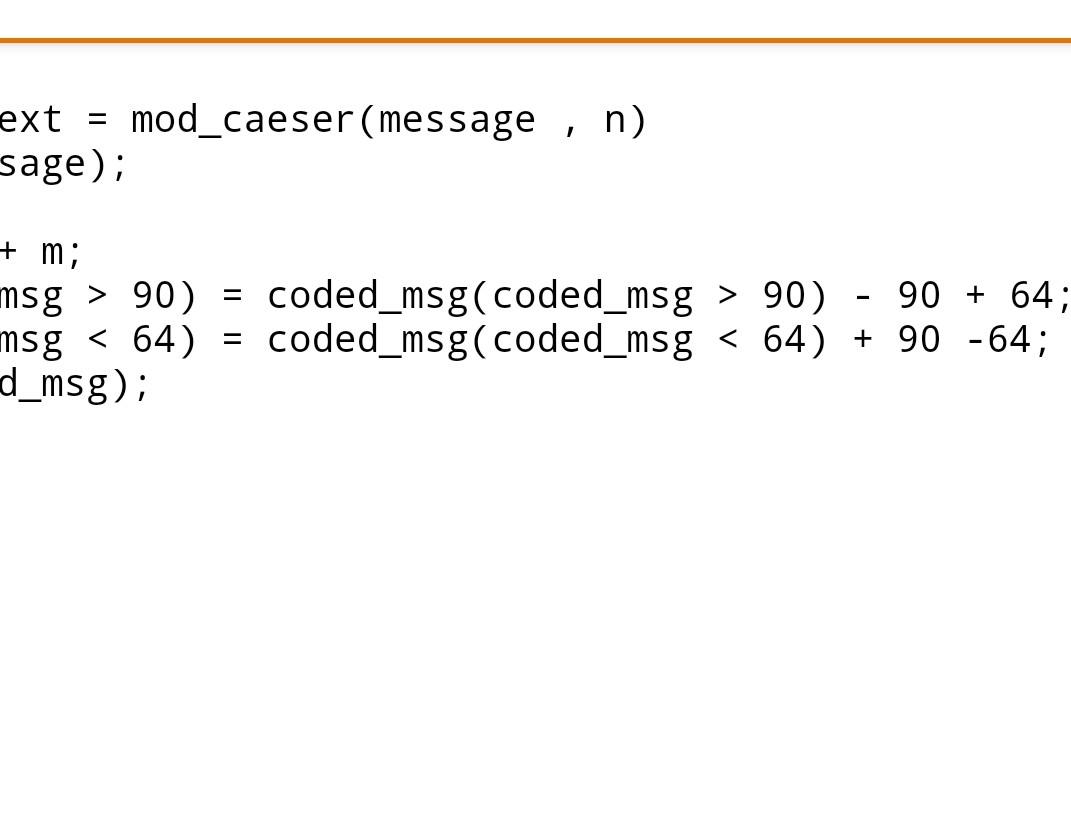
4. (Caesar Cipher) For this problem, you will produce a proper Caesar Cipher that always ensures the message remains alphabetic. Hint: First translate the message so that the character 'A' corresponds to 0 and don't forget to consider the mod function. mod_caesar Function: Input variables: a string representing the message to be encoded a scalar representing the key" (the amount to shift by) Output variables: a string representing the encoded message . A possible sample case is: >> ciphertext = mod_caesar (MATHRULES', 6) ciphertext = SGZNXARKY + m; function ciphertext = mod_caeser (message, n) msg = double(message); m = modan, 26); coded_msg msg coded_msg(coded_msg > 90) = coded_msg(coded_msg coded_msg(coded_msg 90) coded_msg(coded_msg > 90) - 90 + 64; msg
Step by Step Solution
There are 3 Steps involved in it

Get step-by-step solutions from verified subject matter experts
 Study Help