







Question: use Python Write a function 'polyfit_file()' which receives as first input argument o a file name as a string and o a polynomial degree value,
use Python
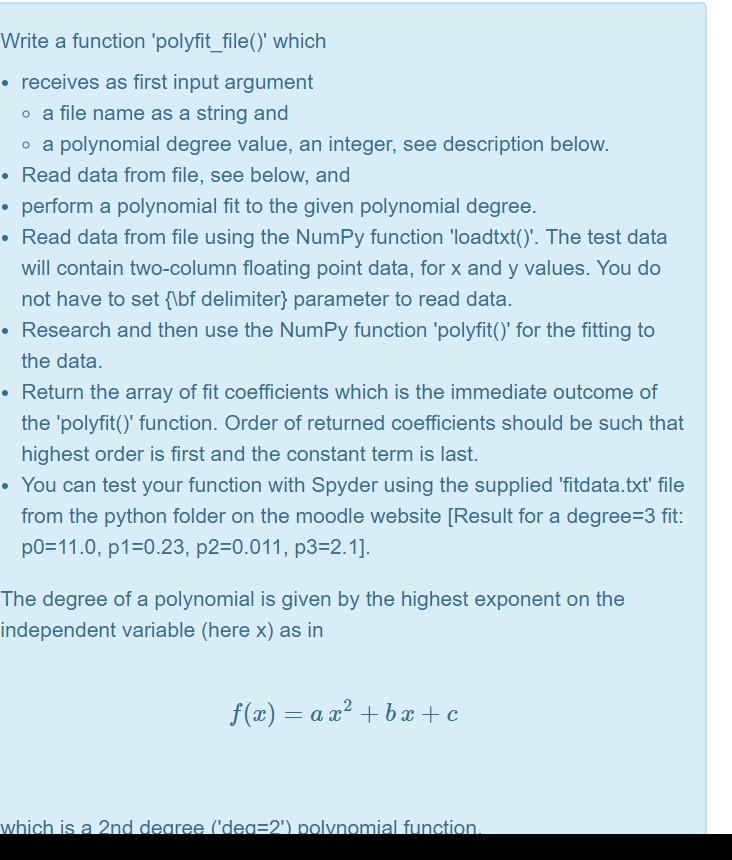
Write a function 'polyfit_file()' which receives as first input argument o a file name as a string and o a polynomial degree value, an integer, see description below Read data from file, see below, and e perform a polynomial fit to the given polynomial degree Read data from file using the NumPy function "loadtxt(). The test data will contain two-column floating point data, for x and y values. You do not have to set flbf delimiter) parameter to read data Research and then use the NumPy function 'polyfit() for the fitting to the data Return the array of fit coefficients which is the immediate outcome of the 'polyfit()' function. Order of returned coefficients should be such that highest order is first and the constant term is last . You can test your function with Spyder using the supplied fitdata.txt file from the python folder on the moodle website [Result for a degree 3 fit p0-11.0, p10.23, p2-0.011, p3-2.1] The degree of a polynomial is given by the highest exponent on the independent variable (here x) as in which is a 2nd degree ('deg:2) nolynomial function
Step by Step Solution
There are 3 Steps involved in it

Get step-by-step solutions from verified subject matter experts
 Study Help