







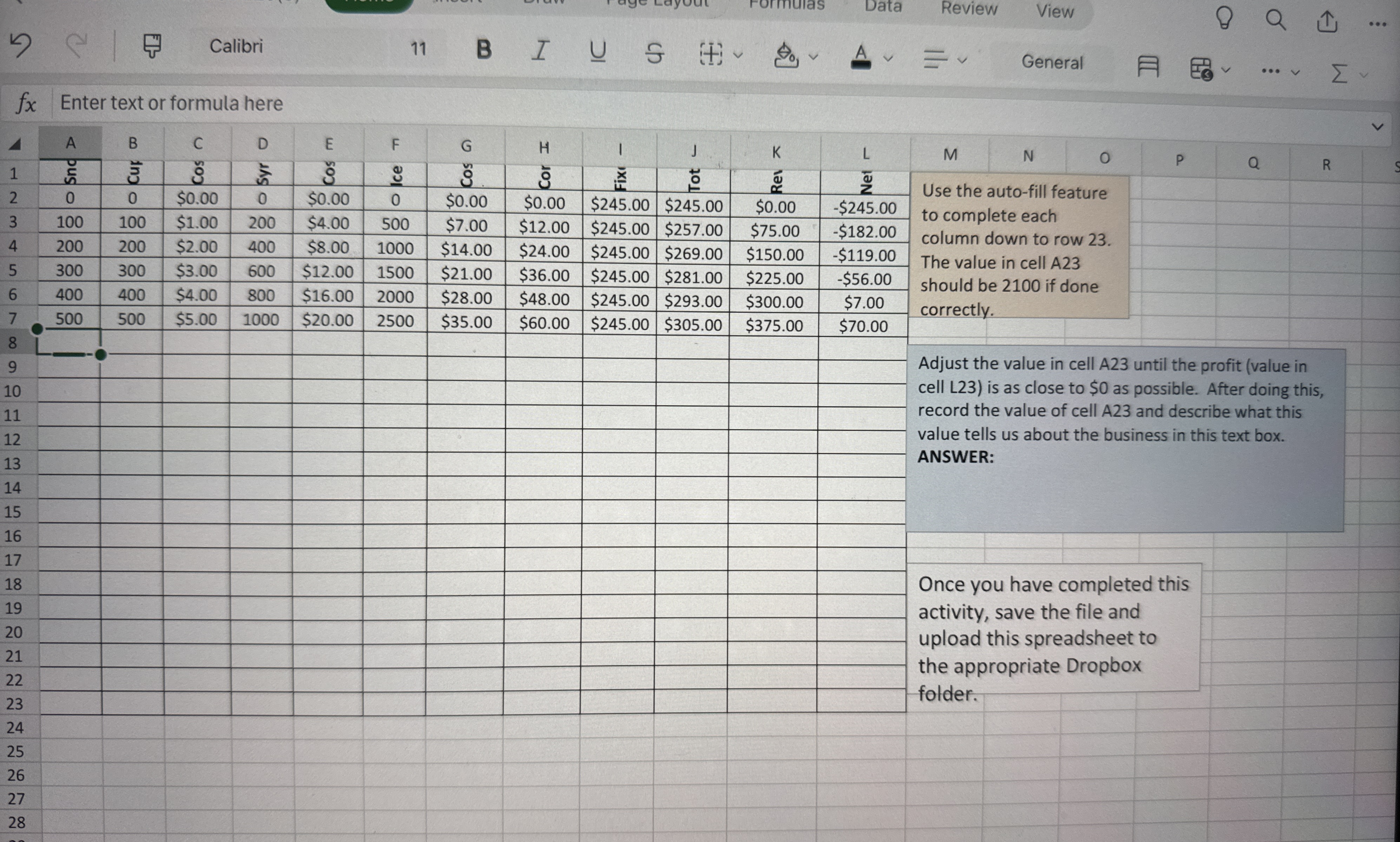
Question: Use the auto - fill feature to complete each column down to row 2 3 . The value in cell A 2 3 should be
Use the autofill feature
to complete each
column down to row
The value in cell A
should be if done
correctly.
Adjust the value in cell A until the profit value in
cell L is as close to $ as possible. After doing this,
record the value of cell A and describe what this
value tells us about the business in this text box.
ANSWER:
Once you have completed this
activity, save the file and
upload this spreadsheet to
the appropriate Dropbox
folder.
Step by Step Solution
There are 3 Steps involved in it
1 Expert Approved Answer
Step: 1 Unlock

Question Has Been Solved by an Expert!
Get step-by-step solutions from verified subject matter experts
Step: 2 Unlock
Step: 3 Unlock
 Study Help