







Question: Use the Report Wizard to create a report based on the Project and Consultant tables with the following options: a . Include the Description and
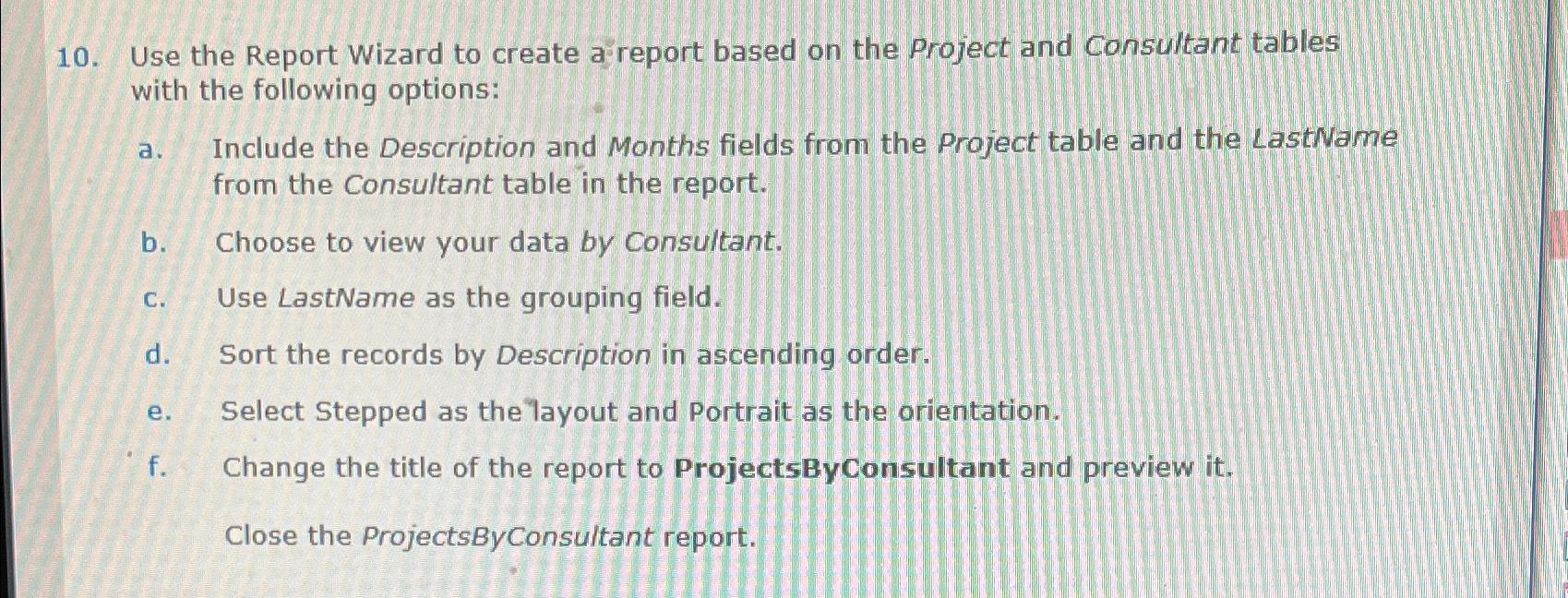
Use the Report Wizard to create a report based on the Project and Consultant tables with the following options:
a Include the Description and Months fields from the Project table and the LastName from the Consultant table in the report.
b Choose to view your data by Consultant.
c Use LastName as the grouping field.
d Sort the records by Description in ascending order.
e Select Stepped as the layout and Portrait as the orientation.
f Change the title of the report to ProjectsByConsultant and preview it
Close the ProjectsByConsultant report.
Step by Step Solution
There are 3 Steps involved in it
1 Expert Approved Answer
Step: 1 Unlock

Question Has Been Solved by an Expert!
Get step-by-step solutions from verified subject matter experts
Step: 2 Unlock
Step: 3 Unlock
 Study Help