





Question: Using JAVASCRIPT Using JAVASCRIPT-Generate a key to enable you to use the Google maps API https://developers.google.com/maps/documentation javascript/In the Starter zip file attached, edit the app.js
Using JAVASCRIPT  Using JAVASCRIPT Using JAVASCRIPT-Generate a key to enable you to use

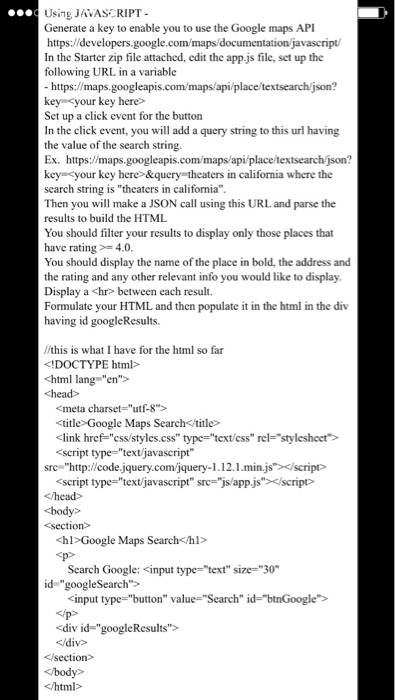
Using JAVASCRIPT-Generate a key to enable you to use the Google maps API https://developers.google.com/maps/documentation javascript/In the Starter zip file attached, edit the app.js file, set up the following URL in a variable https://maps.googleapis.com/maps/api/place/textsearch/json? keys = Set up a click event for the button In the click event, you will add a query string to this url having the value of the search string. Ex. https://maps.googleapis.com/maps/api/place/textsearch/json? key = &query = theaters in California where the search string is "theaters in California". Then you will make a JSON call using this URL and parse the results to build the HTML You should filter your results to display only those places that have rating >=4.0. You should display the name of the place in bold, the address and the rating and any other relevant info you would like to display. Display a


between each result. Formulate your HTML and then populate it in the html in the div having id googleResults.//this is what I have for the html so far Google Maps Search

Google Maps Search

Search Google:

Step by Step Solution

There are 3 Steps involved in it

1 Expert Approved Answer
Step: 1 Unlock blur-text-image
Question Has Been Solved by an Expert!

Get step-by-step solutions from verified subject matter experts

Step: 2 Unlock
Step: 3 Unlock

Students Have Also Explored These Related Databases Questions!