



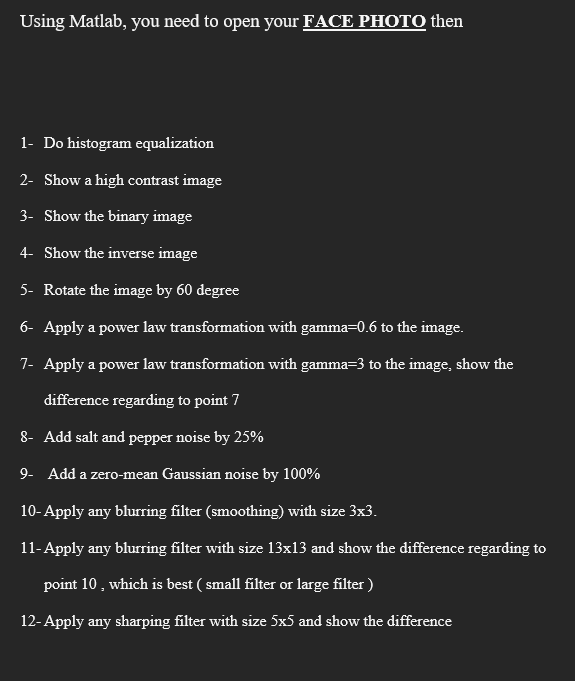
Question: Using Matlab, you need to open your FACE PHOTO then 1 - Do histogram equalization 2 - Show a high contrast image 3 - Show
Using Matlab, you need to open your FACE PHOTO then
Do histogram equalization
Show a high contrast image
Show the binary image
Show the inverse image
Rotate the image by degree
Apply a power law transformation with gamma to the image.
Apply a power law transformation with gamma to the image, show the
difference regarding to point
Add salt and pepper noise by
Add a zeromean Gaussian noise by
Apply any blurring filter smoothing with size
Apply any blurring filter with size and show the difference regarding to
point which is best small filter or large filter
Apply any sharping filter with size and show the difference
Step by Step Solution
There are 3 Steps involved in it
1 Expert Approved Answer
Step: 1 Unlock

Question Has Been Solved by an Expert!
Get step-by-step solutions from verified subject matter experts
Step: 2 Unlock
Step: 3 Unlock