







Question: using python 1:25 into chat 4. Reading text from a file tre Another way we can get data into our Python programs is to read
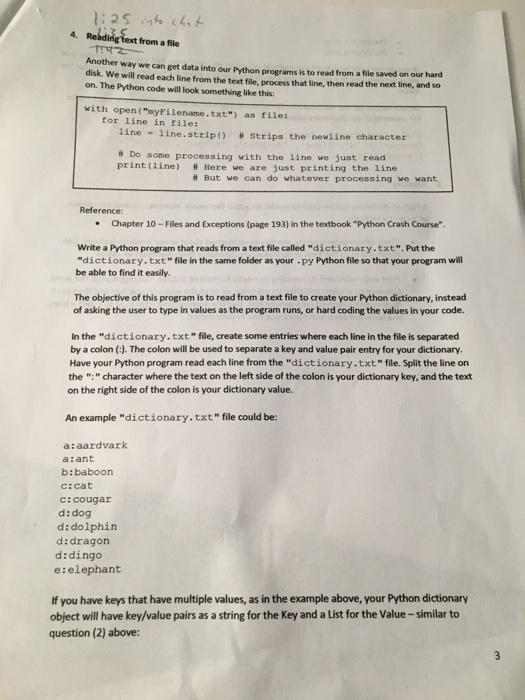
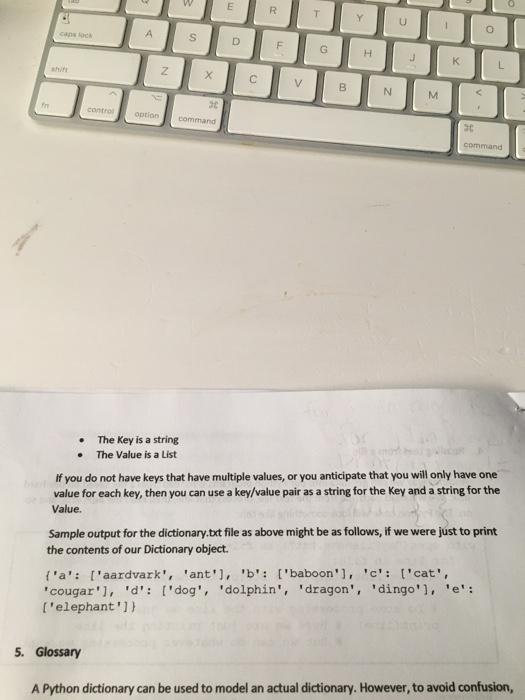
1:25 into chat 4. Reading text from a file tre Another way we can get data into our Python programs is to read from a file saved on our hard disk. We will read each line from the text file, process that line, then read the next line, and so on. The Python code will look something like this: with open("myfilename.txt") as file: for line in file: line - line.strip) # Strips the newline character #Do some processing with the line we just read print (line) # Here we are just printing the line # But we can do whatever processing we want Referencer Chapter 10 -- Files and Exceptions (page 193) in the textbook "Python Crash Course". Write a Python program that reads from a text file called "dictionary.txt". Put the dictionary.txt" file in the same folder as your .py Python file so that your program will be able to find it easily The objective of this program is to read from a text file to create your Python dictionary, instead of asking the user to type in values as the program runs, or hard coding the values in your code. In the dictionary.txt"file, create some entries where each line in the file is separated by a colon (-). The colon will be used to separate a key and value pair entry for your dictionary. Have your Python program read each line from the "dictionary.txt"file. Split the line on the ":" character where the text on the left side of the colon is your dictionary key, and the text on the right side of the colon is your dictionary value. An example "dictionary.txt" file could be: a: aardvark a:ant b:baboon c:cat c:cougar d: dog d: dolphin d: dragon didingo e elephant If you have keys that have multiple values, as in the example above, your Python dictionary object will have key/value pairs as a string for the key and a list for the Value - similar to question (2) above: 3 E R T Y U 1 o cano s D F G H K L N X c V B N M
Step by Step Solution
There are 3 Steps involved in it

Get step-by-step solutions from verified subject matter experts
 Study Help