







Question: using python spyder 3.3.6 3. get_min_value_and_state (fp) string, float: This function takes as an input, fp: the file pointer for the data file. This function
using python spyder 3.3.6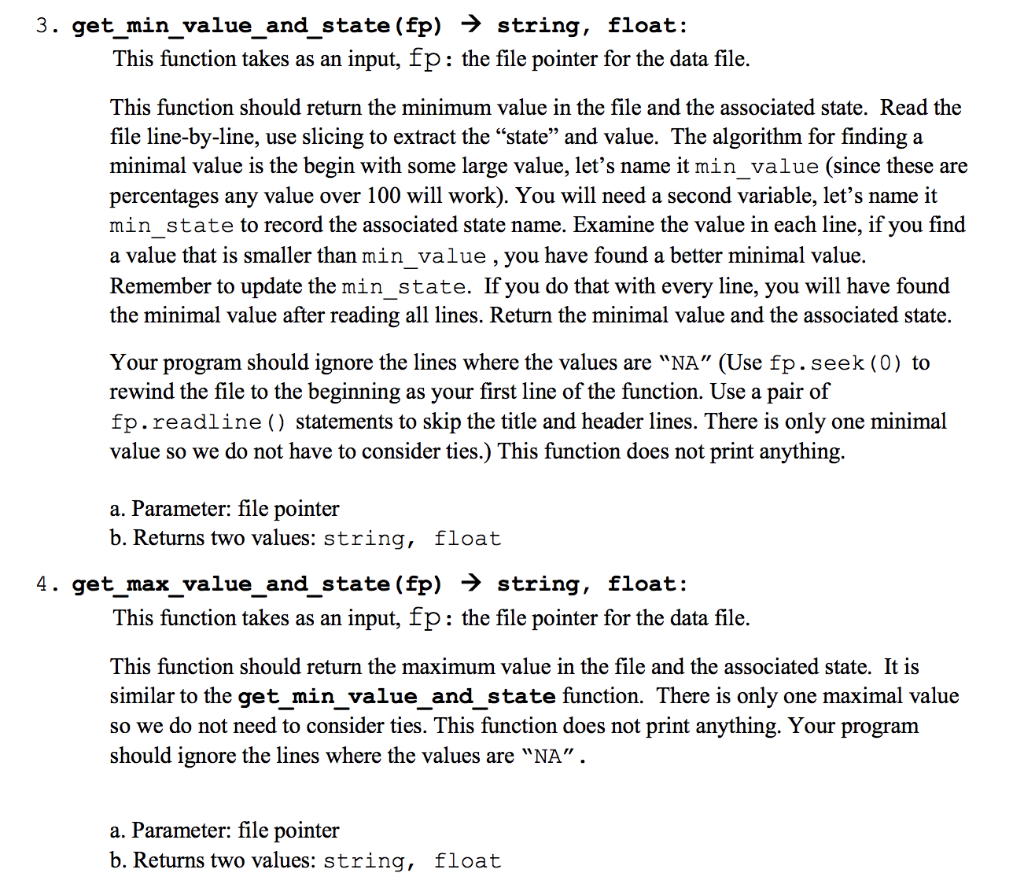
3. get_min_value_and_state (fp) string, float: This function takes as an input, fp: the file pointer for the data file. This function should return the minimum value in the file and the associated state. Read the file line-by-line, use slicing to extract the "state" and value. The algorithm for finding a minimal value is the begin with some large value, let's name it min_value (since these are percentages any value over 100 will work). You will need a second variable, let's name it min state to record the associated state name. Examine the value in each line, if you find a value that is smaller than min value , you have found a better minimal value. Remember to update the min state. If you do that with every line, you will have found the minimal value after reading all lines. Return the minimal value and the associated state. Your program should ignore the lines where the values are "NA" (Use fp.seek (0) to rewind the file to the beginning as your first line of the function. Use a pair of fp.readline () statements to skip the title and header lines. There is only one minimal value so we do not have to consider ties.) This function does not print anything. a. Parameter: file pointer b. Returns two values: string, float 4. get_max_value_and_state(fp) string, float: This function takes as an input, fp: the file pointer for the data file. This function should return the maximum value in the file and the associated state. It is similar to the get min value and state function. There is only one maximal value so we do not need to consider ties. This function does not print anything. Your program should ignore the lines where the values are "NA". a. Parameter: file pointer b. Returns two values: string, float
Step by Step Solution
There are 3 Steps involved in it

Get step-by-step solutions from verified subject matter experts
 Study Help