







Question: Using the software that we discussed this week, students will design and create a graduation invitation in Canva, form in Google Forms, and find a
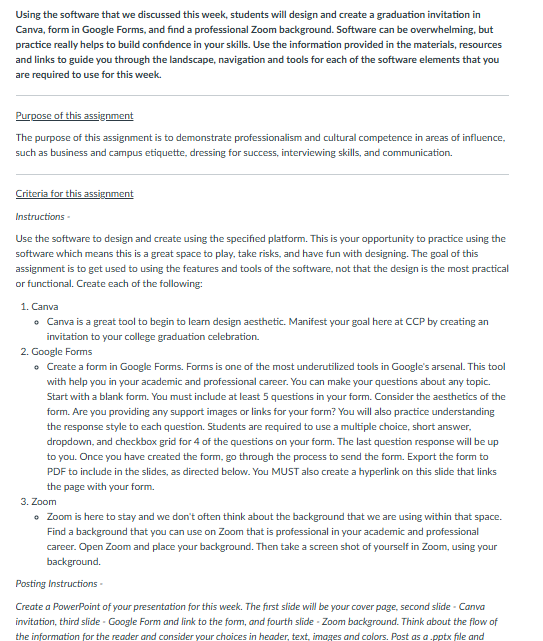
Using the software that we discussed this week, students will design and create a graduation invitation in
Canva, form in Google Forms, and find a professional Zoom background. Software can be overwhelming, but
practice really helps to build confidence in your skills. Use the information provided in the materials, resources
and links to guide you through the landscape, navigation and tools for each of the software elements that you
are required to use for this week.
Purpose of this assignment
The purpose of this assignment is to demonstrate professionalism and cultural competence in areas of influence,
such as business and campus etiquette, dressing for success, interviewing skills, and communication.
Criteria for this assignment
Instructions
Use the software to design and create using the specified platform. This is your opportunity to practice using the
software which means this is a great space to play, take risks, and have fun with designing. The goal of this
assignment is to get used to using the features and tools of the software, not that the design is the most practical
or functional. Create each of the following:
Canva
Canva is a great tool to begin to learn design aesthetic. Manifest your goal here at CCP by creating an
invitation to your college graduation celebration.
Google Forms
Create a form in Google Forms. Forms is one of the most underutilized tools in Google's arsenal. This tool
with help you in your academic and professional career. You can make your questions about any topic.
Start with a blank form. You must include at least questions in your form. Consider the aesthetics of the
form. Are you providing any support images or links for your form? You will also practice understanding
the response style to each question. Students are required to use a multiple choice, short answer,
dropdown, and checkbox grid for of the questions on your form. The last question response will be up
to you. Once you have created the form, go through the process to send the form. Export the form to
PDF to include in the slides, as directed below. You MUST also create a hyperlink on this slide that links
the page with your form.
Zoom
Zoom is here to stay and we don't often think about the background that we are using within that space.
Find a background that you can use on Zoom that is professional in your academic and professional
career. Open Zoom and place your background. Then take a screen shot of yourself in Zoom, using your
background.
Posting Instructions
Create a PowerPoint of your presentation for this week. The first slide will be your cover page, second slide Canva
invitation, third slide Google Form and link to the form, and fourth slide Zoom background. Think about the flow of
the information for the reader and consider your choices in header, text, images and colors. Post as a pptx file and
Step by Step Solution
There are 3 Steps involved in it
1 Expert Approved Answer
Step: 1 Unlock

Question Has Been Solved by an Expert!
Get step-by-step solutions from verified subject matter experts
Step: 2 Unlock
Step: 3 Unlock
 Study Help