







Question: Visual Studio 2022 1. Create a Windows Application project with a single form that has two buttons. One button, when clicked, should move the form
Visual Studio 2022
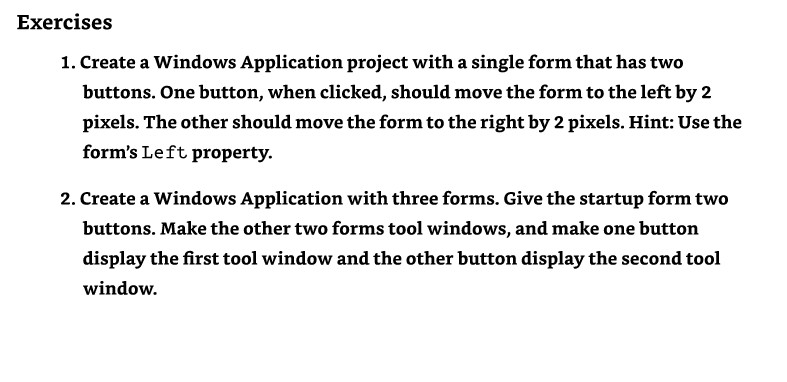
1. Create a Windows Application project with a single form that has two buttons. One button, when clicked, should move the form to the left by 2 pixels. The other should move the form to the right by 2 pixels. Hint: Use the form's Left property. 2. Create a Windows Application with three forms. Give the startup form two buttons. Make the other two forms tool windows, and make one button display the first tool window and the other button display the second tool window
Step by Step Solution
There are 3 Steps involved in it
1 Expert Approved Answer
Step: 1 Unlock

Question Has Been Solved by an Expert!
Get step-by-step solutions from verified subject matter experts
Step: 2 Unlock
Step: 3 Unlock
 Study Help