







Question: We just have to create a website. Lab 5B - Create a template for your website Return to: 9 October 15 Follow the instructions in
We just have to create a website.
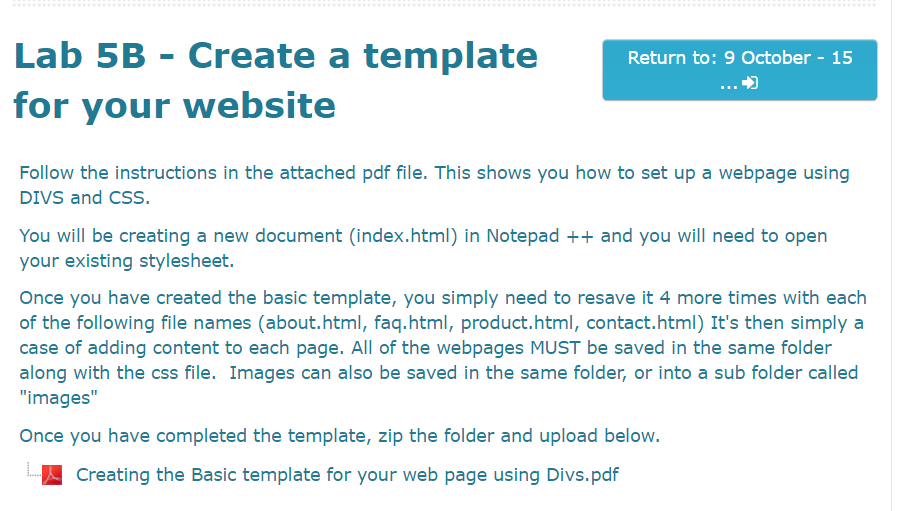
Lab 5B - Create a template for your website Return to: 9 October 15 Follow the instructions in the attached pdf file. This shows you how to set up a webpage using DIVS and CSS You will be creating a new document (index.html) in Notepad +and you will need to open your existing stylesheet. Once you have created the basic template, you simply need to resave it 4 more times with each of the following file names (about.html, faq.html, product.html, contact.html) It's then simply a case of adding content to each page. All of the webpages MUST be saved in the same folder along with the css file. Images can also be saved in the same folder, or into a sub folder called "images" Once you have completed the template, zip the folder and upload below Creating the Basic template for your web page using Divs.pdf
Step by Step Solution
There are 3 Steps involved in it

Get step-by-step solutions from verified subject matter experts
 Study Help