







Question: WEEK # 2 - EXERCISE CHAPTER # 1 - LEVEL 1 - B 5. Correct the formula in cell D10 so that it accurately calculates
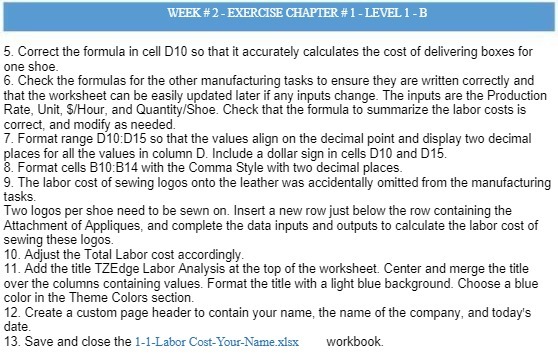
WEEK # 2 - EXERCISE CHAPTER # 1 - LEVEL 1 - B 5. Correct the formula in cell D10 so that it accurately calculates the cost of delivering boxes for one shoe. 6. Check the formulas for the other manufacturing tasks to ensure they are written correctly and that the worksheet can be easily updated later if any inputs change. The inputs are the Production Rate, Unit, $/Hour, and Quantity/Shoe. Check that the formula to summarize the labor costs is correct, and modify as needed. 7. Format range D10:D15 so that the values align on the decimal point and display two decimal places for all the values in column D. Include a dollar sign in cells D10 and D15. 8. Format cells B10:B14 with the Comma Style with two decimal places. 9. The labor cost of sewing logos onto the leather was accidentally omitted from the manufacturing tasks. Two logos per shoe need to be sewn on. Insert a new row just below the row containing the Attachment of Appliques, and complete the data inputs and outputs to calculate the labor cost of Sewing these logos. 10. Adjust the Total Labor cost accordingly. 11. Add the title TZEdge Labor Analysis at the top of the worksheet. Center and merge the title over the columns containing values. Format the title with a light blue background. Choose a blue color in the Theme Colors section. 12. Create a custom page header to contain your name, the name of the company, and today's date. 13. Save and close the 1-1-Labor Cost-Your-Name.xlex workbook
Step by Step Solution
There are 3 Steps involved in it

Get step-by-step solutions from verified subject matter experts
 Study Help